An AI agent for a trade business handles one repetitive job, such as answering after hours calls, qualifying quote requests, booking jobs or chasing unpaid invoices, and hands anything risky to a person. For most plumbers, electricians, HVAC firms and roofers, a workflow tool like n8n, one model API, a phone and text service, and a human approval step cover every setup below. The part that decides whether it works is the connection to your job management software, so this guide spends real time on that.
It is written for owners who build their own automations and for the freelancers and agencies who build them for trades. If you want the broader version for shops, salons and other small businesses, start with AI agents for small business. API and policy details below were checked against each vendor's official documentation on October 24, 2026.
Free from Ahzy Capital (our own product): The AI Agent Cheat Sheet collects 24 copy and paste agent setups across 8 business types, home services included, each with the prompt and the workflow. It's free; Stan asks for your email to send it.
What an AI agent can do for a trade business
Trade businesses lose time in the gaps between jobs: the call nobody could answer from a ladder, the quote request with no photos, the invoice that slipped past 30 days. An agent fits those gaps because each one starts with something messy (a voicemail, a form, a text) and ends with a small, known action.
Every setup below follows the same shape:
- Trigger: a missed call, a web form, a finished job, an overdue invoice.
- Understand: the model pulls out the details: name, address, problem, urgency, photos.
- Act: send a templated text, create a request in your job software, draft a quote.
- Check: a person approves anything that sets a price, commits a time slot or touches safety.
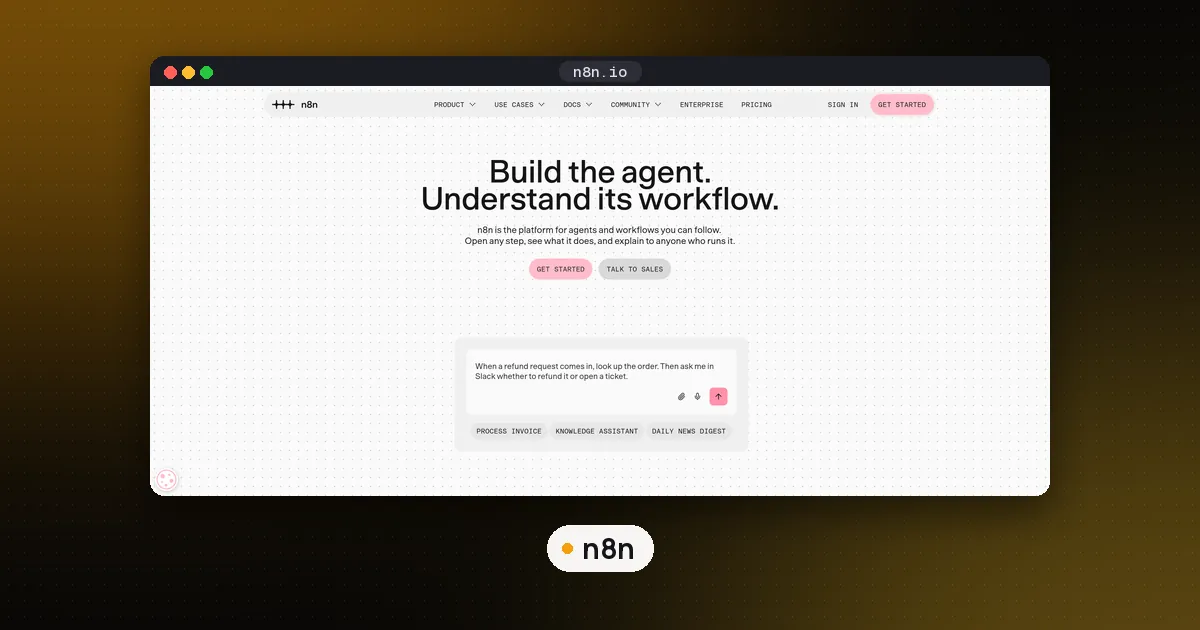
In n8n, step 4 can be enforced rather than hoped for. Its human in the loop for tools feature pauses the workflow before a chosen tool runs, and a person approves or denies it.
Setup 1: missed call and after hours intake
Job: when a call goes unanswered, text the caller within a minute, collect the address and the problem, and log a request for the morning.
How to build it: if your business number runs through Twilio, the <Dial> verb has an action URL that Twilio calls when the forwarded call ends, with a DialCallStatus of no-answer, busy or completed (Twilio Dial docs). Point that URL at an n8n webhook. When the status is not completed, send a short fixed text ("Sorry we missed you. Reply with your address and what's going on, and we'll call you back first thing."). Replies come into a Twilio trigger, the model extracts the fields, and the workflow creates a request in your job software.
Voice instead of text: an agent can answer the call itself. Twilio's ConversationRelay streams a call to your own agent over a WebSocket, and voice agent platforms such as ElevenLabs Agents offer a native Twilio number integration. Start with text. Voice adds latency, accents and background noise to every failure mode.
Guardrail: emergencies never wait for a model. If the caller mentions a gas smell, sparking, flooding or no heat in freezing weather, the workflow sends fixed safety instructions written by you and pages the on call technician. The model's only job there is to notice the keywords early.
Compliance note: texting US customers from a normal 10 digit number goes through A2P 10DLC brand and campaign registration, which Twilio walks through in its messaging compliance docs. Register before you go live, and check consent rules for anything beyond replying to a customer who contacted you.
Setup 2: quote request qualification with photos
Job: read web form quote requests, check the address is in your service area, ask for missing photos or details, and prepare a draft price range from your own price sheet.
How to build it: a form trigger, a vision capable model to describe the photos (water heater label, panel, roof pitch), a lookup against your list of ZIP codes, and your price sheet attached as knowledge. Dify makes the knowledge part easy if you prefer a visual builder for the model step.
Guardrail: the agent's output is a draft for the owner, never a number sent to the customer. Photos miss things, and a wrong quote is a lost margin or an angry customer.
Setup 3: booking and reminders
Job: offer the customer two or three open slots, hold the one they pick, and send reminders before the visit.
How to build it: read open slots from your job software, let the model write the friendly message, and create the visit as a request or a tentative booking that the office confirms. Reminders are fixed templates sent by schedule, for example the day before and when the tech is on the way. The model adds nothing to a reminder except risk, so leave it out.
Guardrail: the agent proposes, the office commits. Dispatch depends on things the model can't see, such as which tech has the right parts on the van.
Setup 4: invoice and payment follow up
Job: when an invoice passes its due date, send a polite reminder sequence with the payment link, and stop the moment it is paid.
How to build it: trigger on overdue invoices from your job software or accounting tool (n8n has nodes for QuickBooks and Stripe), wait a set number of days with a Wait node between messages, and check the payment status before each send. Let the model personalize one line at most.
Guardrail: the agent never changes an amount, offers a discount, or threatens collections. Any reply that disputes the work goes straight to the owner.
Setup 5: review requests after a job
Job: a few hours after a job is marked complete, text the customer a thank you with your Google review link.
How to build it: a "job completed" webhook from your job software, a Wait node, and one templated message. Google lets businesses share a review link or QR code with customers, but its review policy bans offering anything (discounts, free services) in exchange for reviews, so keep incentives out of the message.
Guardrail: one ask per job. If the customer replies with a complaint, stop the automation and alert a person.
Connect your job management software
This is where trade agents differ from generic small business agents. The three platforms trades ask about most all have APIs, but access works differently:
| Platform | API | How access works |
|---|---|---|
| Jobber | GraphQL over HTTPS, with webhooks | Build an app in Jobber's Developer Center. Private custom integrations need no review unless they connect to more than 5 paying accounts; Marketplace apps go through App Review. |
| Housecall Pro | REST public API | Only on the MAX plan. An Admin generates the key under My Apps, API Key Management, as Full access or Read only. |
| ServiceTitan | REST APIs with OAuth client credentials | Create an app in the developer portal with its scopes and tenant IDs; the customer's admin connects it and issues a Client ID and Secret. There is a separate integration environment for testing. |
Sources: Jobber developer docs, Housecall Pro API overview, ServiceTitan environments.
Two practical points. First, use the narrowest key you can: Housecall Pro's Read only key is enough for an agent that only reads schedules, and ServiceTitan scopes let you ask for view access only. Second, if several agents or clients need the same job software actions, wrap them once as an MCP server so every agent calls the same tested tools. Our what is MCP explainer and MCP server vs API guide cover when that is worth it.
Choosing the stack
- Workflow layer: n8n for most builds, because it has Twilio, QuickBooks and Stripe nodes, webhooks for job software, and human approval for tools. LangChain vs n8n explains when code is the better fit, and the OpenAI Agents SDK is a solid choice if you write Python.
- Model: a small, cheap model for extracting fields and classifying messages, a vision model for photos, and a stronger one only where tone matters.
- Phone and text: Twilio or your phone system's API, with A2P 10DLC registration done first.
- Job software: read from it and write requests or drafts to it, rather than keeping a second customer list in a spreadsheet.
Guardrails: what the agent must never do alone
- Give a final price, a discount or a change to an invoice.
- Diagnose a fault or tell a customer something is safe.
- Confirm a time slot dispatch hasn't approved.
- Handle an emergency beyond sending your fixed safety message and paging a person.
- Reply to a complaint, a dispute or a review.
Test every setup on 20 to 30 real past examples (with personal details removed) before customers see it, and keep approval on until the drafts are reliably right. If you build these for clients, how to start an AI automation agency covers pricing and scoping.
FAQ
How much does an AI agent cost for a small trade business?
Mostly model usage, a phone and text service, and the workflow tool, plus the time to build and test it. Self hosted n8n has no license fee for internal use; model, Twilio and cloud plans are usage based, so check each vendor's current pricing page against your call and job volume.
Can an AI agent answer phone calls?
Yes. Twilio's ConversationRelay connects a call to your own agent, and voice agent platforms connect to a Twilio number directly. Most trades get more value by starting with missed call texting and adding voice later.
Do I need a developer to set one up?
Not for text based setups: n8n and Dify are visual builders. You will want developer help for the job software API, especially ServiceTitan's app and credential setup, and for anything that writes back to your schedule.
Will an AI agent give customers wrong prices?
It can if you let it send prices. Keep the price sheet as the only source, have the agent draft ranges for the owner, and never let it message a number directly.
Which tools work with job management software?
Anything that can call an HTTP API. n8n's HTTP Request node and webhooks work with Jobber's GraphQL API, Housecall Pro's REST API on the MAX plan, and ServiceTitan's APIs once the account admin connects your app.