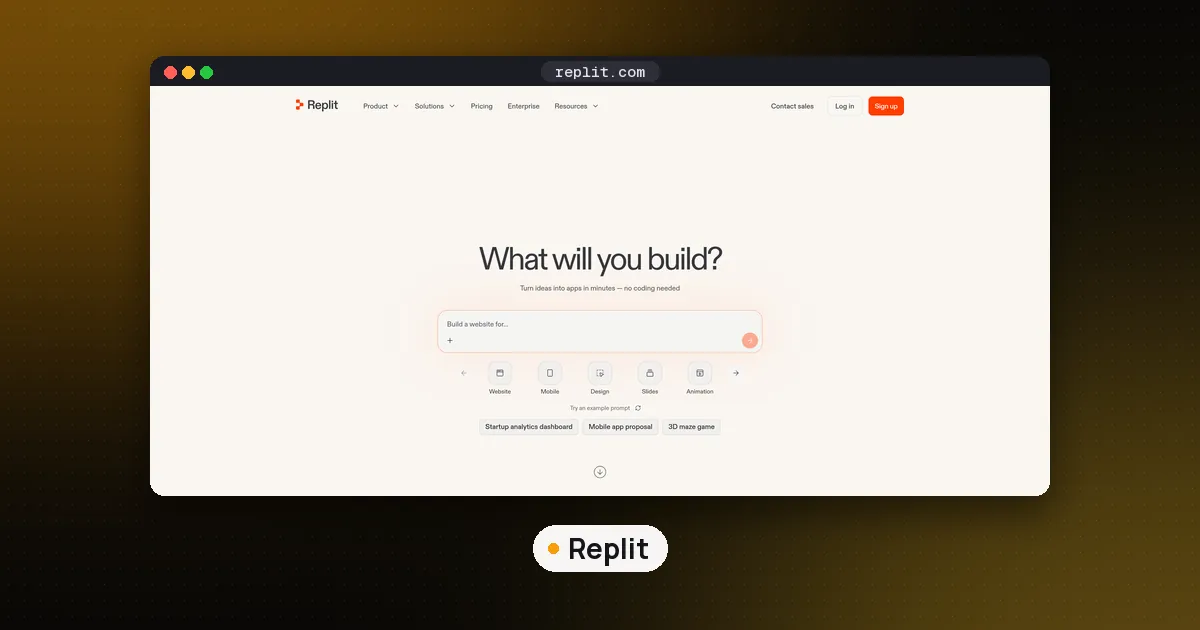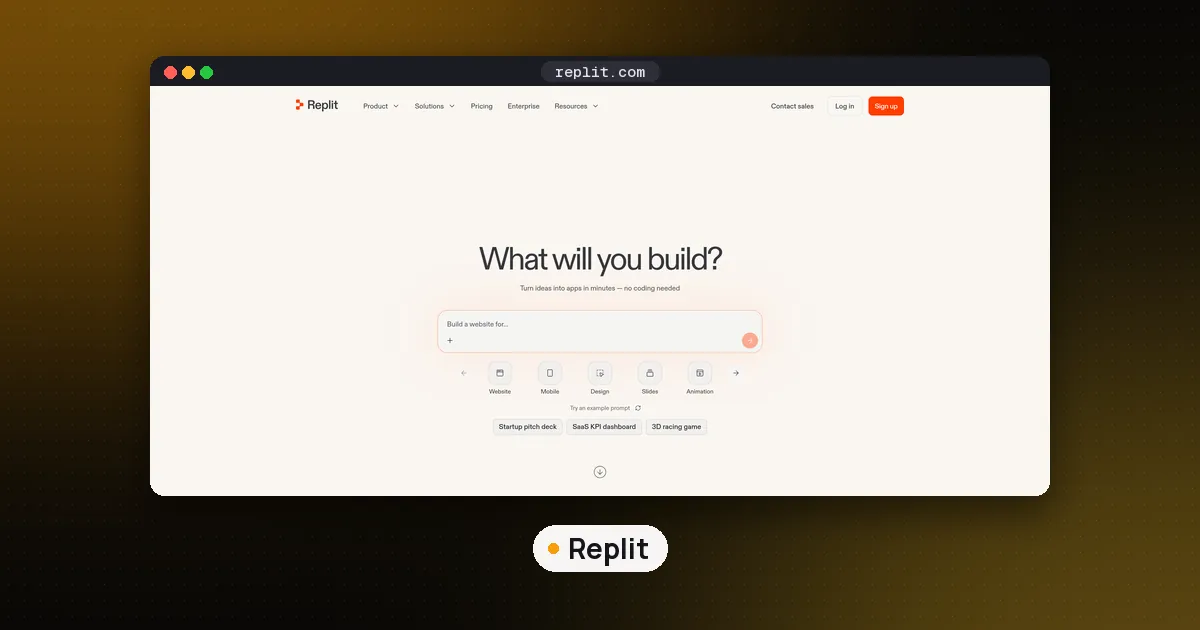
To use Replit as an IDE, skip the Agent prompt and open replit.com/import, then choose Empty for a blank project or GitHub to bring in your own repository. Write code in the file editor, set what the Run button does in the .replit file or a Workflow, install packages from the Shell, commit from the Git pane, and keep keys in Secrets. On a paid plan you can also open the same project in VS Code or Cursor over SSH.
That is the short version. The longer one matters because Replit in 2026 is built around Agent: the home page is a prompt box, and the old language starter templates are gone. This guide shows the code first path through the same Project Editor. If you want Agent to do the building, read our Replit Agent workflow instead; this page is for people who want to type the code themselves.
Can you still use Replit as a plain IDE?
Yes, but you have to go looking for it. Replit's Developer Frameworks page now says language and framework starter templates "are no longer available", and replit.com/templates redirects to the community Gallery. The three starting points it lists are Agent, an import, or remixing someone else's published app.
The import page is the one to use. Replit's import guide lists an Empty source described as a project with "no Agent, no framework selection, and no scaffolding", meant for "power users who want full control over project setup." The same page covers GitHub (public repos open straight from replit.com/github.com/<owner>/<repo>; private ones go through the guided import), ZIP uploads up to 200 MB, and Bitbucket. Imports that need Agent to migrate the project can consume credits, so a clean repository with obvious run commands is the cheaper route.
Step 1: Start a project without Agent
- Sign in and open replit.com/import.
- Pick Empty for a fresh project, or GitHub to import a repository you already have.
- For a GitHub import, Replit detects the stack, installs dependencies and sets run commands. Secret values and environment variables are not copied, so add them yourself later.
- Leave out
node_modules,.venvand build folders if you upload a ZIP. Replit reinstalls dependencies during import.
If a GitHub import shows "No repositories found", the import guide notes that the import flow uses a separate connection from your Connected Services page. Reconnect GitHub under Git Providers in account settings, and for organization repos approve the Replit OAuth app in GitHub's third party application settings.
Step 2: Learn the Project Editor layout
The Editor and Tools page describes three layers: windows (browser tabs), panes you can split, resize or float, and tabs that each hold one tool such as a file, Preview or Agent. You can keep code and Preview side by side, or spread one project across two screens.
The pieces you will use most:
- File tree: open, rename, move, download or delete files. Config files like
.replitare hidden until you pick Show hidden files from the Files menu. - Tools dock and search: select + in the tab bar and type a tool name (Shell, Console, Secrets, Git, User Settings) to open it in a new tab.
- Resources panel: shows RAM, CPU and storage for the development environment, which helps you size a deployment later.
- User Settings: theme, font size, tabs or spaces, indentation size, line wrapping, and a Code intelligence switch for language server features like completion and inline errors.
The Agent tab is still there, but nothing forces you to use it. You can close it and work only with files, Shell and Console.
Step 3: Decide what the Run button does
The Run button executes the project's selected workflow. By default that is the run command in .replit, a TOML file documented on the Replit App Configuration page. The useful keys:
| Key | What it does |
|---|---|
entrypoint | Main file, opened by default and run if there is no run |
run | Command for the Run button, as a string or an argument array |
build | Step that runs before run, such as tsc |
[run.env] | Environment variables for that command |
onBoot | Command that runs when the project boots, such as npm install |
[[ports]] | Maps a localPort to an externalPort |
[deployment] | Separate run and build commands for the published app |
For anything with more than one process, use Workflows instead. The Workflows page offers three task types (Execute Shell Command, Install Packages and Run Workflow) and two modes. Sequential stops at the first failing task, which suits "lint, then test". Parallel starts every task independently, which suits a frontend and a backend together. Assign a workflow to the Run button from its dropdown.
Step 4: Use Shell and Console for different jobs
Shell is a normal terminal in your project: browse files, install packages, run scripts, run git or psql. You can open several shells, but Replit closes idle extra shells automatically, so do not park a long job in a background shell you are not watching.
Console is where Run output lands. Each run gets an entry with the command, a timestamp, stdout and stderr, and you can keep a history of past runs. Replit's Shell docs recommend starting the app with Run instead of from Shell for exactly that reason. Browser side logs from HTML, CSS and JavaScript show in Preview's Webview logs, not in Console.
Step 5: Add packages and system tools
The Dependency Management page gives three routes: your language's own package manager in Shell (npm install, pip install, poetry add, bundle add), Replit's upm add, or automatic detection, where pressing Run scans your imports and installs anything missing.
That last feature is the one that surprises people, so we ran it. Automatic detection comes from UPM, which Replit open sourced. We built it from source and pointed upm guess at a Python file importing bs4, dotenv, yaml, sklearn and requests. It returned the real PyPI names: beautifulsoup4, python-dotenv, pyyaml, scikit-learn and requests. After we added requests to requirements.txt, the plain guess left it out because the spec file already listed it, and guess --all put it back. On a Node.js file importing express, chalk and zod, it listed all three. Two takeaways for real projects:
- Pin anything that matters. Detection installs the latest version, so run
upm add 'flask==2.3.3'(or your package manager's pin) before you press Run. - Silence wrong guesses in
.replitwithpackager.ignoredPackagesorpackager.ignoredPaths, or turn detection off withpackager.features.guessImports. In our test the ignore list matched the package name (scikit-learn), not the import name (sklearn).
New Python projects use poetry by default, so a bare pip install will not record the dependency; the docs explain how to switch to pip. For compilers, databases or command line tools that are not language packages, add Nix packages to replit.nix.
Step 6: Keep secrets and history safe
Put API keys in the Secrets tool, not in code. The Secrets docs say values are encrypted with AES-256 at rest and reach your code as environment variables. Non sensitive settings such as LOG_LEVEL go under Configurations, and the published app has its own Production app secrets. Two cautions from the same page: multiplayer collaborators can see secret values, and organization members without the Owner role can still print them from the environment. Bulk editing as JSON or .env replaces the whole list.
For version control, open Tools, then Git under Setup. The Git pane stages, commits, pushes, switches branches and walks you through merge conflicts, and anything you run as git in Shell shows up there too. gh and glab also work in Shell. For quick undo inside one file, File History keeps automatic versions you can scrub through, compare and restore; restoring adds a new version rather than deleting old ones.
Step 7: Open the project in your own editor over SSH
If you like Replit's hosting and collaboration but miss your local editor, connect over SSH. The SSH docs say it is available on Core, Pro and other paid plans, not on the free Starter plan. The steps:
- Create a key on your computer with
ssh-keygen -t ed25519 -f ~/.ssh/replit -q -N "". - In the project, select +, search for SSH, open Developer, and add the public key under SSH, then Keys. Keys belong to your account, so one key works for every project you can access.
- Add a
Host *.replit.devblock to~/.ssh/configwithIdentityFile ~/.ssh/replit. - Select Connect, then Launch VS Code, or copy the manual
sshcommand.
Edits sync both ways, so you can write code in Cursor or VS Code with GitHub Copilot while the app keeps running on Replit. Core costs $20 a month or $18 a month billed annually on Replit's pricing page as of November 12, 2026.
When a local IDE is the better choice
Replit as an IDE makes sense when you want zero setup, a shareable dev URL, and hosting in the same place. It is a weaker fit for large monorepos, offline work, code that must stay on company machines, or anyone who wants a free SSH workflow. Replit's usage limits also cap you at 20 concurrent Replit Apps, with CPU, RAM and storage set by plan. In those cases a local editor like Zed or Cursor plus a terminal agent such as Claude Code gives you more control; our best AI coding assistant guide compares them. When you are ready to put a Replit project online, check whether Replit is free to deploy first, because publishing is billed separately from editing.
FAQ
Is Replit still free to use as an IDE?
The Starter plan costs nothing, and its plan page lists what needs Core (Full build, Plan Mode, connectors, extra published apps, badge removal); the editor, Shell and Git tools are not on that list. Free accounts get one published app whose link goes down after 30 days, and SSH from a local editor needs Core or higher.
How do I create a Replit project without Agent?
Go to replit.com/import and choose Empty, which creates a blank project with no Agent and no scaffolding. You can also import a GitHub repository or a ZIP file and edit it by hand.
Where did Replit's Python and Node.js templates go?
Replit removed its language and framework starter templates. The old templates pages redirect to the Gallery, and Replit now points you to Agent, an import, or remixing a published app.
Why does Replit install packages I did not ask for?
Automatic import detection scans your code each time you press Run and installs missing packages at their latest version. Pin versions with upm add or your package manager, or list unwanted packages under packager.ignoredPackages in .replit.
Can I use VS Code or Cursor with Replit?
Yes, on paid plans. Add an SSH key in the project's Developer tool, then use Launch VS Code or the manual ssh command. Changes made locally sync back to the Replit project.