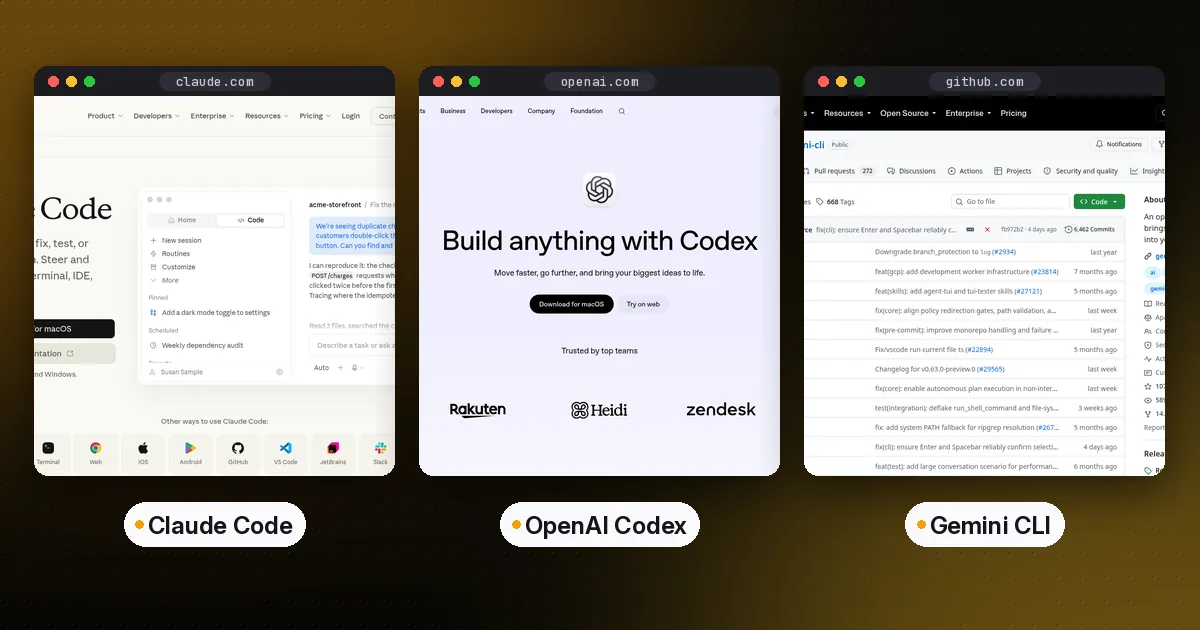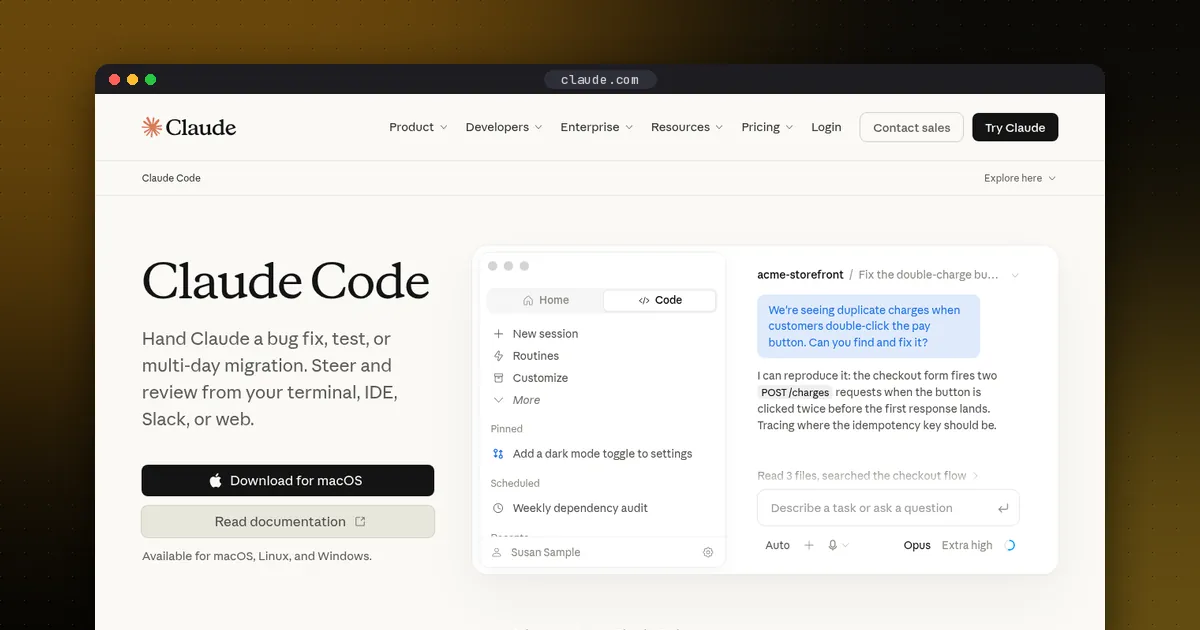
Agent skills are folders that teach an AI agent how to do one specific job. Each skill holds a SKILL.md file with a name, a description and step-by-step instructions, plus optional scripts, reference docs and templates. The agent sees only the name and description until a task matches, then loads the full instructions. One skill folder works in Claude Code, Codex, Cursor, GitHub Copilot, Gemini CLI and dozens of other agents, because they all follow the same open format.
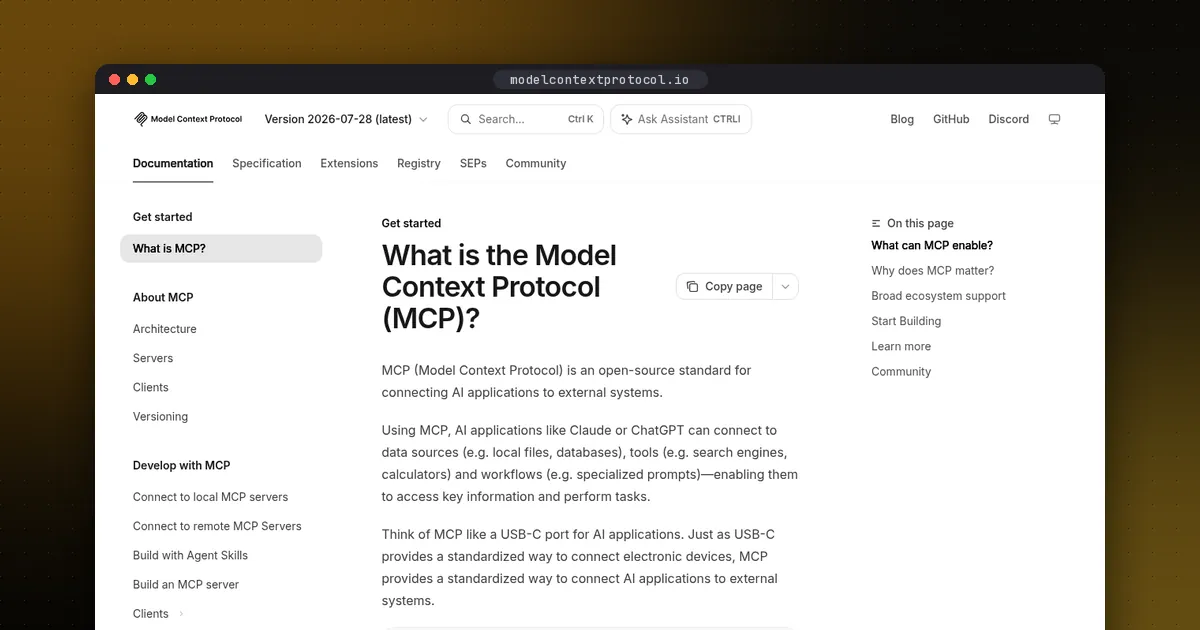
The format was originally developed by Anthropic and released as an open standard, now documented at agentskills.io, whose list of supporting clients names more than 40 agents and developer tools. This guide covers the SKILL.md format, a template we validated with the reference tool, exactly where each major coding agent looks for skills, and when a skill is the wrong answer and you need MCP or an AGENTS.md file instead.
What are agent skills?
A skill is procedural knowledge packaged as files. Think of the checklist a senior engineer would hand a new hire for "how we cut a release" or "how we debug a failing CI job." Instead of pasting that checklist into chat every time, you save it once as a skill, and the agent pulls it in when it's relevant.
What makes skills different from a long system prompt is progressive disclosure. The Agent Skills specification describes three stages:
- Metadata (about 100 tokens per skill): the
nameanddescriptionof every installed skill are loaded at startup. - Instructions (under 5,000 tokens recommended): the full SKILL.md body loads only when the agent activates the skill.
- Resources (as needed): files in
scripts/,references/orassets/load only when the instructions point to them.
Anthropic's Agent Skills overview adds a useful detail: when a skill tells the agent to run a bundled script, only the script's output enters the context window, not its source code. So you can install many skills, each with large reference files, and pay almost nothing in context until one is used.
The SKILL.md format
A skill is a directory whose name matches the skill's name. Only SKILL.md is required:
release-notes/
├── SKILL.md        required: metadata + instructions
├── scripts/        optional: code the agent can run
├── references/     optional: docs loaded on demand
└── assets/         optional: templates, schemas, data
SKILL.md starts with YAML frontmatter. The specification defines six fields:
| Field | Required | Rule |
|---|---|---|
name | Yes | 1-64 characters; lowercase letters, digits and hyphens; no leading, trailing or double hyphens; must match the folder name |
description | Yes | 1-1,024 characters; says what the skill does and when to use it |
license | No | License name or a bundled license file |
compatibility | No | Up to 500 characters of environment requirements |
metadata | No | Map of extra string keys and values |
allowed-tools | No | Experimental; space-separated tools the skill may use without asking |
Everything after the frontmatter is free-form Markdown: steps, examples, edge cases. The spec recommends keeping SKILL.md under 500 lines and moving detail into referenced files one level deep.
How to create an agent skill: a tested template
Here is a complete, minimal skill that drafts release notes from merged pull requests. Save it as .agents/skills/release-notes/SKILL.md (or .claude/skills/release-notes/SKILL.md for Claude Code; see the next section).
---
name: release-notes
description: Drafts release notes from merged pull requests since the last git tag. Use when the user asks for release notes, a changelog entry, or a summary of what shipped.
license: MIT
---

# Release notes

1. Run `git describe --tags --abbrev=0` to find the last tag.
2. Run `git log <tag>..HEAD --merges --oneline` to list merged pull requests.
3. Group changes under Added, Changed, Fixed, and Removed.
4. Follow the format in [the template](assets/TEMPLATE.md).
We validated this file with the reference library from the spec's maintainers. pip install skills-ref (version 0.1.1 on PyPI) installs a command named agentskills; building from the agentskills repository gives you skills-ref. Running agentskills validate release-notes printed Valid skill. When we renamed the folder and name to Bad_Skill, it failed with "must be lowercase" and "contains invalid characters." The library's README says it is for demonstration, not production, but it catches naming mistakes that make some agents skip a skill silently.
Write the description like a search query
The description is the only thing the agent reads before deciding to load your skill, so it does most of the work. Say what the skill does and when to use it, and include the words a user would actually type ("release notes," "changelog," "what shipped"). "Helps with releases" will rarely trigger. Put the key use case first: Claude Code truncates the combined description and when_to_use text at 1,536 characters in its skill listing, and Codex caps its initial skill list at 2% of the context window (or 8,000 characters when the window size is unknown), shortening descriptions first when you install many skills.
Where each coding agent loads skills
The skill format is shared, but folder locations still differ. This is what each tool's own documentation says as of October 2026.
| Tool | Project skills | Personal skills | Invoke manually |
|---|---|---|---|
| Claude Code | .claude/skills/ | ~/.claude/skills/ | /skill-name |
| Codex | .agents/skills/ (each folder up to repo root) | ~/.agents/skills/ | $skill-name or /skills |
| Cursor | .agents/skills/, .cursor/skills/ | ~/.agents/skills/, ~/.cursor/skills/ | /skill-name |
| VS Code and Copilot | .github/skills/, .claude/skills/, .agents/skills/ | ~/.copilot/skills/, ~/.claude/skills/, ~/.agents/skills/ | /skill-name |
| Gemini CLI | .gemini/skills/, .agents/skills/ | ~/.gemini/skills/, ~/.agents/skills/ | Activated by the model after your consent; manage with /skills |
Claude Code
Claude Code loads skills from .claude/skills/ in your project (and parent directories up to the repo root), ~/.claude/skills/, plugins and managed settings, per its skills docs. Custom slash commands have been merged into skills, so .claude/commands/deploy.md and .claude/skills/deploy/SKILL.md both create /deploy. Claude Code adds its own frontmatter on top of the standard, including disable-model-invocation (only you can trigger it), user-invocable: false (only Claude can), context: fork (run in a subagent), paths (activate only for matching files) and !-prefixed shell lines that inject live command output before Claude reads the skill. Those extras are Claude Code only. Anthropic warns that uploading a skill with non-standard fields to claude.ai or the Skills API fails with an "Unexpected key(s)" error.
Codex
Codex scans .agents/skills/ in every directory from where you launch it up to the repository root, plus ~/.agents/skills/, /etc/codex/skills and skills bundled by OpenAI, according to its skills docs. Built-in $skill-creator drafts a new skill, and $skill-installer installs curated ones from the openai/skills repository. An optional agents/openai.yaml file inside a skill can turn off implicit invocation and declare MCP server dependencies. For sharing beyond one repo, OpenAI recommends packaging skills as plugins.
Cursor
Cursor reads .agents/skills/ and .cursor/skills/, and for compatibility also .claude/skills/ and .codex/skills/, per its skills docs. Skills in a nested folder of a monorepo apply only to files under that folder. The built-in /migrate-to-skills converts older dynamic rules and slash commands into skills.
GitHub Copilot and VS Code
GitHub Copilot in VS Code reads .github/skills/, .claude/skills/ and .agents/skills/, and the same skills work in Copilot CLI and Copilot cloud agent, per the VS Code docs. Type /create-skill to have the agent generate one. VS Code warns that a name with invalid characters or a namespace prefix such as myorg:skill makes the skill fail to load silently.
Gemini CLI (and Antigravity CLI)
Gemini CLI loads skills from .gemini/skills/, .agents/skills/ and the home-folder equivalents, and asks for your consent before it activates one, per its skills docs. Note that Gemini CLI stopped serving free, Google AI Pro and Ultra individual accounts on June 18, 2026. It still works with Code Assist Standard or Enterprise licenses and paid API keys. Google says its successor, Antigravity CLI, imports your Gemini CLI skills automatically.
The portable setup
If your team uses more than one agent, keep one copy of each skill in .agents/skills/. Codex, Cursor, Copilot and Gemini CLI read it directly. Claude Code's docs list only .claude/skills/ locations, but they do allow a skill folder there to be a symlink to a directory elsewhere, so link each skill into .claude/skills/. Then open each tool's skill list (/skills in most of them) to confirm every skill shows up once.
Agent skills vs MCP vs AGENTS.md
These three get confused because they all "give the agent more context." They solve different problems:
- AGENTS.md is always-on project context: build commands, conventions and boundaries that apply to every task. See our AGENTS.md guide.
- Skills are on-demand procedures: how to do one job well, loaded only when that job comes up. They can run scripts, but only through the agent's own shell, in the agent's own environment.
- MCP servers are live connections to outside systems: a database, an issue tracker, a SaaS API, with authentication and structured tool calls. See how to build an MCP server in Python and the Model Context Protocol page.
VS Code's own comparison puts it the same way: custom instructions define coding standards, while skills teach specialized workflows. In practice they stack. A "triage incident" skill can tell the agent which MCP tools to call and in what order, and Codex's agents/openai.yaml even lets a skill declare the MCP server it depends on. Use a skill when the agent already has the tools but keeps doing the job inconsistently. Use MCP when the agent can't reach the system at all.
Security: treat skills like software you install
A skill is instructions plus code, so a malicious one can tell the agent to run commands or send data somewhere. Anthropic's guidance is to use skills only from trusted sources and to audit every bundled file, especially anything that fetches content from external URLs. Two concrete details matter:
- In Claude Code, a project skill's
allowed-toolspre-approves tools for the turn it runs, and the docs note workspace trust does not gate this field. Reviewallowed-toolsin any repository's skills before running an agent there. - Gemini CLI shows a consent prompt before activating a skill, and
gemini skills installasks for confirmation unless you pass--consent.
Popular community collections are worth reading for ideas, but copy a skill into your repo and review it like a pull request rather than installing it blind.
Pros and cons of agent skills
Pros: One portable folder format across most coding agents. Near-zero context cost until used. Version-controlled next to your code. Scripts give deterministic results for steps a model tends to fumble.
Cons: Folder locations and extra frontmatter still differ by tool. Activation depends on the model matching your description, so a skill can fail to trigger. Third-party skills carry real supply-chain risk.
Who it's for: Anyone who keeps pasting the same checklist into a coding agent, and teams that want the same release, review or debugging procedure followed whichever agent a developer prefers. To compare those agents, see Claude Code vs Codex vs Gemini CLI and the best open-source coding agents.
FAQ
What is a SKILL.md file?
It's the required file in an agent skill folder. It starts with YAML frontmatter containing at least a name (lowercase letters, digits and hyphens, matching the folder name) and a description, followed by Markdown instructions the agent follows when the skill is activated.
What is the difference between agent skills and MCP?
Skills package know-how: instructions, scripts and references the agent loads when a task matches. MCP connects the agent to external systems through a server that exposes tools and data. Use a skill to make the agent do a job consistently, and MCP when it needs access to a system it can't otherwise reach.
Where do I put agent skills?
For Codex, Cursor, Copilot and Gemini CLI, .agents/skills/<name>/SKILL.md in your repository works. Claude Code reads .claude/skills/<name>/SKILL.md. Personal skills go in the matching folder under your home directory, such as ~/.agents/skills/ or ~/.claude/skills/.
Do Claude Code skills work in Codex and Cursor?
Yes, if they stick to the standard fields. Cursor reads .claude/skills/ directly, and Codex reads .agents/skills/. Claude Code-only features, such as context: fork or injected shell commands, won't behave the same way in other tools.
How many skills can I install?
There's no fixed limit, but each skill's name and description sit in context all the time. Claude Code budgets its skill listing at 1% of the model's context window by default, and Codex at 2%. Past that, descriptions get shortened or dropped, so remove skills you never use.