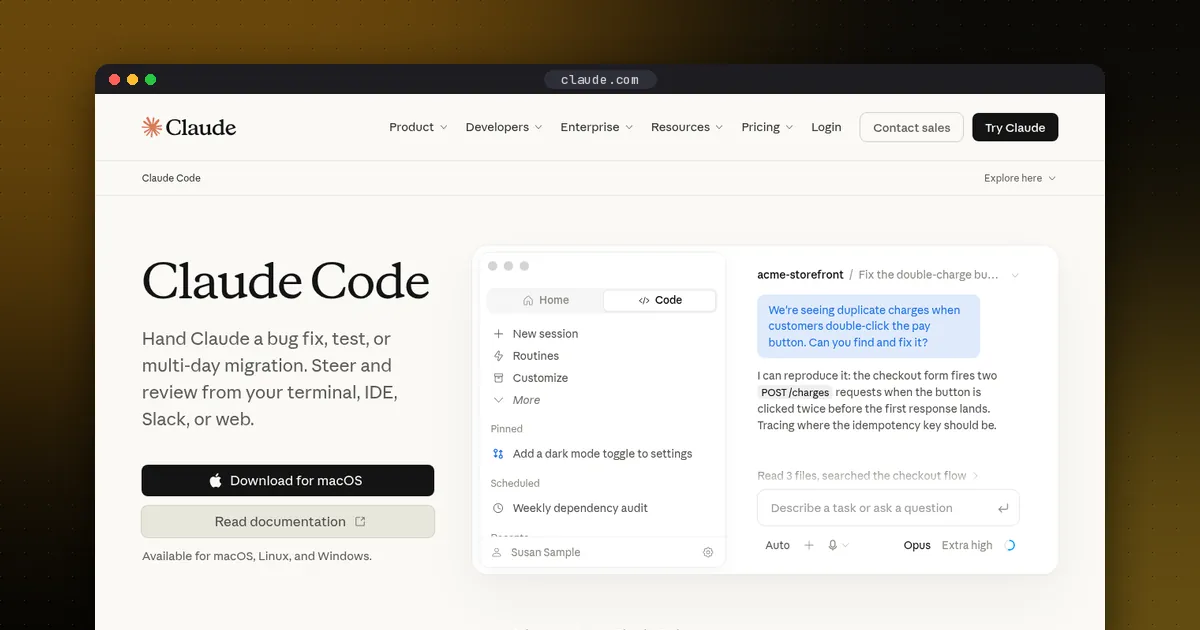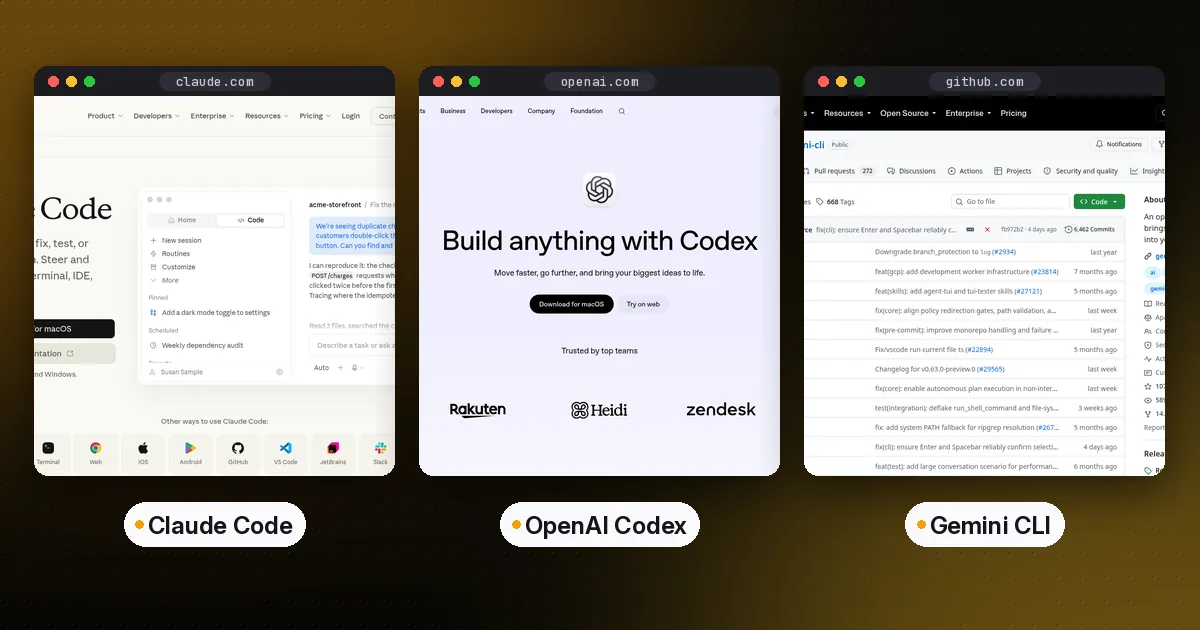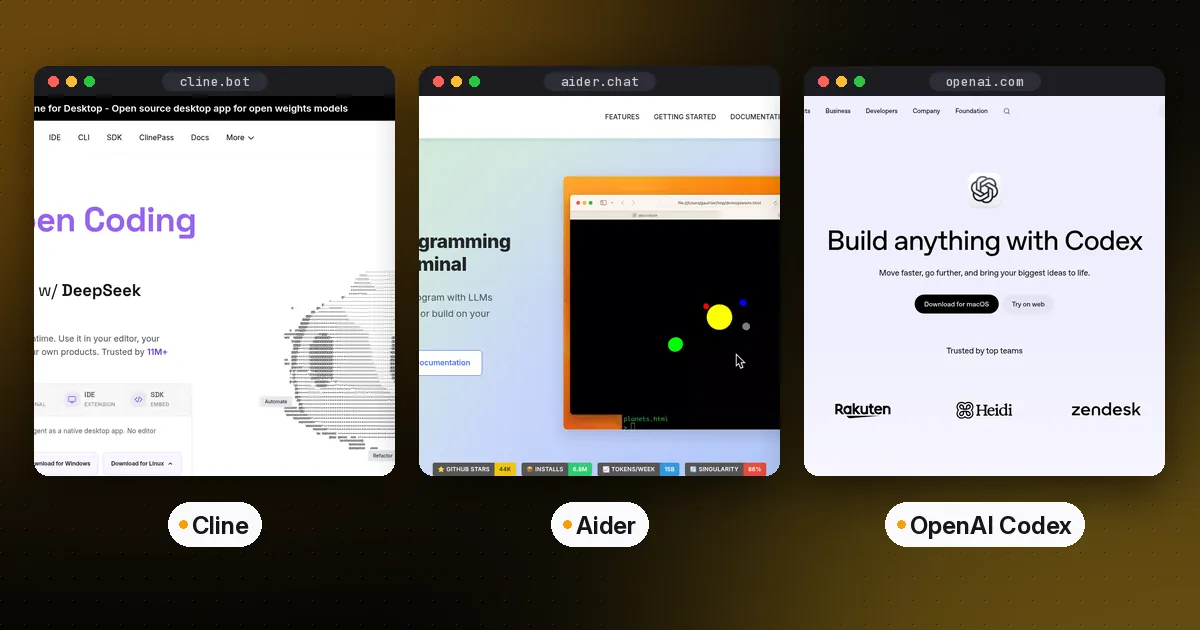
The best open-source coding agents in 2026 are OpenCode for a model-agnostic terminal agent, Cline for an agent inside VS Code that asks before every change, Codex CLI and Gemini CLI for vendor-built agents with open code, goose for a general-purpose local agent, and Aider for git-centric pair programming. All six have source code you can read and modify, and all six can edit multiple files and run commands in your project.
"Open source" here means the agent software itself is published under an OSI-approved license. The models behind it are a separate question: most of these tools let you bring any provider's API key, while two are built around one vendor's models. We checked each project's license file, documentation and most recent release on October 5, 2026.
Quick comparison of open-source coding agents
| Agent | License | Main interface | Models | Best for |
|---|---|---|---|---|
| OpenCode | MIT | Terminal UI, desktop app, IDE | Any provider via API keys | A model-agnostic Claude Code alternative |
| Cline | Apache-2.0 | VS Code extension, CLI, desktop | Any provider, incl. local | Approving every step inside the editor |
| Codex CLI | Apache-2.0 | Terminal | OpenAI (ChatGPT sign-in or API key) | ChatGPT subscribers who want open code |
| Gemini CLI | Apache-2.0 | Terminal | Google Gemini (paid API key or Code Assist license) | Google Cloud teams that need very large context |
| goose | Apache-2.0 | Desktop app, CLI, API | 15+ providers | Coding plus general automation |
| Aider | Apache-2.0 | Terminal | Most providers | Git-native edits with auto-commits |
Spoken plainly: OpenCode and Cline are the most flexible about models. Codex CLI and Gemini CLI are open source but tied to their makers' models. goose goes beyond coding, and Aider is the most conservative and git-focused.
OpenCode: best model-agnostic terminal agent
OpenCode describes itself as an open-source AI coding agent, available as a terminal interface, desktop app or IDE extension. It is MIT-licensed and actively developed. Its npm package, opencode-ai, had a new release on September 30, 2026.
Install: curl -fsSL https://opencode.ai/install | bash, or npm install -g opencode-ai, or brew install anomalyco/tap/opencode. Docker and Windows package managers are also supported; the docs recommend WSL on Windows.
Why pick it: You can point it at any LLM provider by adding an API key, including aggregators like OpenRouter. It supports MCP servers, Agent Skills, LSP servers, custom tools, permissions and plugins. Its docs list ACP support, so it can run inside editors that speak the Agent Client Protocol. OpenCode also offers a curated model service called Zen for people who don't want to pick a provider.
Watch out for: The large configuration surface takes time to learn, and the project moves fast enough that tutorials go stale quickly. Check the official docs first.
Cline: best open-source agent inside VS Code
Cline is the open-source agent for people who want to watch and approve each step. Its docs summarize the model as "Read files, write code, run commands, all with your approval." It is Apache-2.0 licensed.
Install: Search "Cline" in the VS Code extensions panel, or install the CLI with npm i -g cline for terminal and headless CI use. There is also a desktop app and an SDK.
Why pick it: Diffs show up in your editor before they are applied, which suits teams new to agents or working in sensitive code. It supports dozens of providers, including Anthropic, OpenAI, Google Gemini, AWS Bedrock, DeepSeek, OpenRouter and any OpenAI-compatible endpoint, and it can sign in with a Claude Code or OpenAI Codex subscription. Cline also sells usage-billed access and a subscription for open-weight models, but you never have to use them.
Watch out for: Approving every action is slower for large refactors. You can loosen auto-approval, but then you lose the main reason to choose it.
Codex CLI: best open-source agent from a major vendor
OpenAI Codex ships its CLI under Apache-2.0 on GitHub, so you can audit exactly what runs locally. It reads AGENTS.md natively, has a built-in /review command, sandboxing and permission controls, and codex exec for scripts and CI.
Install: npm install -g @openai/codex, brew install --cask codex, or the standalone installer.
Why pick it: If you already pay for ChatGPT, the CLI is included in your plan's usage, and it can hand longer tasks to Codex cloud.
Watch out for: The code is open, but the agent is built for OpenAI's models and account system. Pick OpenCode or Cline if switching model providers matters to you.
Gemini CLI: best open-source agent for Google Cloud teams
Gemini CLI is Google's Apache-2.0 terminal agent, with Google Search grounding, checkpointing, MCP support and a GitHub Action. It no longer has a free tier. On June 18, 2026, it stopped serving requests for individual accounts, meaning free users and Google AI Pro and Ultra subscribers. Per Google's announcement, it still works with paid Gemini API keys, Gemini Enterprise Agent Platform (formerly Vertex AI) keys and Gemini Code Assist Standard or Enterprise licenses. Its README still lists the old free tier.
Install: npx @google/gemini-cli to try it, or npm install -g @google/gemini-cli or brew install gemini-cli. Stable releases ship weekly.
Why pick it: If your team already pays for Gemini through an API key or Google Cloud, you get an open-source agent whose large context window helps with big codebases.
Watch out for: It runs Gemini models only. Google points individual users to its successor, Antigravity CLI, which imports Gemini CLI skills, MCP servers and GEMINI.md files, but its GitHub repository has no open-source license, so it isn't on this list. For a head-to-head with the two biggest commercial CLIs, see Claude Code vs Codex vs Gemini CLI.
goose: best general-purpose local agent
goose was created by Block and is now part of the Agentic AI Foundation at the Linux Foundation. It is Apache-2.0 licensed and written in Rust, with a native desktop app for macOS, Linux and Windows, a full CLI, and an API for embedding.
Why pick it: goose isn't limited to code. Its README pitches research, writing, automation and data analysis alongside software work. It works with more than 15 providers, and through ACP it can use an existing Claude, ChatGPT or Gemini subscription. Extensions connect it to MCP servers.
Watch out for: Generalism has a cost. Code-only agents have more coding-specific features, such as built-in review commands and git workflows.
Aider: best for git-centric pair programming
Aider is the veteran of this list. It is Apache-2.0 licensed, it builds a map of your repository to work in large codebases, and it commits each change with a descriptive message so you can diff and undo with ordinary git commands. It also has an IDE "watch" mode, where you write instructions as comments in your code.
Install: python -m pip install aider-install, then run aider-install.
Watch out for: Development has slowed. The latest PyPI release, 0.86.2, dates from February 2026, and parts of its README still mention older models. It still works well for focused, conversational edits, but it is less autonomous than the agents above.
Honorable mentions
- Zed is an open-source code editor with its own agent panel. It can also host external agents, such as Gemini CLI or Claude Code, through the Agent Client Protocol.
- OpenHands (MIT) has evolved into a self-hosted "Agent Canvas" control center that runs its own agent or third-party agents across local, Docker, VM and cloud backends.
How to choose
- Decide where you want to work. Terminal: OpenCode, Codex CLI, Gemini CLI or Aider. Editor: Cline or Zed. Desktop app: goose, OpenCode or Cline.
- Decide how much model freedom you need. If you want to switch providers per task, or use an aggregator, choose OpenCode, Cline, goose or Aider.
- Decide your autonomy level. Cline and Aider keep you closest to every change. OpenCode, Codex CLI and goose are comfortable running longer multi-step tasks.
- Check maintenance. Look at the release history and recent issues before standardizing a team on a tool.
- Standardize the shared pieces. One AGENTS.md and the same MCP servers work across most of these agents, so switching later costs little. See our AGENTS.md guide and MCP server tutorial.
Pros and cons of open-source coding agents
Pros: You can audit what runs on your machine and inside your repository. You can bring your own model and pay providers directly. You can fork, patch or self-host. No vendor can remove a feature you depend on without you being able to keep the old version.
Cons: You assemble more yourself, such as provider keys, budgets and permissions. Polish varies. Usage costs move to your API bills, which can be less predictable than a flat subscription.
Who they're for: Developers and teams who care about transparency or provider choice, organizations with rules about where code may be sent, and anyone who wants to customize their agent's behavior at the source level.
Related guides: to run coding agents in isolated cloud environments, compare E2B vs Daytona vs Modal. To build your own agent instead, start with LangGraph vs CrewAI vs OpenAI Agents SDK.
FAQ
What is the best open-source alternative to Claude Code?
For a terminal agent that works with any model provider, OpenCode is the closest match. If you'd rather stay in VS Code, Cline is the main alternative. Codex CLI and Gemini CLI are also open source, but they are tied to OpenAI and Google models respectively.
Is Cline better than OpenCode?
They suit different workflows. Cline runs mainly inside VS Code and asks you to approve each file change and command by default. OpenCode is terminal-first, with a desktop app and an IDE extension, and is built for longer autonomous runs. Both are open source and model-agnostic.
Are open-source coding agents free?
The software is free. You still pay for the model, either through API usage or a provider subscription the agent can sign in with. Gemini CLI's free daily allowance for personal Google accounts ended on June 18, 2026.
Is Aider still maintained?
Its most recent PyPI release, 0.86.2, was published in February 2026, so updates have slowed compared with OpenCode, Cline and the vendor CLIs. It still works. Check the GitHub repository for current activity before adopting it for a team.
Can open-source coding agents use MCP servers?
Yes. OpenCode, Cline, Codex CLI, Gemini CLI and goose all support connecting to MCP servers, so one server you build can serve all of them.