To build an MCP server in Python, install the official SDK with pip install "mcp[cli]", create an MCPServer object, decorate typed Python functions with @mcp.tool(), and call mcp.run(). The SDK turns your type hints into the tool's input schema and your docstring into its description. Every MCP host (Claude Code, Cursor, VS Code, Claude Desktop) can then launch the file and call your tools.
This guide shows how to build an MCP server that is actually useful: a small notes server backed by SQLite. You will test it without any AI app, connect it to three hosts, and serve it over HTTP. Every snippet below was run against MCP Python SDK 2.3.0, the version pip installed on October 5, 2026.
What changed in 2026 (and why old tutorials break)
Two things moved at once this year, and most tutorials on page one of Google predate both.
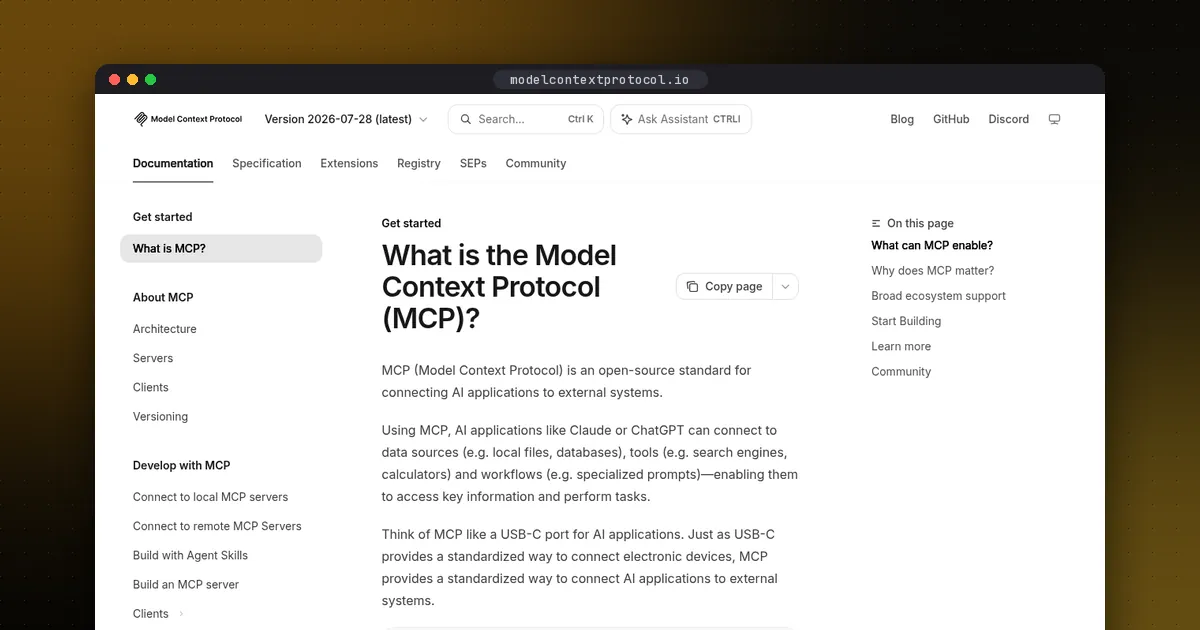
First, the protocol changed. The 2026-07-28 specification made MCP stateless. The initialize handshake and the Mcp-Session-Id header are gone. Each request now carries its protocol version and client capabilities in its own metadata. A new server/discover call lets clients ask for capabilities up front if they want to. The official announcement explains the reasoning: any request can now land on any server instance behind a plain load balancer.
Second, the Python SDK was rebuilt. In v2, the high-level class FastMCP was renamed MCPServer, and its module moved. If you copy from mcp.server.fastmcp import FastMCP from an older post, a fresh install raises an import error. The What's new in v2 page lists every rename.
| Topic | SDK v1 (older tutorials) | SDK v2 (current) |
|---|---|---|
| Server class | FastMCP from mcp.server.fastmcp | MCPServer from mcp.server |
| Protocol revision | 2025-11-25 and earlier | 2026-07-28 (still serves legacy clients) |
| Sessions | Handshake plus session ID | No handshake, no session |
| Client | Transport plus ClientSession plus initialize() | One Client object |
One naming trap: the standalone fastmcp package on PyPI (version 4.x, maintained separately) is a different project from the official SDK. Both work. This guide uses the official SDK, which is the Model Context Protocol project's own reference implementation.
Prerequisites
- Python 3.10 or newer.
uvis recommended, because hosts launch servers withuv run. Plainpipalso works.- Node.js with
npxon your PATH, only if you want the MCP Inspector (a browser UI for testing).
Step 1: Install the SDK
Create a project folder and add the SDK with its CLI extra:
mkdir notes-mcp && cd notes-mcp
uv init
uv add "mcp[cli]"
With pip, the equivalent is pip install "mcp[cli]". The [cli] extra gives you the mcp command, which has dev, run and install subcommands.
Step 2: Write the server
Save this as server.py. It exposes two tools and one resource:
import sqlite3
from pathlib import Path
from mcp.server import MCPServer

DB = Path(__file__).with_name("notes.db")
mcp = MCPServer("Notes")

def db():
    conn = sqlite3.connect(DB)
    conn.execute("CREATE TABLE IF NOT EXISTS notes (id INTEGER PRIMARY KEY, text TEXT NOT NULL)")
    return conn

@mcp.tool()
def add_note(text: str) -> int:
    """Save a short note and return its id."""
    with db() as conn:
        cur = conn.execute("INSERT INTO notes (text) VALUES (?)", (text,))
        return cur.lastrowid

@mcp.tool()
def search_notes(query: str, limit: int = 10) -> list[str]:
    """Return notes whose text contains the query (case-insensitive)."""
    with db() as conn:
        rows = conn.execute(
            "SELECT text FROM notes WHERE text LIKE ? ORDER BY id DESC LIMIT ?",
            (f"%{query}%", limit),
        ).fetchall()
    return [r[0] for r in rows]

@mcp.resource("notes://count")
def note_count() -> str:
    """How many notes are stored."""
    with db() as conn:
        return str(conn.execute("SELECT COUNT(*) FROM notes").fetchone()[0])

if __name__ == "__main__":
    mcp.run()
Three details matter here.
The type hints are the schema. Because limit has a default, the host treats it as optional. Because query has none, it is required.
The docstring is the tool description the model reads when it decides whether to call your tool. Write it for the model: say what the tool does and when to use it. A vague docstring is the most common reason a model ignores a tool.
mcp.run() sits under if __name__ == "__main__":. Hosts and the mcp CLI import your file, so an unguarded run() would start a server the moment the module loads.
Tools vs resources vs prompts
MCP servers can expose three kinds of things. Tools are functions the model decides to call, such as add_note. Resources are read-only data the host can attach as context, addressed by a URI such as notes://count. Prompts are reusable templates a user picks from a menu. Most servers start with tools only, and that is fine.
Step 3: Test it without an AI app
Run the server inside the MCP Inspector:
uv run mcp dev server.pyOpen the URL it prints. Under Tools, call add_note with any text, then call search_notes. The Inspector builds its form from your type hints, the same way Claude or Cursor will.
For automated tests, v2's Client can talk to the server object in memory, with no subprocess and no port. Save this as test_server.py:
import anyio
from mcp import Client
from server import mcp

async def main() -> None:
    async with Client(mcp) as client:
        tools = await client.list_tools()
        print([t.name for t in tools.tools])
        result = await client.call_tool("add_note", {"text": "ship the MCP guide"})
        print(result.structured_content)

anyio.run(main)
Running it prints the two tool names, then a structured result such as {'result': 1}. You can drop the same pattern into pytest.
Step 4: Connect your MCP server to a host
Every host gets the same launch command. Use an absolute path, because hosts start your server from their own working directory:
uv run --with "mcp[cli]" mcp run /absolute/path/to/server.pyClaude Code
Register it with the CLI. Everything after the double dash is the launch command:
claude mcp add notes -- uv run --with "mcp[cli]" mcp run /absolute/path/to/server.pyInside a session, run /mcp to confirm the server is connected. See our Claude Code page for more on the tool itself.
Cursor
Create .cursor/mcp.json in the project root:
{
  "mcpServers": {
    "notes": {
      "command": "uv",
      "args": ["run", "--with", "mcp[cli]", "mcp", "run", "/absolute/path/to/server.py"]
    }
  }
}
The server then appears in Cursor's MCP settings with both tools listed.
VS Code with GitHub Copilot
Create .vscode/mcp.json. Two things differ from Cursor's file: the top-level key is servers, not mcpServers, and each entry declares a type:
{
  "servers": {
    "notes": {
      "type": "stdio",
      "command": "uv",
      "args": ["run", "--with", "mcp[cli]", "mcp", "run", "/absolute/path/to/server.py"]
    }
  }
}
According to the SDK docs, VS Code calls tools only from GitHub Copilot Chat in Agent mode.
Claude Desktop
uv run mcp install server.py writes the entry into claude_desktop_config.json for you, with absolute paths and a pinned SDK version. Fully quit and reopen Claude Desktop afterwards. Closing the window is not enough.
Step 5: Serve it over HTTP
The stdio transport is right for a personal tool on one machine. To share a server with people who don't have your file, serve it over Streamable HTTP and hand out a URL instead:
uv run mcp run server.py -t streamable-httpFrom Python, the same thing is mcp.run(transport="streamable-http"). Locally it listens on port 8000 at the /mcp path. Any client can then connect:
import anyio
from mcp import Client

async def main() -> None:
    async with Client("http://localhost:8000/mcp") as client:
        print(await client.call_tool("search_notes", {"query": "guide"}))

anyio.run(main)
Because the 2026-07-28 protocol is stateless, you can run several copies of this server behind an ordinary load balancer without sticky sessions. If a tool really needs state across calls, the spec's advice is to return an explicit handle, such as a cart ID, and have the model pass it back as an argument.
Before you expose a server publicly, add authentication (the SDK has an Authorization section), validate every input, and never let a tool fetch arbitrary URLs or run arbitrary shell commands without an allowlist. A write-capable MCP tool is an API that an LLM can call, so treat it with the same care.
Common mistakes
- Printing to stdout. On stdio, stdout is the protocol channel. A stray
print()corrupts a message and the host drops the connection. Log with the standardloggingmodule, which writes to stderr by default. - Relative paths.
server.pyin a host config fails. Use/absolute/path/to/server.py, and the absolute path touvif the host can't find it. - Stale host config. Hosts read their config at launch, so restart them after edits.
- Too many tools. Every tool description costs context on every request. Expose the five tools people actually need, not fifty.
Pros and cons of the official Python SDK
Pros: It is maintained by the MCP project, tracks the spec on release day, includes a client as well as a server, and supports stdio, Streamable HTTP and legacy SSE. It also generates schemas from type hints.
Cons: v2 broke v1 imports, so older examples need porting. Some advanced features, such as asking the user for input mid-call, now work differently under the stateless spec.
Who it's for: Python developers who want a tool, database or internal API available inside any MCP-capable agent. If your team works in TypeScript, the official TypeScript SDK follows the same concepts.
Next steps
If you are deciding whether you also need agent-to-agent communication, read MCP vs A2A. To give coding agents project instructions that work alongside your MCP servers, see our AGENTS.md guide. To pick a host for your server, compare Claude Code vs Codex vs Gemini CLI.
Related guides: before writing a search server, check the hosted MCP servers compared in Tavily vs Exa vs Firecrawl. If your tools need to run untrusted code, see E2B vs Daytona vs Modal.
FAQ
Is FastMCP the same as the MCP Python SDK?
Not anymore. In SDK v1, the official package included a class called FastMCP. In v2, that class is MCPServer. Separately, an independent fastmcp package (now at 4.x) is still developed outside the official SDK. Both can build servers; this guide uses the official one.
Do I need Claude to build an MCP server?
No. MCP is an open protocol stewarded by the Agentic AI Foundation under the Linux Foundation. You can test with the MCP Inspector or the SDK's own Client, and connect the server to Cursor, VS Code, Codex, Gemini CLI or any other MCP host.
Should I use stdio or Streamable HTTP?
Use stdio when the server runs on the same machine as the host and only you use it. Use Streamable HTTP when you deploy it for other people or other machines. The legacy HTTP plus SSE transport is deprecated.
Can an MCP server keep state between calls?
The protocol no longer has sessions, but your application can still keep state. Store it in your own database and pass an explicit identifier, returned by one tool and accepted by another, so the model can carry it between calls.
What Python version does the MCP SDK need?
Python 3.10 or newer. The SDK installs with pip install "mcp[cli]" or uv add "mcp[cli]".