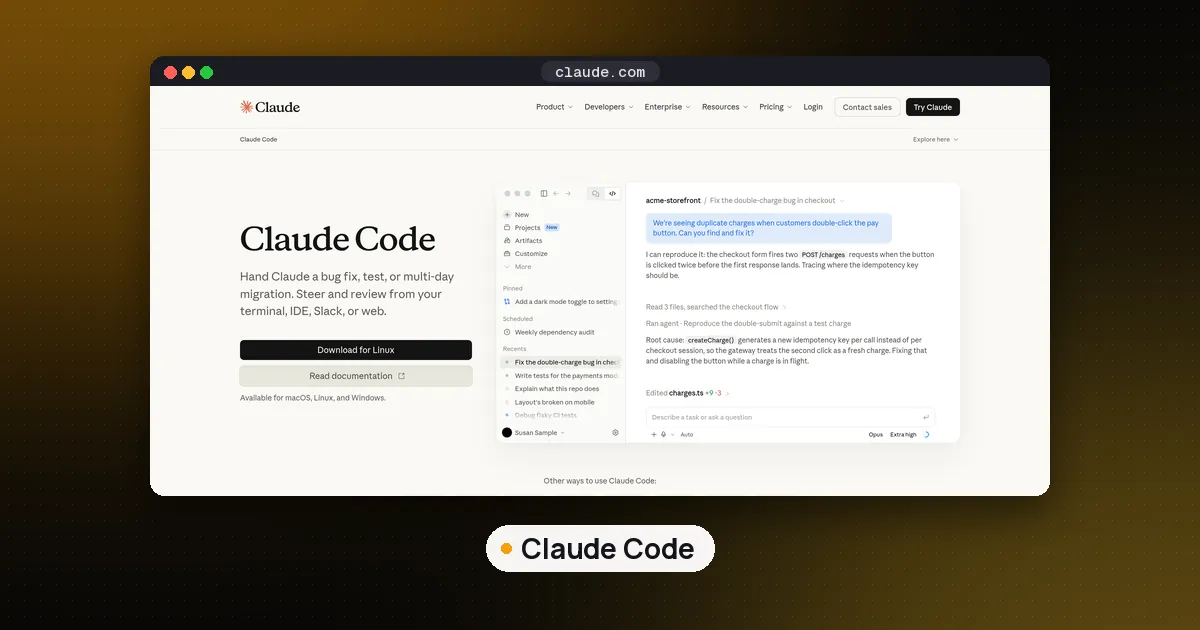
Claude Code background agents are full Claude Code sessions that keep working without a terminal attached. You start one with claude --bg "your task" (or /bg inside a running session), watch all of them in agent view with claude agents, stop one with claude stop <id>, and turn the whole feature off with CLAUDE_CODE_DISABLE_AGENT_VIEW=1 or the disableAgentView setting. Inside a single session there is a second kind: background subagents, which you check and stop with /tasks, and which you can switch off with CLAUDE_CODE_DISABLE_BACKGROUND_TASKS=1.
Background agents are in the news this week because of a Hacker News thread (419 points by the morning of Oct 29) about the status summaries Claude Code generates for agents that are working. This guide covers how the feature works, how to control it, and what the cost argument is actually about. Facts come from Anthropic's agent view docs, the subagents docs and the costs page, checked on October 29, 2026 against Claude Code 2.1.312, the current version on npm.
Two things called background agents
The phrase covers two different features, and most confusion online comes from mixing them up.
| Item | Background sessions (agent view) | Background subagents |
|---|---|---|
| What it is | A whole Claude Code conversation running on its own | A helper inside your current session |
| Start it | claude --bg, /bg, or a prompt typed in claude agents | Claude spawns it, or you press Ctrl+B |
| Check on it | claude agents, claude logs <id> | /tasks, the panel under the prompt |
| Reports to | You | The conversation that started it |
| Turn it off | CLAUDE_CODE_DISABLE_AGENT_VIEW=1 | CLAUDE_CODE_DISABLE_BACKGROUND_TASKS=1 |
A background session is what Anthropic calls background agents in the docs. Each one runs on your machine under a supervisor process, so you can close agent view or even your shell and the work continues. Agent view itself is labeled a research preview, and the docs warn that shortcuts may change.
A background subagent is narrower. With nothing configured, a subagent that Claude spawns from your main conversation starts in the background while you keep typing, and its result arrives later as a completion notification. If you want the bigger picture of how subagents fit into the agent loop, or how they keep their own memory between runs, those guides go further.
How to start Claude Code background agents
There are three ways in.
- From your shell.
claude --bg "investigate the flaky SettingsChangeDetector test"starts a session that goes straight to the background. Add--name flaky-test-fixto label it, or--agent code-reviewerto run one of your custom subagents as the session's main agent. The prompt is a positional argument. In our test, combining--bgwith-pwas refused before anything started, with a message explaining that a print run never creates a session agent view can attach to. - From agent view. Run
claude agents, type a task at the bottom and press Enter. Every prompt typed there starts a new session; it does not send a follow up to an existing one. - From a session you already have open. Type
/bg, or press the left arrow on an empty prompt to background the session and open agent view in one step.
After claude --bg, Claude Code prints a short ID plus the four commands you will use most: claude agents, claude attach <id>, claude logs <id> and claude stop <id>. The first background launch may also print Starting background service, because the supervisor starts on demand.
One check catches people out in scripts. If the folder has never been trusted, the trust dialog appears first, and where no dialog can appear the command exits with a workspace not trusted error. That is exactly what we saw in a fresh test folder: the CLI told us to run claude there once and accept the prompt.
How to view and check background agents
claude agents opens agent view, a table of every background session grouped by state. The states are Working, Needs input (yellow), Idle, Completed (green), Failed (red) and Stopped (grey). Press Space on a row to peek at its latest output or the question it is waiting on and reply without leaving the table. Press Enter or the right arrow to attach and get the full conversation, and the left arrow on an empty prompt to detach again.
From a regular session, the footer shows a count such as ← 2 agents when background sessions are waiting on you. For scripts, status bars or another agent supervising the work, use claude agents --json; add --all to include finished sessions. Each entry has a state of working, blocked, done, failed or stopped, and the docs say this JSON is the supported interface, not the files under ~/.claude/jobs/. On our clean install it returned an empty list, as expected.
For subagents inside one session, use /tasks. It lists everything running in the background of that session, including subagents that finished in the last 30 seconds, and lets you open, attach to or stop each one. Note that /agents (a slash command about subagent files) and claude agents (agent view) are different things despite the name.
How to stop or kill background agents
claude stop <id>stops one session.claude kill <id>is an alias. The conversation is kept, and you can wake it later by attaching or replying.- In agent view, select a row and press Ctrl+X.
- Ctrl+X then Ctrl+K stops all background agents at once, according to the Claude Code changelog.
claude rm <id>removes a session from the list and deletes the git worktree Claude made for it when that is safe. Commit anything you want first.claude daemon stop --anyshuts down the supervisor and every background session it hosts. Add--keep-workersto leave sessions running for the next supervisor.
Sessions survive sleep but stop when the machine shuts down. Their saved conversations stay on disk, so attaching restarts them where they left off.
Background agent permissions and file safety
How a background session handles permissions depends on how it started. A session you backgrounded with /bg keeps the permission mode it already had, so one you switched to accept edits or auto mode stays there. A session dispatched with claude --bg or from a fresh agent view starts like any new claude session in that folder, following your settings.
Background subagents behave differently. When one reaches a tool call that needs approval, the prompt shows up in your main session with the subagent's name on it. If you answer with a grant that lasts for the rest of the session, that grant applies to the whole session, including your main conversation. Read those prompts as carefully as you would your own.
File edits are isolated by default. Before a dispatched background session edits anything, Claude moves it into its own git worktree under .claude/worktrees/, so parallel agents read the same checkout but write to separate branches. Sessions you backgrounded yourself keep editing where they were. You can turn isolation off per repo with "worktree": {"bgIsolation": "none"} in .claude/settings.json, but then parallel agents can collide in one working copy.
What background agents cost, and the status summary debate
The basic cost rule is in the docs: background sessions use your subscription quota exactly like interactive ones, so ten agents in parallel burn through limits roughly ten times as fast as one. Every subagent also sends its own requests on top of the main conversation.
The newer argument is about status lines. In a GitHub gist shared on Hacker News, the team at Flamerix AI reported that Claude Code sends each working background agent's transcript to that agent's own model about every 30 seconds to produce a three to five word status. Over one week of their own usage, those agent_summary requests were 16.4% of estimated spend (the main conversation was 15.7%) and 19.7% of requests. An open feature request, issue 86879, filed in August asks for a supported way to turn the timer off.
A Claude Code team member replied in the thread that the summaries only run for background agents that are actively working, that across users who send telemetry the previous week they were about 2% of cost at API list prices and just under 4% of requests (about 6% of cost in the terminal), that a fix for the most expensive case, summaries that miss the prompt cache, shipped in 2.1.311, and that a cheaper mode is in progress. So the 16.4% figure describes one team that runs mostly background agents, not a typical session. Both numbers are self reported; neither has been independently checked.
Separately, the agent view docs say the one line row summaries in claude agents come from a small Haiku class model, refreshed at turn end and every few minutes during long turns, with the 15 second updates in between reusing the session's own output at no extra request.
How to measure it yourself
On Pro, Max, Team and Enterprise plans, /usage breaks down recent usage by skills, subagents, plugins and MCP servers. For exact numbers, Claude Code's OpenTelemetry export tags each API request with a query_source, which is how the gist authors found the summary traffic; the issue reporter used raw request logging to the same end. The Flamerix fix is a Bun preload script that suppresses the timer; it is not supported by Anthropic, depends on internals that an update can break, and was only tested on Linux. Measure before you reach for it.
How to disable background agents in Claude Code
Pick the switch that matches what you want to stop.
- No background sessions at all: set
CLAUDE_CODE_DISABLE_AGENT_VIEW=1, or"disableAgentView": truein settings. This turns offclaude agents,--bg,/backgroundand the supervisor. In our test,claude --bgthen exited with a message saying it was disabled by that variable. - No background subagents or background commands: set
CLAUDE_CODE_DISABLE_BACKGROUND_TASKS=1. Claude then waits for each subagent, and Ctrl+B no longer moves anything to the background. - Keep background work but let Claude wait when asked: set
CLAUDE_CODE_FORK_SUBAGENTto0in theenvblock ofsettings.jsonto turn fork mode off, then ask Claude to run a subagent and wait for its report.
Administrators can enforce the first setting for a whole organization through managed settings. If you are still choosing a terminal agent, our Claude Code vs Codex vs Gemini CLI comparison covers how the three handle parallel work, and the Claude Code tool page tracks pricing and versions.
FAQ
Does Claude Code have background agents?
Yes. Since agent view arrived as a research preview, claude --bg and claude agents let you run several full sessions on your machine at once, each in its own git worktree, and check on them from one screen. Subagents inside a session also run in the background by default.
Do background agents keep running if I close the terminal?
Yes. A separate supervisor process hosts them, so closing agent view or your shell does not stop them. They pause during sleep and resume on wake, but a shutdown stops them; attach or reply afterward to restart from the saved conversation.
Do Claude Code background agents use more tokens?
Each background agent is its own session with its own requests, so usage scales with how many you run. The status summaries add a share on top; Anthropic puts it at about 2% of cost across telemetry users, while one heavy team measured 16.4%. Check /usage to see your own numbers.
What is the difference between /agents and claude agents?
claude agents is a shell command that opens agent view for background sessions. /agents is a slash command inside a session that points you to where custom subagent files live. To manage subagents running in the current session, use /tasks.
Can Claude Code background agents run in the cloud?
Not these. Background sessions run locally and stop when the machine shuts down. For work that should continue with your computer off, Anthropic points to cloud sessions and Projects at claude.ai/code, and you can package repeat jobs as agent skills that any session can load.