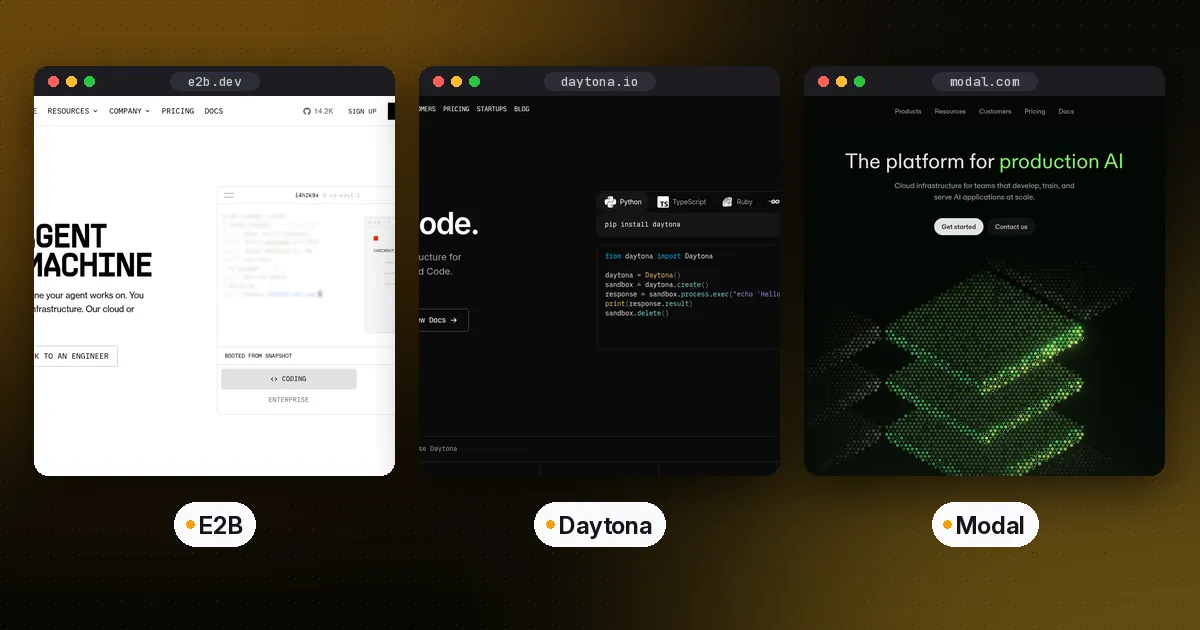
In the E2B vs Daytona decision, E2B is the simplest way to give an agent a disposable Linux computer: Firecracker microVMs, a small SDK, and pause-and-resume that keeps memory as well as files. Daytona gives you the widest range of environments, from fast container sandboxes to Linux VMs, Windows, GPU machines and macOS. Modal Sandboxes make the most sense if you already run your Python workloads on Modal, or if your agent's code needs GPUs.
All three run untrusted, model-generated code away from your own servers, and all three are billed by usage. For current rates, see each vendor's pricing page, since compute prices change often. This guide compares isolation, startup, persistence, limits and developer experience, using each vendor's documentation as of October 5, 2026. SDK versions referenced: e2b 2.52.1, daytona 0.220.0 and modal 1.6.1 on PyPI.
Why AI agents need a sandbox
Coding agents and data-analysis agents write code and then run it. If that code runs on your application server, a bad tool call can delete files, leak secrets or open network connections you never intended. A sandbox gives each agent session its own isolated machine with its own filesystem, processes and network, and you destroy it when the session ends.
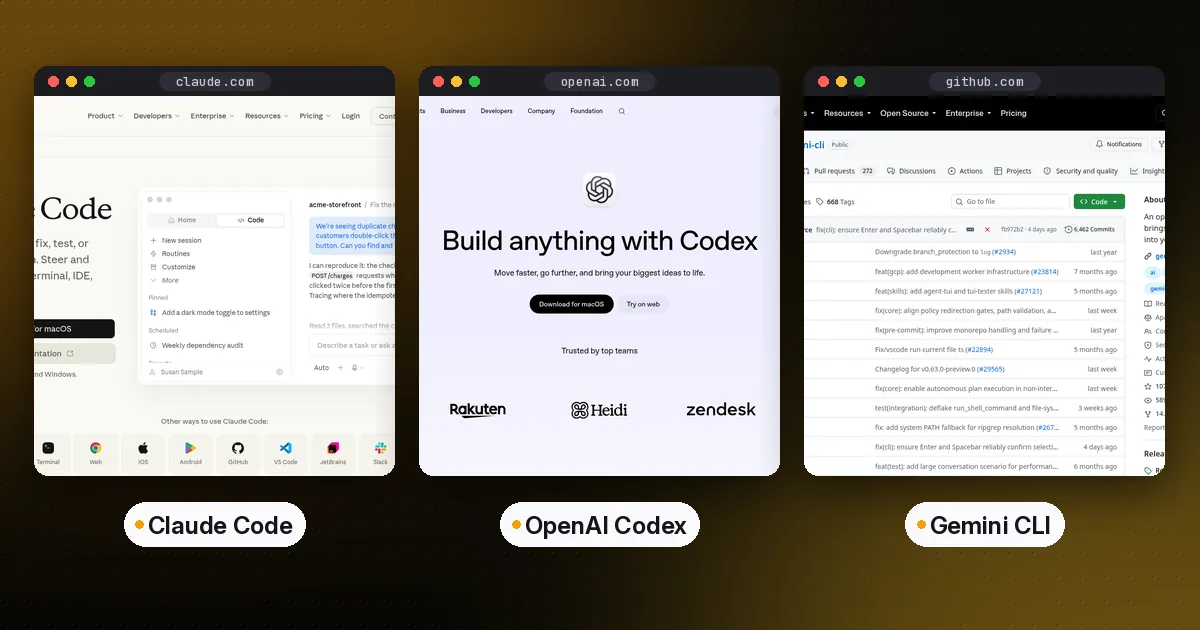
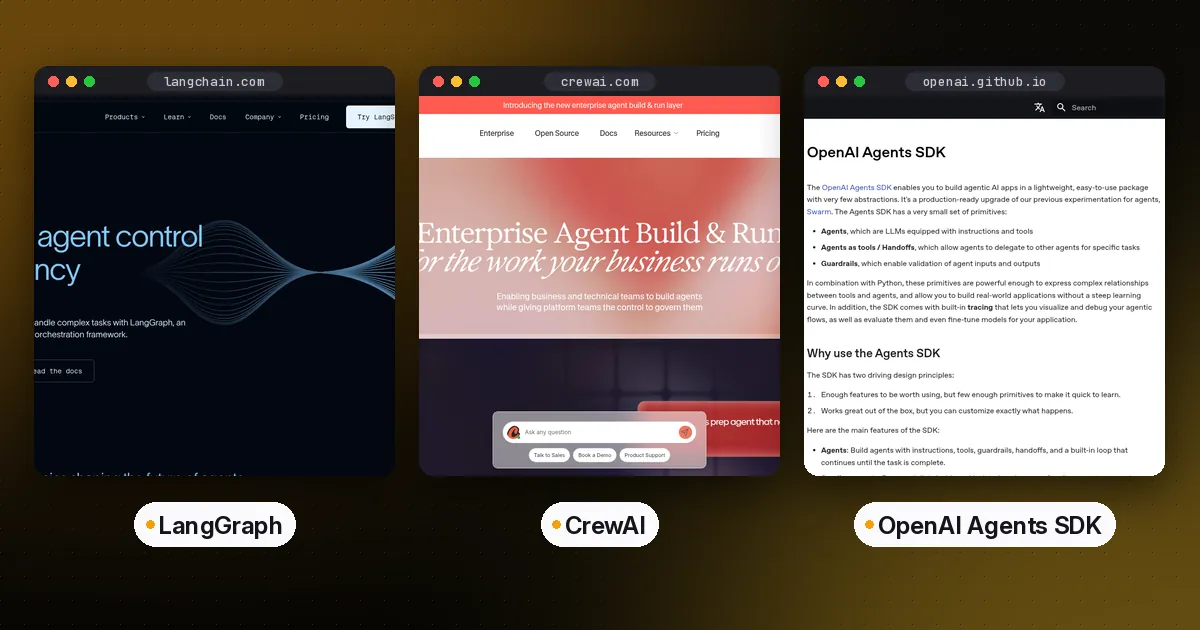
Sandboxes also make agents more capable. An agent with a real shell can install packages, start a dev server, run tests and read the output. That is how hosted coding agents work, and it is the same pattern the OpenAI Agents SDK uses for its sandbox agents. If you are comparing the coding agents themselves rather than the infrastructure, see Claude Code vs Codex vs Gemini CLI.
E2B vs Daytona vs Modal at a glance
| Item | E2B | Daytona | Modal Sandboxes |
|---|---|---|---|
| Isolation | Firecracker microVMs | Containers by default; Linux VM, Windows and macOS options | gVisor by default; optional VM runtime |
| Startup | Fast cold starts from templates | Docs list under 90 ms for container sandboxes | Container start on Modal's platform |
| Pause with memory | Yes, on every sandbox | Linux VM and Windows sandboxes only | Filesystem snapshots |
| Default lifetime | Set by timeout; continuous runtime up to 1 hour (Hobby) or 24 hours (Pro) | Auto-stops after 15 minutes of inactivity by default | 5 minutes by default, up to 24 hours |
| GPUs | Not the focus | GPU sandboxes, including H100 and H200 | Yes, on the gVisor runtime |
| SDKs | Python, JavaScript/TypeScript | Python, TypeScript, Ruby, Go, Java | Python, plus JavaScript and Go clients |
| Self-hosting | Open-source infrastructure, BYOC option | No; core went private in June 2026 | No, managed only |
Put simply: E2B is the focused, agent-first option with the most complete pause-and-resume. Daytona covers the most operating systems and machine types. Modal is a general serverless compute platform whose sandboxes inherit its GPU access and image tooling.
E2B: microVMs built for agents
E2B runs every sandbox in a Firecracker microVM, the same lightweight virtualization technology AWS built for Lambda. Each sandbox has its own kernel, which is a stronger boundary than a shared-kernel container. You create a sandbox from a template, run commands or code, and kill it when you are done. Set the E2B_API_KEY environment variable, then:
from e2b import Sandbox

sbx = Sandbox.create(timeout=600)  # seconds
result = sbx.commands.run("python3 -c 'print(2 + 2)'")
print(result.stdout)

sbx.pause()           # saves filesystem and memory
sbx = sbx.connect()   # resumes exactly where it stopped
sbx.kill()
Persistence is E2B's standout feature. According to the persistence docs, a pause saves both the filesystem and memory, so running processes and loaded variables survive. Paused sandboxes are kept indefinitely until you kill them. You can also make a sandbox pause instead of die when its timeout expires by setting on_timeout to "pause" in the lifecycle options; the default is "kill". A running sandbox can stay up continuously for 1 hour on the Hobby tier or 24 hours on Pro, and pausing and resuming resets that clock.
E2B's infrastructure is open source in the e2b-dev/infra repository, and the company offers bring-your-own-cloud deployments for enterprises. There is also a code interpreter SDK for notebook-style execution with charts and rich outputs.
Pros: strong microVM isolation, a small, clear SDK, full memory snapshots on pause, and open-source infrastructure.
Cons: the continuous runtime cap means long jobs need pause and resume, and GPU workloads are not its focus.
Who it's for: teams building code interpreters, coding agents and data-analysis agents that want a simple, secure default.
Daytona: composable computers in many shapes
Daytona describes its sandboxes as "full composable computers" for AI agents. In the current docs, sandboxes run as Linux containers by default, with a listed startup under 90 milliseconds. You can also create Linux VM sandboxes, Windows sandboxes, GPU sandboxes with NVIDIA and AMD accelerators, and macOS sandboxes through a partner platform. That range is unusual. If your agent has to drive a Windows app or a desktop, Daytona is one of the few options that covers it.
from daytona import Daytona, DaytonaConfig

daytona = Daytona(DaytonaConfig(api_key="YOUR_API_KEY"))
sandbox = daytona.create()
response = sandbox.process.code_run('print("hello from Daytona")')
print(response.result)
sandbox.delete()
The capabilities differ by sandbox class, and this is where older comparisons go wrong. Container sandboxes start fastest and can be stopped, archived and snapshotted at the filesystem level, but they cannot pause with memory or fork. Linux VM and Windows sandboxes add pause and resume with memory, forking into independent copies and memory snapshots. Linux VMs also support nested virtualization. By default, sandboxes auto-stop after 15 minutes without external activity. Background processes alone don't reset that timer, so set auto_stop_interval=0 for long unattended jobs. There is also a wall-clock TTL that destroys a sandbox at a fixed deadline. Default resources are 1 vCPU, 1 GB of RAM and 3 GiB of disk, and you can raise them within your organization's limits.
Daytona has SDKs for Python, TypeScript, Ruby, Go and Java, plus a CLI and REST API, and you can build sandboxes from public Docker images or declarative snapshots.
Pros: the widest choice of environments (container, VM, Windows, GPU, macOS), fast container starts, forking on VM sandboxes and five SDK languages.
Cons: features vary by sandbox class, so check the lifecycle table before you design around pause or fork. The inactivity auto-stop can also surprise long-running jobs. Daytona is no longer an open-source project you can self-host: its archived GitHub repository says core development moved to a private codebase in June 2026, so older articles that describe it as open source are out of date.
Who it's for: agent platforms that need several machine types, computer-use agents that need a desktop OS, and teams that want to fork environments to explore several solutions in parallel.
Modal Sandboxes: serverless compute with GPUs
Modal is a serverless platform for Python workloads, and its Sandboxes let you run arbitrary commands in containers you define in code. The main reason to choose Modal is that sandboxes share the platform's image builder, volumes, secrets and GPU fleet.
import modal

app = modal.App.lookup("agent-sandboxes", create_if_missing=True)
sb = modal.Sandbox.create(app=app, timeout=600)
proc = sb.exec("python3", "-c", "print(2 + 2)")
print(proc.stdout.read())
sb.terminate()
According to Modal's sandbox docs, a sandbox lives for 5 minutes by default, and timeout can extend that to 24 hours. An idle_timeout shuts it down early when nothing is happening. Sandboxes use gVisor isolation by default. You can choose a VM runtime that gives the sandbox its own kernel and allows running Docker inside it, but GPUs are only available on the gVisor runtime. Modal also supports filesystem snapshots, named sandboxes you can look up again later, tags and readiness probes.
Pros: easy GPU access, images and dependencies defined in Python, and one platform for sandboxes, batch jobs and model serving.
Cons: no self-hosting, the tooling is most natural from Python, and you trade some agent-specific conveniences for general-purpose compute.
Who it's for: teams already on Modal, and agents whose generated code needs GPUs, such as data-science or ML-experiment agents.
How to choose an AI agent sandbox
Ask these questions in order:
- Does the agent need Windows, macOS or a full desktop? Choose Daytona.
- Does generated code need a GPU? Choose Modal, or Daytona's GPU sandboxes.
- Do sessions need to pause for hours or days and resume with memory intact? E2B does this on every sandbox; Daytona does it on VM sandboxes.
- Do you need to self-host or run in your own cloud? E2B is the only one of the three with open-source infrastructure and a bring-your-own-cloud option. Daytona's core went private in June 2026, and Modal is managed only.
- Is it a standard code interpreter or coding agent? E2B is the simplest starting point.
Whichever you pick, wire it to your agent as a tool. A clean pattern is to expose "run command," "write file" and "read file" through an MCP server, so any MCP client can use the sandbox. Our guide to building an MCP server in Python shows how. Keep API keys out of the sandbox unless the task needs them, and set a timeout on every sandbox you create so that failed sessions don't keep running and keep billing.
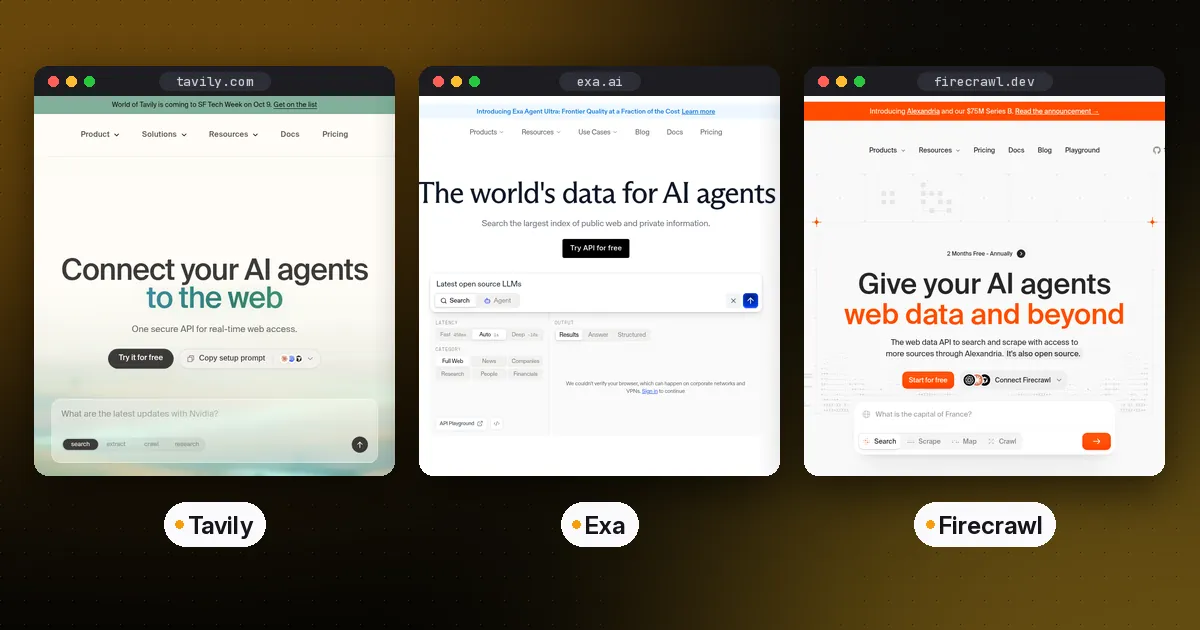
Related guides: give the same agent web access with Tavily vs Exa vs Firecrawl, long-term recall with AI agent memory, and a framework from the best TypeScript AI agent frameworks.
FAQ
What is the difference between E2B and Daytona?
E2B runs every sandbox in a Firecracker microVM and can pause any sandbox with its memory intact. Daytona offers several sandbox classes: fast containers by default, plus Linux VM, Windows, GPU and macOS options. Pause with memory and forking are only available on Daytona's VM-based classes.
Is E2B or Modal better for AI agents?
E2B is purpose-built for agent code execution and has simpler persistence. Modal is the better fit if the agent's code needs GPUs or if you already run other workloads on Modal, since sandboxes share its images, volumes and secrets.
Can I self-host an AI agent sandbox?
Of these three, E2B is the option for self-hosting. Its infrastructure is open source in the e2b-dev/infra repository, and it offers bring-your-own-cloud deployments. Daytona moved its core development to a private codebase in June 2026; the old public repository is archived and no longer maintained. Modal is a managed service only.
How long can a sandbox run?
On E2B, a sandbox can run continuously for 1 hour on the Hobby tier or 24 hours on Pro, and paused sandboxes are kept indefinitely. Modal sandboxes default to 5 minutes and can be extended to 24 hours. Daytona sandboxes auto-stop after 15 minutes of inactivity by default, and setting the interval to 0 keeps them running.
How much do agent sandboxes cost?
All three bill by usage, based on factors like CPU, memory, GPU and runtime. Rates and free allowances change, so check the E2B, Daytona and Modal pricing pages before you estimate costs.
Do I need a sandbox if I use Claude Code or Codex locally?
Local coding agents like Claude Code run on your own machine with their own permission controls. A cloud sandbox matters when you run agents for other people, run many sessions in parallel, or execute code you don't want touching your machine.