The best TypeScript agent framework for most teams in 2026 is either Mastra or the Vercel AI SDK. Pick Mastra if you want a full framework with agents, workflows, memory and a local dev studio in one package. Pick the Vercel AI SDK if you want a lighter library that slots into an existing Next.js or Node app and streams straight into your UI. LangGraph.js, the OpenAI Agents SDK for TypeScript and Google's Agent Development Kit (ADK) for TypeScript are strong choices for specific needs: explicit graph control, minimal primitives with handoffs, and Google Cloud deployment.
All five are open source and free at the library level. You pay only for the model calls and any hosting you choose. Versions referenced below are current on npm as of October 5, 2026: @mastra/core 1.74.0, ai 7.0.128, @langchain/langgraph 1.4.19, @openai/agents 0.19.0 and @google/adk 2.2.0.
TypeScript AI agent frameworks compared
| Framework | npm package | License | Best for | Main abstraction |
|---|---|---|---|---|
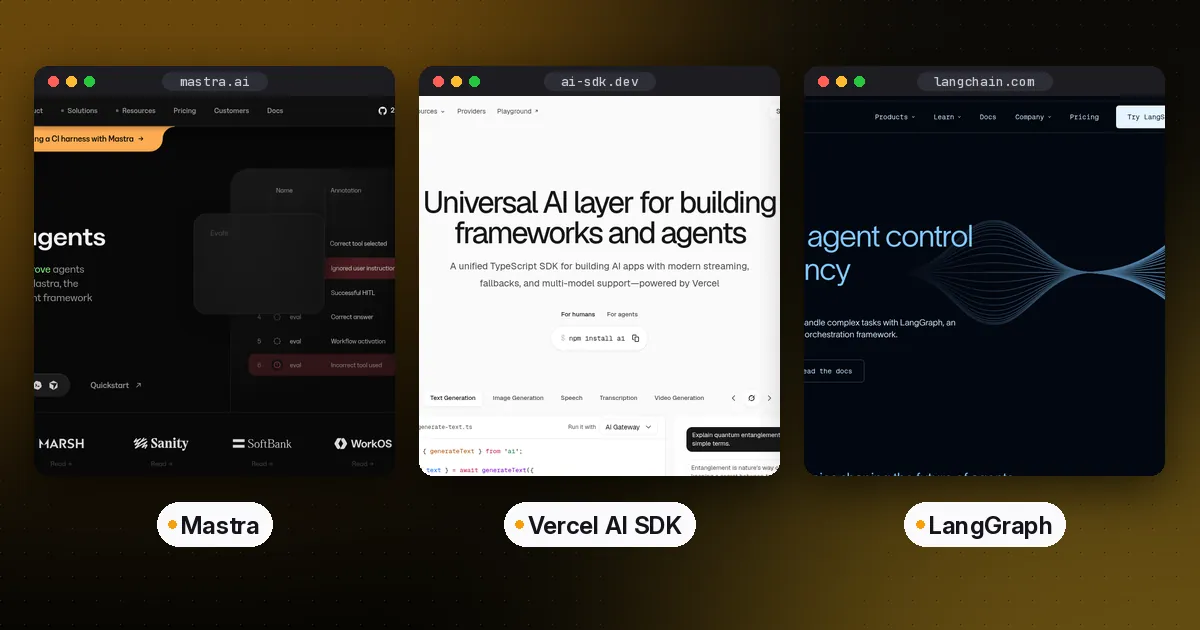
| Mastra | @mastra/core | Apache-2.0 core, enterprise license for ee/ folders | All-in-one agent apps | Agents plus graph workflows |
| Vercel AI SDK | ai | Apache-2.0 | Adding agents to web apps | ToolLoopAgent and core functions |
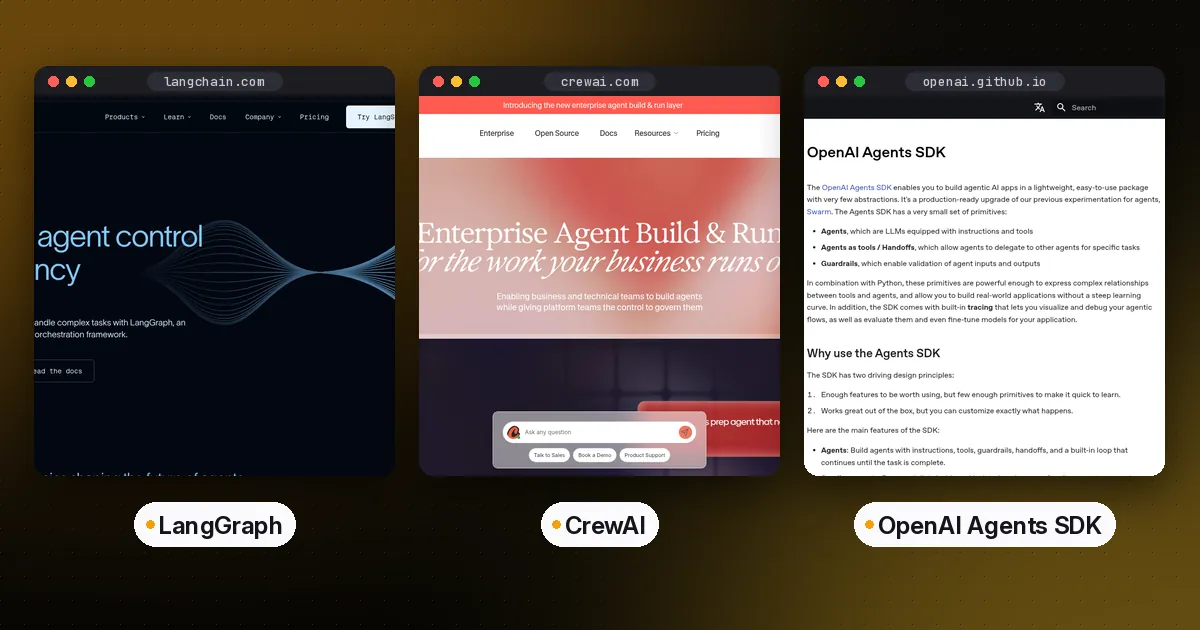
| LangGraph.js | @langchain/langgraph | MIT | Long-running, branching, stateful flows | State graph with checkpoints |
| OpenAI Agents SDK (JS) | @openai/agents | MIT | Small multi-agent systems with handoffs | Agents, tools, handoffs, guardrails |
| Google ADK (TS) | @google/adk | Apache-2.0 | Teams on Google Cloud and Gemini | Code-first agents and multi-agent trees |
In short: Mastra gives you the most built in. The Vercel AI SDK is the most flexible foundation and has the best UI streaming story. LangGraph.js gives you the most explicit control over state and flow. The OpenAI Agents SDK has the smallest API to learn. Google ADK fits best if you already deploy on Google Cloud.
Mastra: the batteries-included option
Mastra is a TypeScript framework from the team that built Gatsby. One install gives you agents, workflows, memory, retrieval (RAG), evals, observability and a local web UI called Studio. Start a project with npm create mastra@latest, then run the dev server and open Studio at localhost:4111 to chat with your agents and inspect each tool call.
Models are set with a plain string in provider/model format. Mastra's model router reads the matching API key from your environment, so you don't import a provider package. Tools are defined with createTool and a Zod input schema:
import { Agent } from '@mastra/core/agent'
import { createTool } from '@mastra/core/tools'
import { z } from 'zod'

const orderTool = createTool({
  id: 'get-order',
  description: 'Look up an order by id',
  inputSchema: z.object({ orderId: z.string() }),
  execute: async ({ orderId }) => ({ orderId, status: 'shipped' }),
})

export const supportAgent = new Agent({
  id: 'support-agent',
  name: 'Support Agent',
  instructions: 'Answer order questions. Use the get-order tool.',
  model: 'openai/gpt-5-mini',
  tools: { orderTool },
})
Register the agent on a Mastra instance, then call agent.generate() for a full response or agent.stream() to stream tokens. For steps you can predict in advance, Mastra workflows chain steps with .then(), .branch() and .parallel(). They can suspend and resume, which is how you add a human approval step. Mastra can also author MCP servers, so the tools you build are usable from other clients. See our guide on how to build an MCP server for the protocol side.
Pros: the most features in one package, a good local debugging UI, model routing across many providers, and workflows and agents that share one mental model.
Cons: a bigger surface to learn, and more opinions about project layout. Some enterprise features live in ee/ directories under a separate license, so check the license file before you rely on them.
Who it's for: teams building a standalone agent service or product who want memory, workflows and tracing without assembling them from separate libraries.
Vercel AI SDK: the flexible foundation
The Vercel AI SDK (npm package ai) started as a way to stream model output into React and Next.js apps. It now includes a first-class agent class. ToolLoopAgent runs the model, calls tools, feeds results back and stops when the model finishes or a stop condition you set is met. This is the pattern from the official agents docs:
import { ToolLoopAgent, tool } from 'ai'
import { z } from 'zod'

const supportAgent = new ToolLoopAgent({
  model: 'openai/gpt-5-mini',
  tools: {
    getOrder: tool({
      description: 'Look up an order by id',
      inputSchema: z.object({ orderId: z.string() }),
      execute: async ({ orderId }) => ({ orderId, status: 'shipped' }),
    }),
  },
})

const result = await supportAgent.generate({ prompt: 'Where is order 1042?' })
console.log(result.text)
Loop control comes from stopWhen and prepareStep. runtimeContext carries server-side state such as tenant settings through the loop, and toolsContext gives each tool only the secrets or permissions it needs. Two newer additions stand out. HarnessAgent runs an established coding harness such as Claude Code or Codex behind the same streaming interface. @ai-sdk/tui drops an agent into an interactive terminal UI with tool approval prompts.
Pros: small and composable, the strongest UI streaming support, many model providers, and you can drop down to generateText and streamText for full control.
Cons: no built-in workflow engine, memory store or dev studio. You add durable execution and persistence yourself, or pair it with a tool like Trigger.dev or Temporal.
Who it's for: web teams adding an agent to an existing Next.js, SvelteKit or Node app, especially when the agent's output streams into a chat or generative UI.
LangGraph.js: explicit control for complex flows
LangGraph is LangChain's low-level orchestration library, and the TypeScript port (@langchain/langgraph) mirrors the Python version. You define a typed state, add nodes as functions and connect them with normal or conditional edges. A checkpointer saves state after every step, so a graph can pause for human input, survive a crash and resume on the same thread. Interrupts are the standard way to add approval gates.
That explicitness is the point. When an agent must follow a process with branches, loops, retries and approvals, a graph is easier to reason about and test than a free-running loop. The trade-off is more code for simple cases. If all you need is "model plus tools," the Vercel AI SDK or OpenAI Agents SDK will get you there in fewer lines. Our LangGraph vs CrewAI vs OpenAI Agents SDK comparison covers the Python side in more depth, and the concepts carry over.
Pros: precise control over flow and state, durable checkpoints, human-in-the-loop interrupts, and the same concepts across Python and TypeScript.
Cons: more boilerplate, a steeper learning curve, and many examples are written for Python first.
Who it's for: teams building long-running or regulated workflows, and mixed Python and TypeScript teams that want one orchestration model.
OpenAI Agents SDK for TypeScript: minimal primitives
The OpenAI Agents SDK for JavaScript and TypeScript (npm install @openai/agents zod) keeps the API small: agents, tools, handoffs between agents, guardrails, sessions and built-in tracing. Despite the name it is provider-agnostic, though OpenAI models are the default. It runs on Node.js 22 or later, Deno and Bun, with experimental support for Cloudflare Workers.
import { Agent, run, tool } from '@openai/agents'
import { z } from 'zod'

const getOrder = tool({
  name: 'get_order',
  description: 'Look up an order by id',
  parameters: z.object({ orderId: z.string() }),
  execute: async ({ orderId }) => `Order ${orderId} has shipped.`,
})

const agent = new Agent({
  name: 'Support',
  instructions: 'Answer order questions using the get_order tool.',
  tools: [getOrder],
})

const result = await run(agent, 'Where is order 1042?')
console.log(result.finalOutput)
The JS SDK also includes realtime voice agents and sandbox agents that can work in an isolated environment. See the official repository for current capabilities. For sandbox options in general, see our E2B vs Daytona vs Modal comparison.
Pros: very little to learn, handoffs make multi-agent routing simple, tracing is on by default, and it runs on several JavaScript runtimes.
Cons: no graph-style workflow engine, and some hosted tools depend on OpenAI's platform. The package is still on a 0.x version, so expect API changes between releases.
Who it's for: developers who want a working multi-agent system fast, especially triage-and-specialist setups and voice agents.
Google ADK for TypeScript: built for Google Cloud
Google's Agent Development Kit has a TypeScript edition (@google/adk) next to its Python, Java and Go versions. It is code-first: you define agents, tools and multi-agent hierarchies in code, and it supports workflow agents for sequential, parallel and loop patterns. ADK is optimized for Gemini, but Google's docs describe it as model-agnostic and deployment-agnostic. It also has documented paths for deploying to Google Cloud, such as Cloud Run.
Pros: structured multi-agent patterns, a consistent model across four languages, and a direct route to managed deployment on Google Cloud.
Cons: the TypeScript community and example set are smaller than Mastra's or the Vercel AI SDK's, and the best experience assumes Gemini and Google Cloud.
Who it's for: teams already on Google Cloud, or organizations standardizing on one agent framework across several languages.
Other TypeScript options worth knowing
VoltAgent (@voltagent/core, MIT) is an open-source TypeScript agent framework with memory, workflows and MCP support, plus an optional VoltOps console for tracing. Start a project with npm create voltagent-app@latest, or see the VoltAgent repository. LlamaIndex has a TypeScript library focused on retrieval-heavy agents. If your agents mostly need tools from other systems, the Model Context Protocol works with all five frameworks above, so an MCP server you build once is reusable across them. Read MCP vs A2A to see how MCP relates to agent-to-agent protocols.
How to choose the best TypeScript agent framework
Work through these questions in order:
- Do you already have a web app? If yes, start with the Vercel AI SDK. It adds agents without changing your stack.
- Do you want memory, workflows and a dev UI out of the box? Choose Mastra.
- Does the process need explicit branches, durable state and approval gates? Choose LangGraph.js, or Mastra workflows if you prefer one framework.
- Is your system a triage agent handing off to specialists? The OpenAI Agents SDK makes that pattern the shortest to write.
- Are you deploying on Google Cloud, or standardizing across Python, Java, Go and TypeScript? Choose Google ADK.
Whichever you choose, keep tools as plain, well-typed functions with Zod schemas. Every framework here accepts Zod, so tool code moves between frameworks with small changes. If coding agents will work on the repository, add an AGENTS.md file so they follow your conventions.
FAQ
What is the best TypeScript agent framework in 2026?
For most teams it is Mastra or the Vercel AI SDK. Mastra is the better fit when you want an all-in-one framework with workflows, memory and a local studio. The Vercel AI SDK is the better fit when you are adding an agent to an existing web app and care about streaming into the UI.
Is Mastra built on the Vercel AI SDK?
Mastra has historically used the AI SDK's model layer and remains compatible with AI SDK providers, but it is now a separate framework with its own model router, agents, workflows and memory. You do not need to install AI SDK packages to use Mastra's provider/model model strings.
Can I use the OpenAI Agents SDK with non-OpenAI models?
Yes. The TypeScript SDK describes itself as provider-agnostic, and you can plug in other model providers. Some hosted tools are tied to OpenAI's platform, so check the docs for the specific tools you plan to use.
Should I use LangGraph.js or Mastra workflows?
Both give you explicit steps, branching and suspend-and-resume. LangGraph.js is the better choice if your team also uses LangGraph in Python or needs fine-grained control over state and checkpoints. Mastra workflows are the better choice if you want workflows, agents, memory and tracing in a single TypeScript framework.
Are these TypeScript agent frameworks free?
Yes. All five libraries are open source and free to use. Your costs come from model API usage and from any hosting, managed platform or cloud deployment you choose. Check each vendor's pricing page for those services.
Do TypeScript agent frameworks support MCP?
Yes. Mastra, the Vercel AI SDK, LangGraph.js (through LangChain's MCP adapters), the OpenAI Agents SDK and Google ADK can all use tools from MCP servers. That lets you write a tool server once and share it across frameworks and coding agents.