To use Tavily in LangChain, install the official langchain-tavily package, set TAVILY_API_KEY in your environment, create a TavilySearch tool, and pass it in the tools list of LangChain's create_agent. The model then decides when to search and can set the query, domains, time range and depth itself. The two habits that save the most trouble: pin search_depth and max_results when you create the tool, because those decide your credit bill and context size, and read the error dictionaries the tool returns instead of expecting exceptions.
That is the whole setup in four lines of code. The rest of this guide walks through each step, shows what we saw when we ran the package ourselves on October 30, 2026, and covers the other Tavily tools (Extract, Map, Crawl and Research) that ship in the same package. Everything here is checked against the LangChain Tavily integration docs, Tavily's own LangChain page and the langchain-tavily package on PyPI.
Step 1: Install the right package
pip install -U langchain langchain-tavilyThe current release is langchain-tavily 0.2.18, published April 16, 2026, and it needs Python 3.10 or newer. Use this package, not the older TavilySearchResults class from langchain_community. Tavily's docs mark the community tool as deprecated and say the new package is the one that gets updates and covers Search, Extract, Map, Crawl and Research.
You also need a chat model that supports tool calling. Any LangChain chat integration works; the examples below use init_chat_model, so swap in whichever provider you already pay for, or a local model if you followed our guide on using LangChain with Ollama.
Step 2: Set your Tavily API key
import os
os.environ.setdefault("TAVILY_API_KEY", "tvly-dev-...")
In a real project, put the key in your shell profile or a .env file instead of the source code. A free Tavily account comes with 1,000 credits a month, enough for a prototype. If you want the details on what the free plan and keyless mode cover, see our guide to whether the Tavily API is free. To point the same LangChain tools at a self hosted Tavily compatible server, pass api_base_url (Siftdog and Trawl both support it); see self hosted Tavily alternatives.
One thing we found in testing: the LangChain tools need a key even though Tavily's raw API now accepts some keyless calls. Creating TavilySearch() with no key set fails right away with a validation error that says it "Did not find tavily_api_key". That is a good thing in production, because the failure shows up when your app starts rather than in the middle of a user's request.
Step 3: Create the TavilySearch tool
from langchain_tavily import TavilySearch

search = TavilySearch(
    max_results=5,
    topic="general",
    search_depth="basic",
)

result = search.invoke({"query": "LangGraph checkpointer docs"})
for item in result["results"]:
    print(item["title"], item["url"])
Called directly, the tool returns a Python dictionary with the query, an optional answer, a list of results (title, URL, content snippet, score) and the response time. The tool's name inside an agent is tavily_search.
The settings split into two groups, and the split matters for cost and context size:
| Setting | Who can set it | Why it matters |
|---|---|---|
query | The model, on every call | The search itself |
search_depth, time_range, topic, include_domains, exclude_domains, include_images, start_date, end_date | You at creation, or the model per call | Depth changes credits; domains and dates change quality |
max_results, include_answer, include_raw_content, include_usage, auto_parameters, country, exact_match | Only you, at creation | These change response size and cost, so the model cannot touch them |
If the model tries to pass one of the creation only settings, the tool does not crash. In our test, a call with max_results=10 came back as an error dictionary explaining that the parameter "can only be set during instantiation".
Step 4: Add Tavily search to a LangChain agent
from datetime import date
from langchain.agents import create_agent
from langchain.chat_models import init_chat_model
from langchain_tavily import TavilySearch, TavilyExtract

model = init_chat_model("openai:gpt-5")  # any tool calling model

agent = create_agent(
    model,
    tools=[
        TavilySearch(max_results=5, search_depth="basic"),
        TavilyExtract(extract_depth="basic"),
    ],
    system_prompt=(
        f"Today is {date.today():%B %d, %Y}. "
        "Search the web for current facts and cite the URLs you used."
    ),
)

response = agent.invoke({
    "messages": [{"role": "user", "content": "What changed in the latest LangGraph release?"}]
})
print(response["messages"][-1].content)
create_agent builds a LangGraph agent loop for you: the model reads the question, emits a tavily_search tool call, LangChain runs the search, appends the result as a tool message, and the model either searches again or answers. Pairing Search with Extract is useful because search returns short snippets, and Extract lets the agent read the full page of the one result that looks right.
The date line in the system prompt is Tavily's own tip. Models do not know today's date, so without it an agent asked about "the latest release" may search for last year's.
We ran this loop with a scripted fake model standing in for a real one, so we could see the plumbing without paying for model calls. The fake model asked for tavily_search with a query and time_range of month, LangChain routed the call to the tool, and the result landed in the message list as a ToolMessage before the final answer. If you outgrow the prebuilt loop, our LangChain vs LangGraph guide explains when to write the graph yourself.
Pin the settings that cost credits
Tavily charges by credit. Per its credits documentation, a basic search costs 1 credit and an advanced search costs 2, while Extract costs 1 credit per 5 successful URLs at basic depth. An agent that picks advanced depth on every call spends twice as much as one that does not.
Here is the part the docs get wrong for the current version. Both the LangChain and Tavily pages say that if you set an argument when creating the tool and the model passes a different value, the model's value wins. In langchain-tavily 0.2.18 we saw the opposite. We created a tool with search_depth="basic" and include_domains=["docs.langchain.com"], then invoked it with search_depth="advanced" and a different domain. The request that reached the API wrapper used basic depth and the original domain. Settings you leave unset stay open: on a tool created without a depth, the model's advanced went through.
So in practice:
- To cap cost, set
search_depth="basic"and a smallmax_resultswhen you create the tool. The model cannot raise them. - To lock sources, set
include_domainsat creation. Good for a docs assistant that should only read your own site. - To let the model choose, leave a setting unset. Time range is a good one to leave open, since the model can tell when a question needs this week's news.
Because the docs and the code disagree, check this again after you upgrade. A quick test with a stubbed wrapper takes two minutes and tells you which behavior your version has.
How errors reach the agent
The Tavily tools set handle_tool_error=True, so failures come back as data instead of exceptions. With an invalid key, our agent's tool message contained an error reading "Error 401: Unauthorized: missing or invalid API key" and the loop kept going to the next model turn. That keeps a single bad call from crashing a long run, but it also means a broken key can fail quietly while the model makes up an answer without sources. Log tool messages that contain error, and alert on repeated 401s.
Empty results get special treatment too. When a search finds nothing, the tool returns a message with suggestions for the model, such as removing the time range or retrying with advanced depth. If you pinned basic depth, that second suggestion has no effect, which is what you want on a budget. The rest of the error codes (rate limits and out of credits) are covered in our Tavily free tier guide.
The other Tavily tools in langchain-tavily
The package ships six tools. Add only the ones your agent needs, since every extra tool adds text to the prompt and another way to spend credits.
| Tool | What it does | Typical use |
|---|---|---|
TavilySearch | Web search with snippets | Current facts with sources |
TavilyExtract | Full text from a list of URLs | Reading a page found by search |
TavilyMap | Lists URLs on a site | Planning what to read on a docs site |
TavilyCrawl | Map plus extract in one call | Indexing a docs site for RAG |
TavilyResearch | Starts a multistep research task | Long reports with citations |
TavilyGetResearch | Fetches a research result by id | Polling a task started earlier |
Research is the expensive one: the credits page lists 4 to 110 credits per request for the mini model and 15 to 250 for pro. Crawl is useful for building a knowledge base, and pairs well with the indexing step in our guide to building a RAG pipeline with LangGraph.
Using Tavily in LangChain.js
The JavaScript version lives in the @langchain/tavily package on npm, currently 1.2.0. It exposes the same six tools with camelCase options:
import { TavilySearch } from "@langchain/tavily";

const search = new TavilySearch({ maxResults: 5, searchDepth: "basic" });
const results = await search.invoke({ query: "LangGraph.js checkpointer" });
We did not test the JavaScript package, so check its parameter handling yourself before relying on the pinning behavior described above.
Tavily or another search tool?
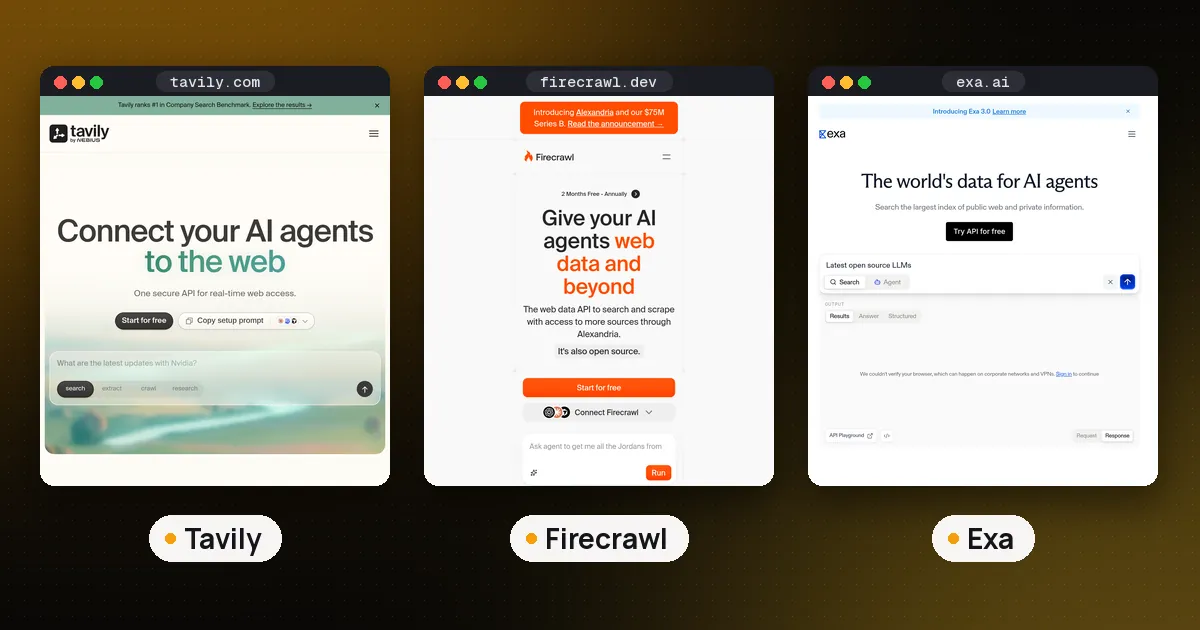
Tavily describes itself as LangChain's recommended search tool, and it is easy to wire in because the integration package covers every Tavily endpoint. If you need semantic search over a neural index, or heavy site scraping, compare it with Exa and Firecrawl in Tavily vs Exa vs Firecrawl. All three work as LangChain tools, and you can also reach them through MCP servers if your agent runs in a coding tool instead of Python. Browse the Tavily, LangChain and LangGraph pages for links and current versions.
FAQ
How do I use Tavily search in LangChain without an agent?
Create a TavilySearch tool and call invoke with a dictionary holding your query, as in Step 3. You get back a plain dictionary of results, which you can feed into a prompt or a retrieval chain yourself. This is handy for a fixed pipeline where you always want to search exactly once.
Is TavilySearchResults deprecated?
Yes. Tavily's documentation says the langchain_community Tavily tool is deprecated and recommends migrating to langchain-tavily. Replace TavilySearchResults with TavilySearch from the new package; the call shape is similar, but some option names differ, so check each setting you used.
Does langchain-tavily work with Tavily's keyless mode?
Not in version 0.2.18. The tools require TAVILY_API_KEY or a tavily_api_key argument and fail at creation without one. If you want keyless calls, use Tavily's own SDK or plain HTTP, or create a free key.
How do I stop the agent from running expensive searches?
Set search_depth="basic" and a low max_results when you create the tool, and leave out TavilyResearch unless you need it. In our test of version 0.2.18, values set at creation overrode what the model asked for. Also set a step limit on the agent so a confused model cannot search in a loop.
Can I use Tavily with LangGraph directly?
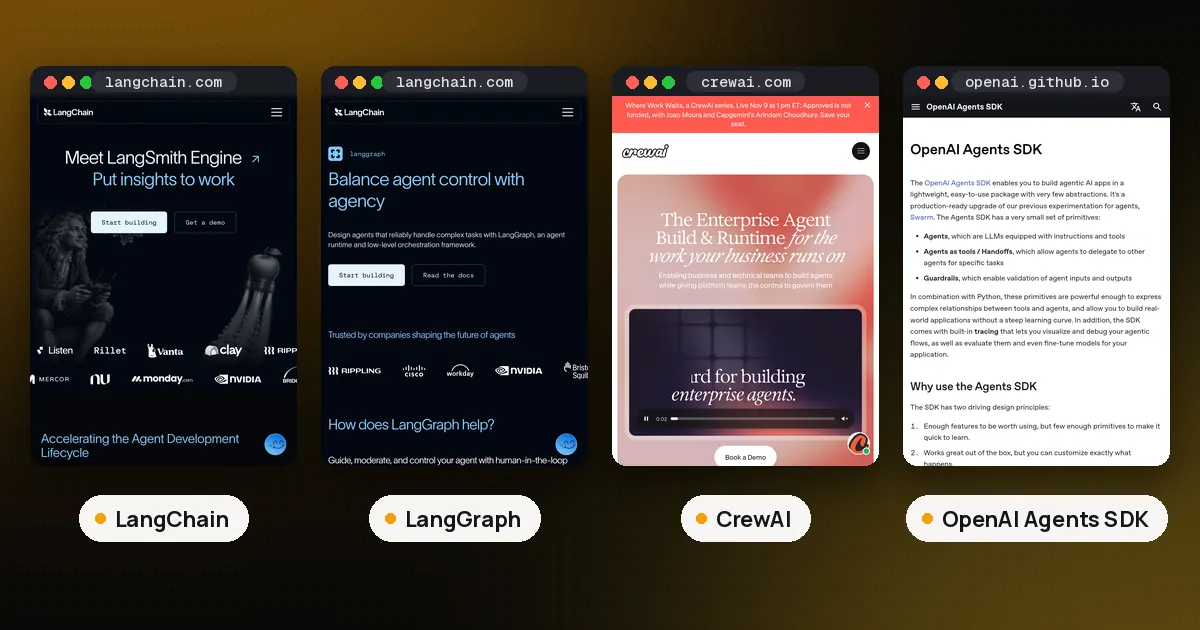
Yes. The Tavily tools are standard LangChain tools, so you can add them to a LangGraph ToolNode or call them inside any node. create_agent is itself built on LangGraph, so the same tool objects work either way.