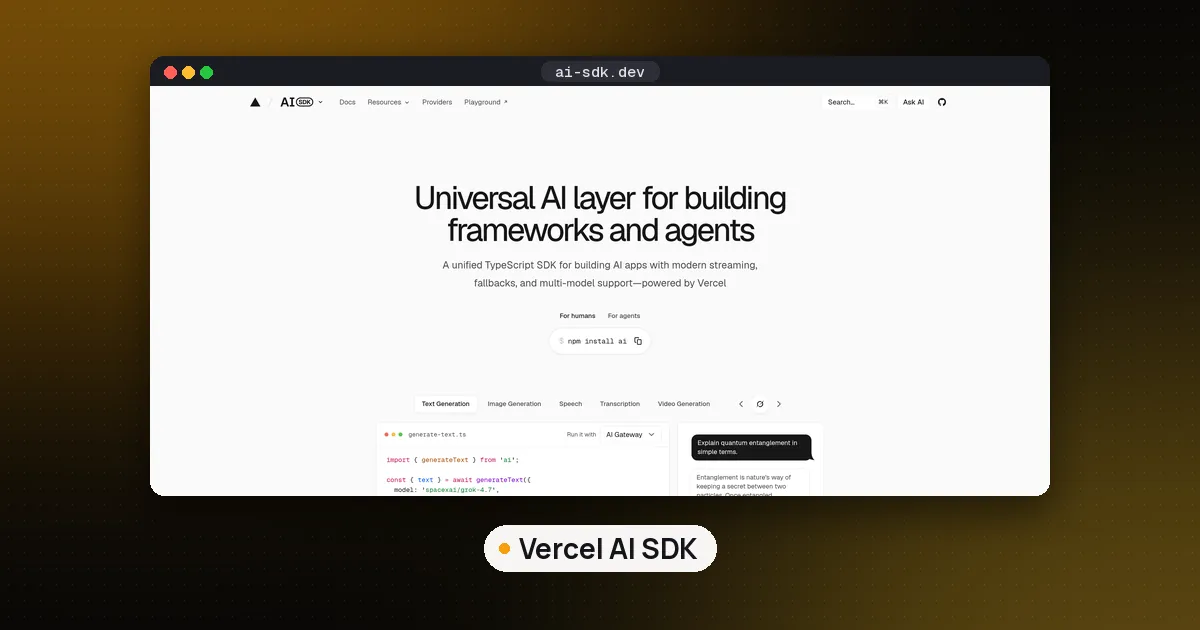
The Vercel AI SDK is a free, open source TypeScript library: the npm package ai, licensed under Apache 2.0. It gives you one API for calling models from OpenAI, Anthropic, Google, xAI and many other providers, React hooks for streaming chat, and a ToolLoopAgent class for building agents. The current major version, AI SDK 7, came out on June 25, 2026, and it needs Node.js 22 or newer and ESM imports. You do not have to host on Vercel: the SDK runs in any Node.js app, and only the optional AI Gateway is a paid Vercel service.
This guide shows how to build, stream, guard and test an agent with it. We checked everything against the official AI SDK docs and the npm registry on October 28, 2026, when the latest release was ai 7.0.155 (published October 27). We ran the quick start on 7.0.155 and the approval example on 7.0.153, both on Node.js 24 with the SDK's own mock model, so the code matches the version 7 API rather than older blog posts.
What the Vercel AI SDK is (and what it is not)
The Vercel AI SDK has three main parts, per its documentation:
- AI SDK Core: functions such as
generateTextandstreamText, structured output, tool calling, and theToolLoopAgentclass. This is the part you use on the server. - AI SDK UI: framework hooks such as
useChatfor React, plus versions for Vue, Svelte and Angular, that render streamed messages and tool calls. - AI SDK Harnesses:
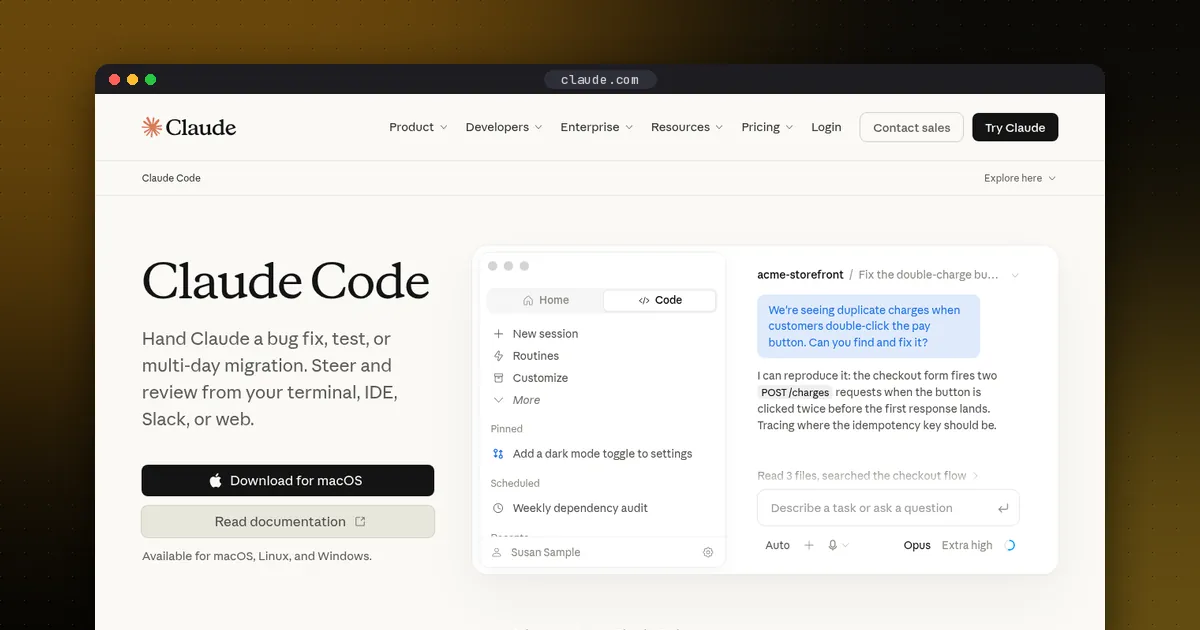
HarnessAgent, an experimental API for driving an existing coding agent such as Claude Code, Codex or Pi through the same streaming interface.
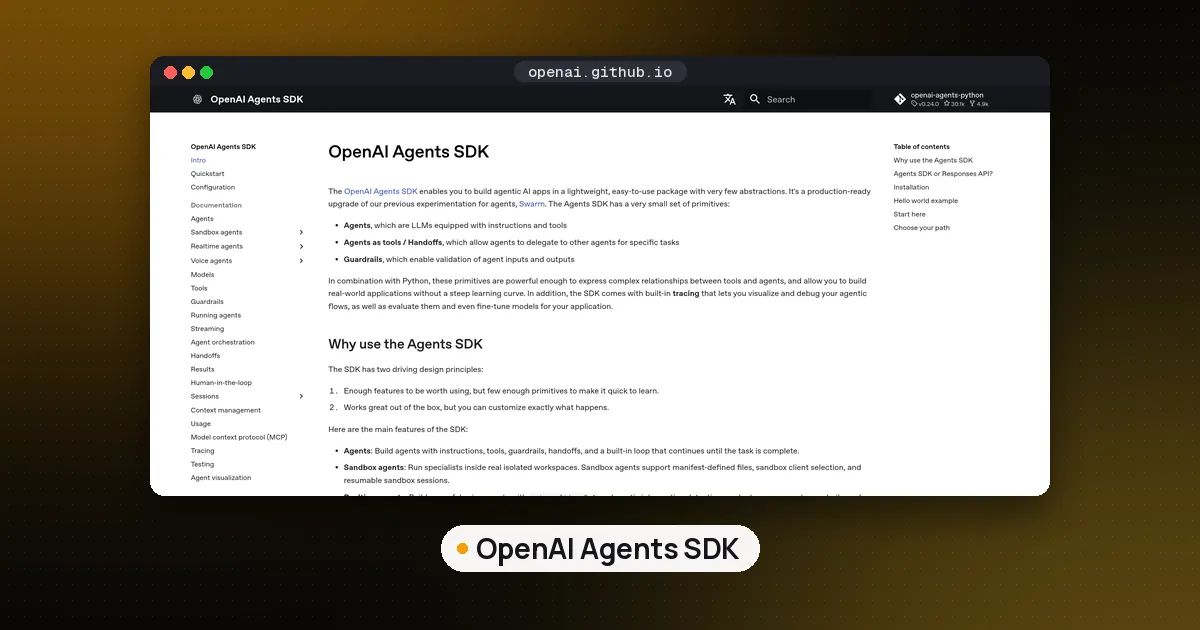
It is a library, not a hosted platform. It does not store conversations, run a vector database or give you a dashboard. That is the main difference from a full framework such as Mastra, which adds workflows, memory and a local studio on top. If you are still choosing between them, our best TypeScript agent frameworks roundup compares both with LangGraph.js, the OpenAI Agents SDK and Google ADK.
What's new in AI SDK 7
Vercel's AI SDK 7 changelog groups the release around building, running and observing agents. The changes that affect most code:
- Node.js 22 minimum and ESM only. CommonJS
require()no longer works. Set"type": "module"inpackage.jsonor use.mjsfiles. The migration guide says the SDK is tested on Node.js 22, 24 and 26. - Renames.
stepCountIsbecameisStepCount(the old name still works as an alias), and the agent'ssystemoption becameinstructions(systemis kept as a deprecated fallback). - Tool approvals. A
toolApprovalsetting on the agent pauses a tool call until a person approves it. - Durable agents.
WorkflowAgentin@ai-sdk/workflowruns the same loop inside a workflow, so state survives restarts. - Telemetry. OpenTelemetry moved to a separate
@ai-sdk/otelpackage, with lifecycle callbacks and per step timing. - A terminal UI.
@ai-sdk/tuiruns an agent in an interactive terminal with tool approval prompts.
To upgrade an existing project, run the official codemod with npx @ai-sdk/codemod v7, then work through the migration guide for the changes it cannot automate.
Quick start: an agent in about ten lines
Install the SDK and Zod (for tool schemas) in a project with "type": "module" in package.json:
npm install ai zodimport { ToolLoopAgent, tool, isStepCount } from 'ai';
import { z } from 'zod';
const agent = new ToolLoopAgent({
model: 'openai/gpt-5.5',
instructions: 'Answer weather questions with the getWeather tool.',
tools: { getWeather: tool({ description: 'Current weather for a city',
inputSchema: z.object({ city: z.string() }),
execute: async ({ city }) => ({ city, tempC: 21, sky: 'sunny' }) }) },
stopWhen: isStepCount(5),
});
console.log((await agent.generate({ prompt: 'Weather in Lisbon?' })).text);With a scripted mock model in place of the real one, this ran in two steps on ai 7.0.155: one getWeather call, then the final answer. Node.js 22 is the minimum, but the migration guide notes that Node.js 22 reached end of maintenance on April 30, 2026 and recommends Node.js 24 LTS or 26 for production.
Pick a model provider
You have two ways to reach a model. The first is a plain model string such as 'openai/gpt-5.5' or 'anthropic/claude-sonnet-5.5'. By default, strings go through Vercel's AI Gateway, which needs an AI_GATEWAY_API_KEY environment variable and bills you through Gateway credits. The second is a provider package that calls the vendor's API directly with your own key: @ai-sdk/openai, @ai-sdk/anthropic, @ai-sdk/google, @ai-sdk/xai, or @ai-sdk/fireworks for open models hosted on Fireworks AI. Other hosts have packages too, such as @ai-sdk/togetherai for Together AI and @ai-sdk/baseten for Baseten. For image models, @ai-sdk/replicate calls Replicate directly; the AI SDK docs note that the AI Gateway does not route requests to Replicate, so that one needs your own Replicate key. Both forms plug into the same model field, so switching providers is a one line change.
import { openai } from '@ai-sdk/openai';

const model = openai('gpt-5.6-terra'); // reads OPENAI_API_KEY
If you already route traffic through a self hosted proxy, the LLM gateway vs OpenRouter guide explains where the AI Gateway sits next to LiteLLM and OpenRouter.
Vercel AI SDK tutorial: your first agent with ToolLoopAgent
An agent in the AI SDK is a model, a set of tools and a loop. ToolLoopAgent calls the model, runs any tool it asks for, sends the result back and repeats until the model answers in plain text or a stop condition is met. The default stop condition is 20 steps.
import { ToolLoopAgent, tool, isStepCount } from 'ai';
import { z } from 'zod';

export const supportAgent = new ToolLoopAgent({
  model: 'anthropic/claude-sonnet-5.5',
  instructions: 'Answer support questions. Search the docs before you answer.',
  tools: {
    searchDocs: tool({
      description: 'Search the help center',
      inputSchema: z.object({ query: z.string() }),
      execute: async ({ query }) => searchHelpCenter(query), // your own search
    }),
  },
  stopWhen: isStepCount(5),
});

const result = await supportAgent.generate({ prompt: 'Can I get a refund?' });
console.log(result.text);
console.log(result.steps.length);
inputSchema is a Zod schema, so the model's arguments are validated before your execute function runs. result.steps lists every model call and tool call, which is the first place to look when an agent loops or picks the wrong tool. A low stopWhen limit is cheap insurance against runaway token bills while you test.
Test it without spending tokens
The SDK ships a mock model in ai/test. MockLanguageModelV4 takes a list of canned responses, so you can script "call the tool, then answer" and assert on result.steps. That is how we ran the quick start above, and it makes the agent loop testable in CI with no API key.
Stream the agent into a Next.js chat
For a chat interface, expose the agent from an API route and let useChat render the stream:
// app/api/chat/route.ts
import { createAgentUIStreamResponse } from 'ai';
import { supportAgent } from '@/agent/support-agent';

export async function POST(request: Request) {
  const { messages } = await request.json();
  return createAgentUIStreamResponse({ agent: supportAgent, uiMessages: messages });
}
On the client, useChat from @ai-sdk/react posts to /api/chat by default and returns messages and sendMessage. Each message has a parts array, so text, reasoning and tool calls arrive as separate parts that you can render differently, for example a card for each tool call.
Require approval before risky tools
Anything that spends money, sends email or deletes data should wait for a person. In AI SDK 7 you set that on the agent:
const opsAgent = new ToolLoopAgent({
  model: 'anthropic/claude-sonnet-5.5',
  tools: { issueRefund },
  toolApproval: { issueRefund: 'user-approval' },
});
When we ran this against the mock model, the refund tool never executed. The result ended with a tool-approval-request part instead, which your UI shows as an approve or deny prompt before the loop continues. On serverless hosts, where the approval may land on a different instance, the docs recommend a shared signing secret through experimental_toolApprovalSecret so forged approvals are rejected. Our agent harness explainer covers why approvals belong in the harness layer rather than the prompt.
Connect MCP tools
The @ai-sdk/mcp package turns any Model Context Protocol server into AI SDK tools (new to MCP? start with what is MCP):
import { createMCPClient } from '@ai-sdk/mcp';

const mcp = await createMCPClient({
  transport: { type: 'http', url: 'https://your-server.example/mcp' },
});
const tools = await mcp.tools();
// pass tools to ToolLoopAgent or streamText, then: await mcp.close();
Per the MCP tools docs, HTTP is the recommended transport for production and stdio is for local servers only. The client supports the stateless MCP 2026-07-28 spec as well as older servers. Two safety notes from the same page: tool annotations such as readOnlyHint come from the server and are untrusted, so pair them with your own approval policy, and fingerprintTools with detectToolDrift can catch a server that quietly changes a tool's description after you approved it. To write your own server, follow how to build an MCP server in Python.
Durable agents and existing harnesses
ToolLoopAgent runs in memory, so a crash or a redeploy loses the loop. WorkflowAgent from @ai-sdk/workflow keeps the same agent shape but runs each tool call as a durable workflow step with retries, and approvals can pause the run for hours and resume later. Use it for long jobs such as research or back office tasks. For coding work, HarnessAgent lets you drive Claude Code, Codex or Pi inside a sandbox while your UI keeps using the same AI SDK stream. Vercel marks the harness packages experimental, so expect breaking changes between releases.
Is the Vercel AI SDK free? Costs to plan for
The SDK itself costs nothing. Your bill comes from the models:
- Direct provider keys: you pay each provider's list price on your own account.
- AI Gateway: per Vercel's AI Gateway pricing, there is no markup and no platform fee on tokens. Every team gets a free tier with $5 of credit a month, a subset of models and lower rate limits; buying credits moves you to the paid tier. Optional extras such as team wide zero data retention and trace drains are billed separately.
- Hosting: the route that runs your agent costs whatever your host charges. Long agent loops can hit function time limits, which is one more reason to set
stopWhenor move long jobs toWorkflowAgent.
AI SDK vs LangChain.js vs Mastra
These three come up together most often. The short version: the AI SDK is the model and UI layer, LangChain.js is a large integrations library with LangGraph.js for explicit graphs, and Mastra is a fuller framework with workflows and memory included.
| Item | Vercel AI SDK | LangChain.js | Mastra |
|---|---|---|---|
| What it is | Library for model calls, tools, agents and streaming UI | Library of chains, agents and integrations, plus LangGraph.js | Framework with agents, workflows, memory, RAG and evals |
| License | Apache 2.0 | MIT | Apache 2.0, with an ee/ folder under an enterprise license |
| Chat UI hooks | Yes (useChat for React, Vue, Svelte, Angular) | useStream for React in @langchain/langgraph-sdk | Works with AI SDK UI through @mastra/ai-sdk |
| Memory and storage | Bring your own | Bring your own, checkpointers in LangGraph.js | Built in |
| Best fit | A Next.js or Node.js app that needs an agent and a streaming UI | Teams already using LangChain in Python, or needing a specific integration | Teams that want structure and a local studio from day one |
Our best TypeScript agent frameworks roundup compares them in more depth, alongside the OpenAI Agents SDK and Google ADK. A few other cases:
- You need explicit branching, loops and checkpoints: LangGraph (LangGraph.js on TypeScript).
- You want the smallest API with handoffs between agents: the OpenAI Agents SDK.
- Your team writes Python: see the best AI agent framework for Python.
For a web app that already runs on Next.js or Node.js, the AI SDK is usually the shortest path from a model call to a working agent with a streaming UI.
FAQ
Is the Vercel AI SDK free?
Yes. The ai package and its provider packages are open source under Apache 2.0 and free to use in commercial projects. You pay for model usage, either directly to each provider or through Vercel's AI Gateway, which charges list price with no token markup.
Do I need to deploy on Vercel to use the AI SDK?
No. It runs anywhere Node.js 22 or newer runs, including other clouds, containers and your laptop. Only the AI Gateway and Vercel's workflow and sandbox services are tied to a Vercel account, and all of them are optional.
Does the Vercel AI SDK work with Python?
No. It is a TypeScript and JavaScript library. A Python backend can still stream into an AI SDK UI if it speaks the SDK's stream protocol, but for agent logic in Python use a Python framework such as Pydantic AI, LangGraph or the OpenAI Agents SDK.
How do I upgrade from AI SDK 6 to 7?
Version 7 requires Node.js 22 and ESM, renames stepCountIs to isStepCount and system to instructions, adds toolApproval, WorkflowAgent, HarnessAgent and a terminal UI, and moves OpenTelemetry into @ai-sdk/otel. Update Node.js first, bump ai and every @ai-sdk/* package, then run npx @ai-sdk/codemod v7 and review the semantic changes the codemods cannot decide.
Which model providers does the AI SDK support?
The official provider list includes OpenAI, Azure OpenAI, Anthropic, Amazon Bedrock, Google, Google Vertex, xAI, Mistral, Groq, DeepSeek, Cerebras, Fireworks, Together AI, Cohere and Baseten, plus speech providers such as ElevenLabs and Deepgram. Community packages add Ollama, OpenRouter and others, and any OpenAI compatible endpoint works through @ai-sdk/openai-compatible.
Can the Vercel AI SDK use MCP servers?
Yes. createMCPClient from @ai-sdk/mcp connects over HTTP, SSE or stdio and converts the server's tools into AI SDK tools that any agent or streamText call can use.