To build an AI agent from scratch, you need three things: a model API that supports tool calling, a few Python functions the model is allowed to call, and a loop. The loop sends the conversation and the tool definitions to the model, runs any tool calls that come back, appends the results, and repeats until the model answers in plain text or a step limit is hit. Everything else (approvals, memory, sandboxing) is a layer on that loop.
This guide builds a complete agent in plain Python with no framework: a file assistant that lists, reads and writes files in one folder, asks before writing, recovers from its own mistakes, stops after a fixed number of steps and remembers earlier turns, in about 125 lines. It was run on October 16, 2026 with the openai Python SDK 3.32.0 (Python 3.10 or newer) against a local test server that replays the API's response format, so the loop, error handling, approval prompt, step cap and memory file were all exercised. Real model output was not part of that test.
What you build when you build an AI agent from scratch
Anthropic's widely cited post Building effective agents separates two things people both call agents. Workflows run models and tools along code paths you wrote in advance. Agents let the model direct its own process and decide which tools to use. Its short description of an agent is "LLMs using tools based on environmental feedback in a loop", and it recommends that developers start with model APIs directly, because many patterns take only a few lines of code.
OpenAI's function calling guide describes the same cycle in five steps: send a request with tools, receive a tool call, run your code, send the output back, and receive a final answer or more tool calls. An agent is that cycle in a for loop. Write it once yourself and, when an agent misbehaves, you will know exactly what the model was sent and what your code sent back.
Step 1: Choose your model API
This guide uses OpenAI's Responses API through the official SDK. OpenAI's guide says its newest models, GPT-6 Astra and GPT-6.1 Sol, require the Responses API for tool calling, so older Chat Completions code would not reach them. Ollama's local server implements the same endpoint, so one program runs on a cloud model or on your own machine.
Install the SDK:
pip install openai
export OPENAI_API_KEY=sk-...
The SDK reads OPENAI_API_KEY and OPENAI_BASE_URL from the environment, which is how you will point the same code at Ollama later.
Step 2: Define tools the model can call
A tool is a Python function plus a JSON Schema describing its name, purpose and arguments. The model never runs your code; it returns a request naming the tool and arguments, and your loop decides whether to run it. This decorator registers both in one place:
import json
import os
import pathlib

from openai import OpenAI

client = OpenAI()  # reads OPENAI_API_KEY and OPENAI_BASE_URL from the environment
MODEL = os.environ.get("AGENT_MODEL", "gpt-6-astra")
WORKDIR = pathlib.Path(os.environ.get("AGENT_WORKDIR", "workspace")).resolve()
WORKDIR.mkdir(exist_ok=True)

INSTRUCTIONS = """You are a careful file assistant working inside one folder.
Use the tools to look before you answer. Never guess file contents.
When the task is done, reply with a short summary of what you did."""

TOOLS = {}


def tool(name, description, properties):
    """Register a Python function as a tool the model can call."""
    def register(fn):
        TOOLS[name] = {
            "fn": fn,
            "schema": {
                "type": "function",
                "name": name,
                "description": description,
                "strict": True,
                "parameters": {
                    "type": "object",
                    "properties": properties,
                    "required": list(properties),
                    "additionalProperties": False,
                },
            },
        }
        return fn
    return register
OpenAI recommends always enabling strict mode, which makes tool calls follow your schema reliably instead of best effort. It requires every property to be required and additionalProperties to be false, which the decorator handles. The model string gpt-6-astra comes from OpenAI's own example; set AGENT_MODEL to any model you can use.
Now the three tools. Every path goes through safe_path, so the model cannot touch anything outside the workspace folder, even if it asks for ../something:
def safe_path(rel):
    path = (WORKDIR / rel).resolve()
    if not path.is_relative_to(WORKDIR):
        raise ValueError(f"{rel} is outside the workspace")
    return path


@tool("list_files", "List every file in the workspace as relative paths.", {})
def list_files():
    files = [str(p.relative_to(WORKDIR)) for p in sorted(WORKDIR.rglob("*")) if p.is_file()]
    return "\n".join(files) or "(the workspace is empty)"


@tool("read_file", "Read a UTF-8 text file from the workspace.", {
    "path": {"type": "string", "description": "Path relative to the workspace, e.g. notes/todo.md"},
})
def read_file(path):
    return safe_path(path).read_text(encoding="utf-8")[:20_000]


@tool("write_file", "Create or overwrite a text file in the workspace. The user must approve it.", {
    "path": {"type": "string", "description": "Path relative to the workspace"},
    "content": {"type": "string", "description": "The complete new contents of the file"},
})
def write_file(path, content):
    target = safe_path(path)
    answer = input(f"\nAllow writing {len(content)} characters to {path}? [y/N] ")
    if answer.strip().lower() != "y":
        return "The user declined this write. Do not retry it."
    target.parent.mkdir(parents=True, exist_ok=True)
    target.write_text(content, encoding="utf-8")
    return f"Wrote {len(content)} characters to {path}"
The read tool caps output at 20,000 characters so one big file cannot flood the context. The write tool, the only one that changes anything, asks a human first: the simplest form of the checkpoints Anthropic recommends. Spend real effort on descriptions, too. Anthropic says that building its SWE-bench coding agent, it spent more time optimizing tools than the overall prompt.
Step 3: Write the agent loop
This is the whole agent:
def run_tool(call):
    entry = TOOLS.get(call.name)
    if entry is None:
        return f"Error: there is no tool called {call.name}."
    try:
        args = json.loads(call.arguments or "{}")
        return str(entry["fn"](**args))
    except Exception as exc:  # hand the error back so the model can recover
        return f"Error: {type(exc).__name__}: {exc}"


def run_agent(task, history, max_steps=15):
    history.append({"role": "user", "content": task})
    for _ in range(max_steps):
        response = client.responses.create(
            model=MODEL,
            instructions=INSTRUCTIONS,
            tools=[t["schema"] for t in TOOLS.values()],
            input=history,
        )
        history += response.output  # keeps tool calls (and reasoning items) in context
        calls = [item for item in response.output if item.type == "function_call"]
        if not calls:
            return response.output_text
        for call in calls:
            print(f"  -> {call.name}({call.arguments})")
            history.append({
                "type": "function_call_output",
                "call_id": call.call_id,
                "output": run_tool(call),
            })
    return f"Stopped after {max_steps} steps without finishing."
Each part has a job:
- The history list is working memory. The model is stateless, so every request resends the task, each tool call and each result.
history += response.outputcomes first. OpenAI's guide says reasoning models' reasoning items must be passed back with tool outputs; appending the whole output handles that.- Results are matched by
call_id. One response can hold several tool calls (turn that off withparallel_tool_calls=False). - Errors become tool results, not crashes. In testing, a call to a tool that doesn't exist, arguments that weren't JSON and an attempt to read
../etc/passwdeach returned an error string to the model, and the loop carried on. - The step cap is your stopping condition. Anthropic suggests a maximum number of iterations as a guardrail. Fifteen steps suits small file tasks; raise it for longer jobs.
Step 4: Add memory between turns
The last piece is a chat loop that remembers earlier turns, even after you restart the program:
MEMORY = pathlib.Path("memory.json")


def load_memory():
    return json.loads(MEMORY.read_text()) if MEMORY.exists() else []


def save_turn(memory, task, answer, keep=20):
    memory += [{"role": "user", "content": task}, {"role": "assistant", "content": answer}]
    del memory[:-keep]
    MEMORY.write_text(json.dumps(memory, indent=2))


if __name__ == "__main__":
    memory = load_memory()
    while True:
        task = input("\nYou: ").strip()
        if task in {"", "exit", "quit"}:
            break
        answer = run_agent(task, history=list(memory))
        print("Agent:", answer)
        save_turn(memory, task, answer)
This saves only your requests and the agent's final answers, not every tool call. The file stays small and the last 20 messages fit easily in context, but the agent must reread a file in a new turn. For long term memory across many sessions or users, see our guide to AI agent memory with Mem0, Letta and Zep.
Save the three blocks as agent.py, put a file in workspace, and run python agent.py. Each tool call prints as it happens, and nothing is written without your yes.
Build an AI agent locally with Ollama
To run the same agent on your own machine, install Ollama, pull a tool calling model and set three environment variables. Ollama's OpenAI compatibility page says its local server supports the Responses API (since v0.13.3) with function tools, and that the client needs an API key value Ollama ignores:
ollama pull qwen3:8b
export OPENAI_BASE_URL=http://localhost:11434/v1/
export OPENAI_API_KEY=ollama
export AGENT_MODEL=qwen3:8b
python agent.py- Only the stateless Responses API is supported. That's fine: this agent resends its history every time.
- Pick a model with tool support. Ollama's model search has a tools filter. Small local models make more tool calling mistakes, which is when
run_tool's error handling earns its keep. - Context size is set on the model. The OpenAI API can't set it, so create a model with a larger
num_ctxin a Modelfile. Our guide on using LangChain with Ollama explains why agents need more context than the defaults.
Make it safe enough to leave running
The approval prompt and folder check are a start, not a security model:
- Keep tools narrow. Anything that deletes, sends or spends should need a human yes, or not exist.
- Treat tool output as untrusted. A file or web page can contain instructions the model may follow.
- Sandbox code execution. Run shell or Python tools in an isolated environment; our comparison of E2B, Daytona and Modal covers the options.
- Log every call. The
printin the loop is the seed of a trace.
Add tools with MCP instead of writing them all
You don't have to hand write every tool. The Model Context Protocol is a standard way to expose tools from a separate server process. An MCP client in your program can list a server's tools, convert their schemas into the same function entries used above, and forward the model's calls to the server. Our guide on how to build an MCP server in Python shows the server side, and MCP server vs API explains when that indirection is worth it.
When to switch to an agent framework
Switch when you start rebuilding plumbing: durable state that survives crashes, approvals that pause for hours, streaming, tracing, or agents handing work to each other. Good next steps:
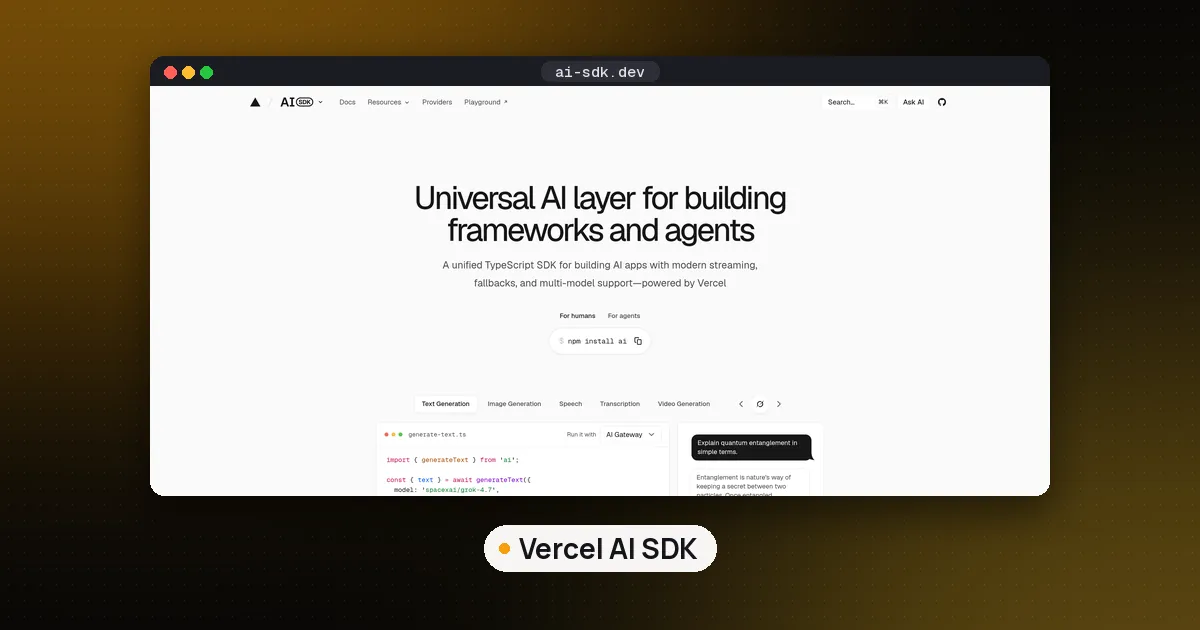
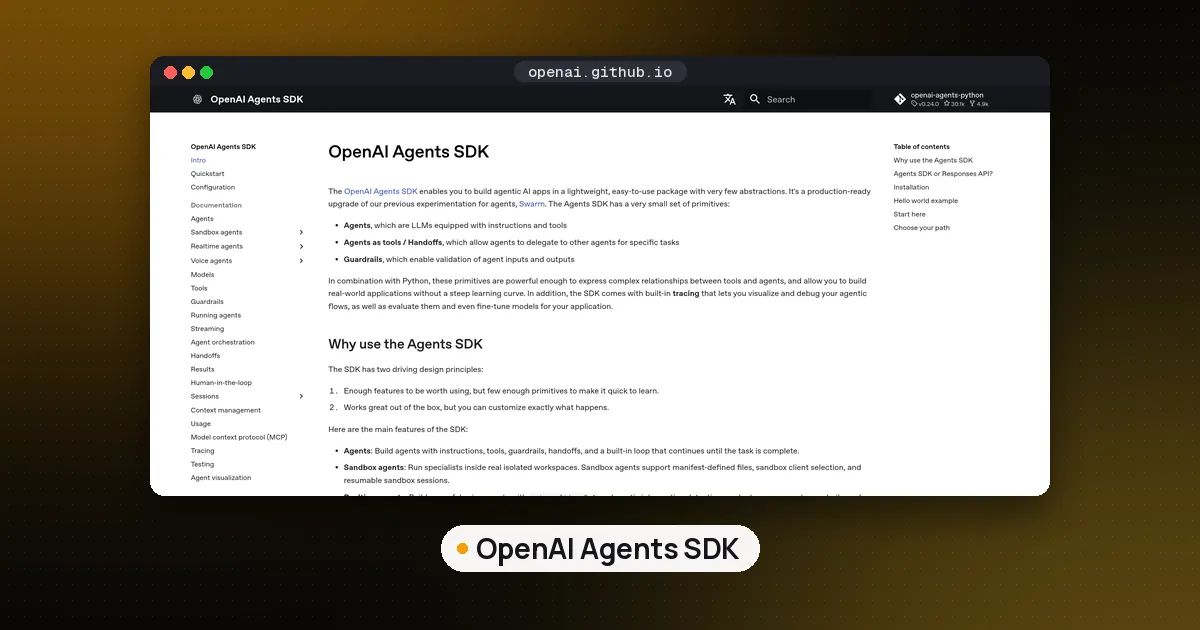
- OpenAI Agents SDK packages this loop with handoffs, guardrails and tracing; its documentation maps closely onto what you wrote.
- LangGraph makes each step a graph node with checkpointing, for long running or branching agents; see our LangGraph RAG pipeline tutorial.
- Pydantic AI and smolagents stay close to plain Python.
- CrewAI and LlamaIndex suit role based crews and document heavy agents. AutoGen appears in older tutorials, but Microsoft now points new projects to Microsoft Agent Framework.
Compare them in best AI agent framework for Python and LangGraph vs CrewAI vs OpenAI Agents SDK. If you grow this code into your own framework, you are building a harness; see what an agent harness is. For the full list of libraries, browse our AI agent frameworks directory.
FAQ
Can I build an AI agent without a framework?
Yes. An agent is a model that can call tools plus a loop that runs the calls and feeds back results. This guide's example is about 125 lines using only the provider's SDK. Frameworks add durability and tracing, but aren't required.
What programming language is best for building an AI agent from scratch?
Python has the most examples and SDK support, but the loop works in any language that can make HTTP requests and parse JSON. For JavaScript, see our roundup of TypeScript AI agent frameworks.
How do I build an AI agent locally for free?
Run a tool calling model with Ollama and set the base URL to its local server, as shown above. Ollama and open models are free to download; your cost is your own hardware.
How do I stop an agent from looping forever?
Give the loop a hard step limit, as max_steps does, and make tool results say when something should not be retried, as the declined write message does.
Do I need a vector database to build an AI agent?
No. It helps when the agent must search many documents, and you can add one later as another tool; see how to use the Qdrant vector database or compare the options in our vector databases directory.