Docker Agent is Docker's open-source runtime for building and running AI agents from a config file instead of code. You describe each agent in YAML (or HCL): its model, its instructions, its tools and which other agents it can delegate to. Then docker agent run agent.yaml starts it in a terminal UI. The same project was called cagent in earlier Docker Desktop versions, and it's Apache-2.0 licensed on GitHub.
This guide explains what Docker Agent actually does, how to install it and write a first config, how it handles tools, MCP and multi-agent teams, the safety controls you should know about, and how it compares with code-first frameworks. Facts are checked against Docker's documentation and the v1.149.0 release (October 7, 2026).
What is Docker Agent?
Docker's official Docker Agent page describes it as a framework for building teams of specialized agents that collaborate, run from your terminal with any LLM provider. In practice it is three things in one binary:
- A runtime. It runs the agent loop for you: send the prompt to the model, execute the tool calls, feed results back, repeat.
- A declarative config format. Agents, models, tools and delegation rules live in a versionable YAML or HCL file. There is no Python or TypeScript glue code to write.
- A distribution format. Agent configs can be pushed to and pulled from any OCI registry, such as Docker Hub or GitHub Container Registry, the same way container images are.
It ships as a docker CLI plugin, so you run it as docker agent, but it also works as a standalone docker-agent binary. It isn't Gordon, Docker's built-in assistant (docker ai); Docker's docs draw that line explicitly.
Is cagent the same as Docker Agent?
Yes. Docker's docs say the feature was called cagent in Docker Desktop 4.49 through 4.62, and it ships as Docker Agent from Docker Desktop 4.63 onward. The old github.com/docker/cagent URL now redirects to docker/docker-agent. Older tutorials that mention cagent describe the same tool under its former name.
How a Docker Agent config works
Every config has a root agent, the one that receives your messages. In a single-agent setup it's the only one. In a team, it acts as the coordinator. A small two-agent team looks like this:
agents:
  root:
    model: anthropic/claude-sonnet-4-5
    description: Bug investigator
    instruction: |
      Find the root cause of the error the user pastes.
      Hand the fix to the fixer agent.
    sub_agents: [fixer]
    toolsets:
      - type: filesystem
      - type: think

  fixer:
    model: openai/gpt-5-mini
    description: Writes minimal, tested fixes
    instruction: Make the smallest change that fixes the bug and add a test.
    toolsets:
      - type: filesystem
      - type: shell
The key fields, per the agents reference:
modeluses aprovider/modelreference. Built-in providers include OpenAI, Anthropic, Google Gemini, AWS Bedrock, Mistral, xAI, OpenRouter, Docker Model Runner (dmr) and local OpenAI-compatible servers such as Ollama.descriptionis what other agents read when deciding whom to delegate to, so write it for them.instructionis the system prompt.toolsetslists built-in tools and MCP servers.sub_agentsnames the agents this one can hand work to.- Optional extras include
fallbackmodels (with retries and a cooldown after rate limits),max_iterationsto cap tool loops, namedcommandsyou can call as/name, andskillsto load SKILL.md skills (see our agent skills guide).
Each agent has its own model and its own context. Agents don't share knowledge automatically; the parent passes a task description and gets a result back.
How to install and run Docker Agent
- Install it. Docker Desktop 4.63 and later include it. Run
docker agent versionto check. Without Desktop, usebrew install docker-agent,winget install Docker.Agent, or a binary from the releases page. Copy the binary into~/.docker/cli-pluginsif you want thedocker agentform. - Give it a model. Export a provider key such as
ANTHROPIC_API_KEYorOPENAI_API_KEY. To avoid API costs, point the config at a local model through Docker Model Runner or Ollama instead. - Run something.
docker agent runwith no file starts a built-in general assistant (or adocker-agent.yamlin the current folder, if there is one).docker agent newbuilds a config through an interactive wizard.docker agent run agent.yamlruns your own. - Go headless when you need to.
docker agent run --exec agent.yaml "Create a Dockerfile for a Node.js app"runs one task and exits, and you can pipe a log file into it.
The quick start also has a scripted tour you can start with docker agent getting-started.
Tools and MCP in Docker Agent
Built-in toolsets cover the usual building blocks: filesystem, shell, think, todo, memory (backed by a local database file), fetch, RAG with BM25, embedding or hybrid search, and task delegation. Side-effecting tools such as shell commands and file writes ask for confirmation by default.
For everything else there's the Model Context Protocol. Docker Agent connects to MCP servers in three ways:
- Docker MCP, the recommended path:
ref: docker:duckduckgoruns a server from Docker's MCP catalog in a container through the MCP Gateway. This needs Docker Desktop. - Local stdio servers started as subprocesses, such as one you wrote yourself with our Python MCP server tutorial.
- Remote servers over Streamable HTTP or SSE.
A newer mcp_catalog toolset lets the agent search and switch on servers from a curated catalog subset during a run, with allow and block lists, so the prompt isn't flooded with tool definitions it never uses. Docker Agent also has a Code Mode feature; our Code Mode explainer covers why that pattern saves tokens.
Multi-agent teams, handoffs and coding harnesses
Docker Agent supports two team patterns, described on its multi-agent page:
- Delegation (
sub_agents). The parent calls a built-intransfer_tasktool with a task and the expected output. The child works in its own sub-session and returns a result, and the parent continues. Delegation is auto-approved. - Handoffs (
handoffs). The whole conversation moves to another agent, which sees the full history. Agents can form loops, which suits pipelines and routing.
There are also background agents for independent tasks that can run at the same time.
The most interesting addition for coding work is harnesses. An agent with a harness: block hands its work to an external coding CLI instead of calling a model API: Claude Code, Codex, opencode or pi. The harness docs frame it as letting the CLI drive the coding loop while Docker Agent adds orchestration, hooks, permissions and distribution. So a planner agent could split a job and pass the coding pieces to Claude Code or Codex. The CLI must be installed and on your PATH, and Claude Code must be logged in. If you're choosing between those CLIs, see our Claude Code vs Codex vs Gemini CLI comparison.
Safety: permissions, sandbox mode and telemetry
An agent with a shell tool can run commands on your machine, so these controls matter.
Permissions and safety modes. Permission rules mark tools as allowed, ask-first or denied, evaluated deny first, then allow, then ask. Unmatched calls fall back to a safety mode: strict asks about everything, balanced runs safe calls (such as ls or git status) silently and asks about the rest, restricted silently denies anything not known to be safe, and autonomous (the old --yolo flag) runs everything. Docker says plainly that restricted is defense in depth, not a security boundary.
Sandbox mode. For real isolation, docker agent run --sandbox agent.yaml runs the agent inside a Docker Sandboxes microVM. Your working directory is mounted read-write and Docker Agent's own config folder read-only. The agent can still change files in your project, but it can only reach what is mounted, not the rest of your machine. A --cloud option runs on Docker-managed compute instead. It doesn't upload your local folder, config or API keys, so it needs a built-in or published agent and secrets set up on the cloud side. Docker says the sbx CLI and local sandboxes are free, including for commercial work, while cloud compute is pay-as-you-go. For other hosted sandboxes, see E2B vs Daytona vs Modal.
Telemetry. Usage telemetry is on by default. Docker's telemetry page says command events include positional arguments, which for run and exec can contain your prompt and file paths. Set TELEMETRY_ENABLED=false before running anything sensitive.
Sharing, serving and testing agents
- Share.
docker agent share push ./agent.yaml docker.io/you/my-agent:latestpublishes a config, and anyone can run it withdocker agent run you/my-agent:latest. A--keyoption signs the artifact so pullers can verify it wasn't altered. - Serve over MCP.
docker agent serve mcp ./agent.yamlexposes your agent as an MCP tool for Claude Desktop, Claude Code, Cursor and other clients, over stdio or streaming HTTP. - Serve over A2A or HTTP.
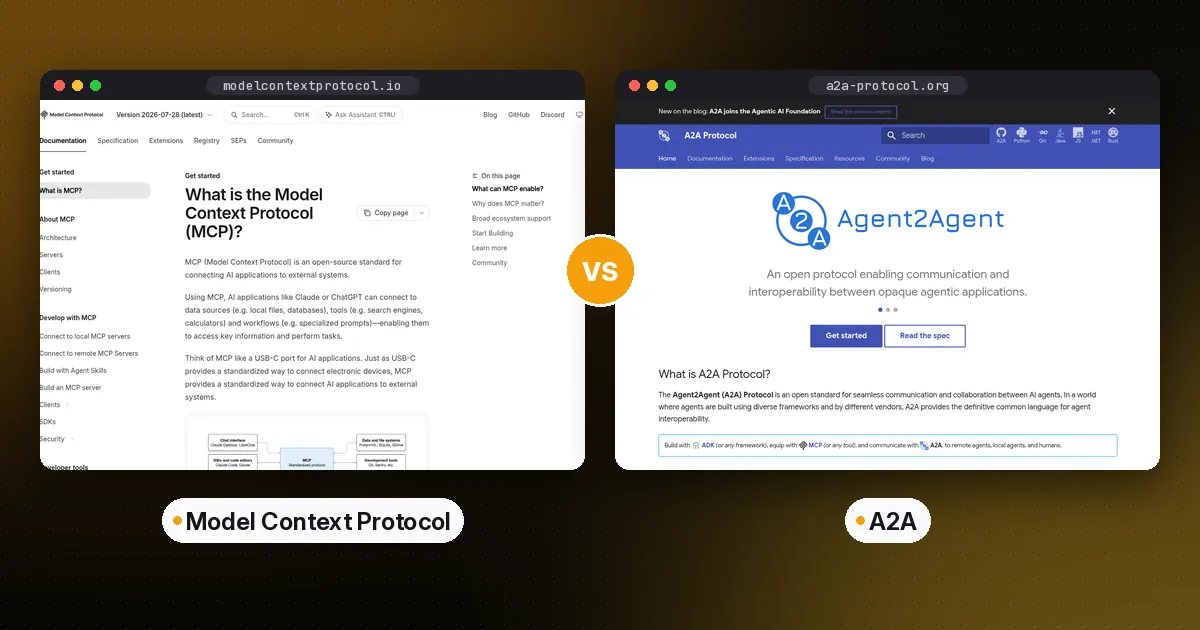
docker agent serve a2aspeaks Google's Agent2Agent protocol (Docker calls that support early), anddocker agent serve apiexposes a REST API with streaming. Our MCP vs A2A guide explains the difference. - Evaluate.
docker agent evalreplays recorded sessions in clean containers and scores tool calls and answers.
Docker Agent vs code-first agent frameworks
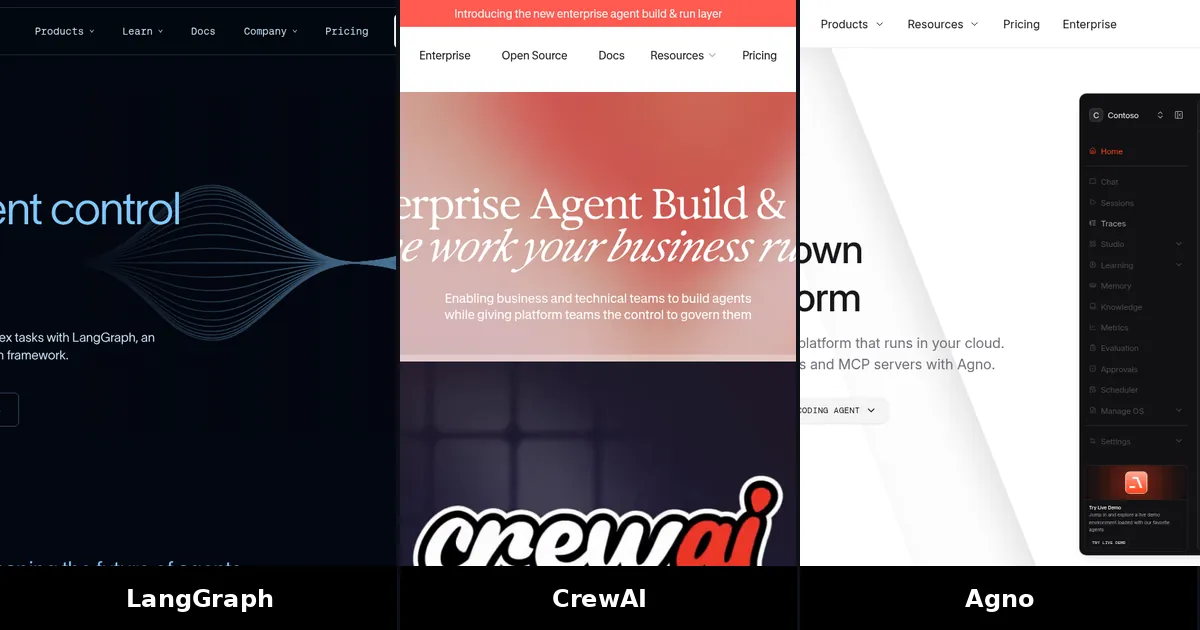
| Item | Docker Agent | LangGraph | CrewAI |
|---|---|---|---|
| How you define agents | YAML or HCL config | Python or JS code (graphs) | Python code (crews, flows) |
| Runtime | Single Go binary or Docker CLI plugin | Library in your app | Library in your app |
| Sharing | OCI registry push and pull | Your own packaging | Your own packaging |
| License | Apache-2.0 | MIT | MIT |
The trade-off is control. LangGraph and CrewAI let you write arbitrary logic between steps and embed agents inside an application. Docker Agent gives you a working agent, tools and team setup with no code, and features like sandboxing and registry sharing built in, but complex custom behavior has to fit its config schema, hooks or Go SDK. Our LangGraph vs CrewAI vs OpenAI Agents SDK comparison covers the code-first side.
Who Docker Agent is for
Choose it if you already use Docker, want a terminal agent you can configure without writing code, want to mix models from several providers in one team, or need to share a standard agent across a team through a registry.
Look elsewhere if you're embedding agents in a product and need fine control over state and branching, or you want a polished IDE experience. A dedicated coding agent will feel smoother for day-to-day editing.
Pros: open source, provider-agnostic, containerized MCP tools, real sandbox option, frequent releases.
Cons: the docs on GitHub Pages track the main branch and can describe unreleased features, telemetry is opt-out, and at least one commenter in the October 2026 Hacker News discussion called it more brittle than other harnesses they had tried.
FAQ
What is Docker Agent?
Docker Agent is an open-source tool from Docker that runs AI agents and agent teams defined in a YAML or HCL file. It handles the model calls, tools, MCP servers and delegation, and it ships as the docker agent CLI plugin.
Is cagent the same as Docker Agent?
Yes. It was called cagent in Docker Desktop 4.49 to 4.62 and was renamed Docker Agent from 4.63. The GitHub repository moved from docker/cagent to docker/docker-agent.
Is Docker Agent free?
The tool is free and open source under Apache-2.0. You pay your model provider for API usage unless you run local models. Docker Sandboxes are free locally, and cloud sandboxes are billed pay-as-you-go.
Do I need Docker Desktop to use Docker Agent?
No. You can install the binary with Homebrew, winget or a GitHub release. Docker Desktop is needed for containerized docker: MCP tools and Docker Model Runner.
Can Docker Agent use local models?
Yes. Use Docker Model Runner models with the dmr/ prefix, or point it at Ollama, vLLM or another OpenAI-compatible server. No API key is needed for those.
Is it safe to give Docker Agent shell access?
It asks before side-effecting tool calls by default, and you can tighten that with permission rules and safety modes. For real isolation, run it with --sandbox so it works inside a Docker Sandboxes microVM.