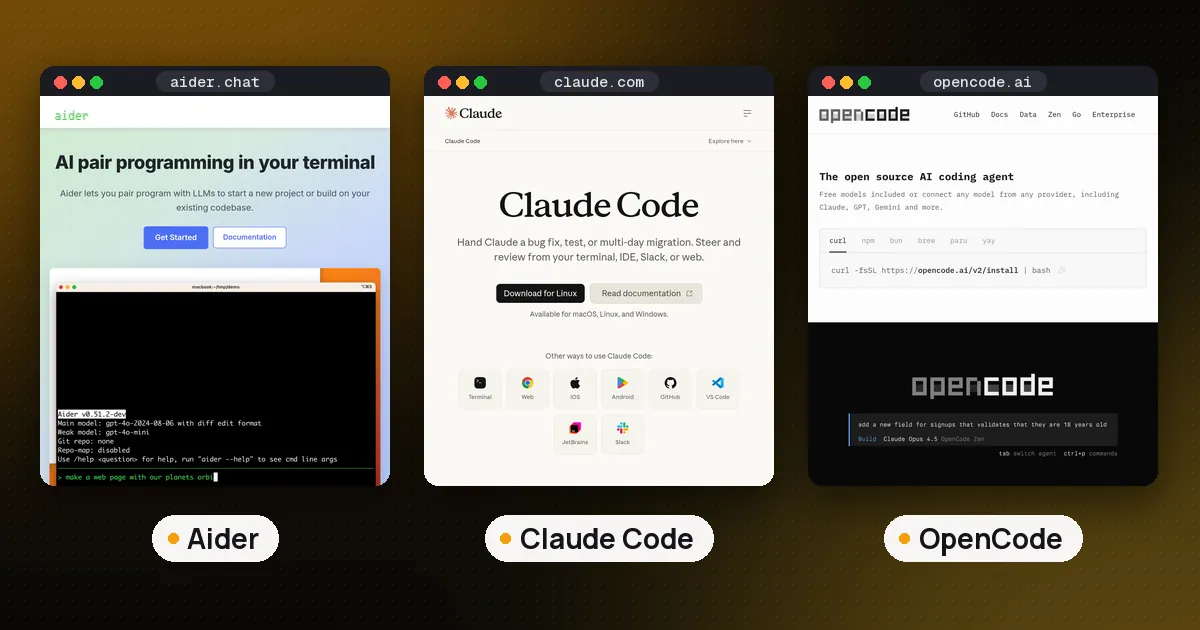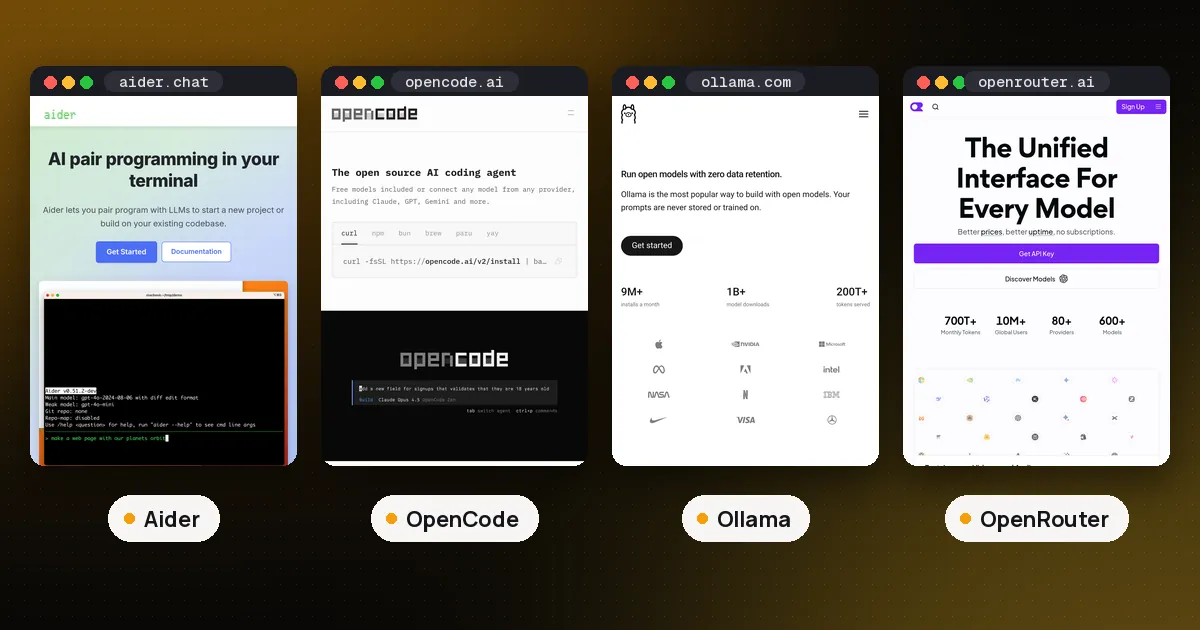
In the Aider vs OpenCode choice, pick OpenCode if you want an agent that explores your repository, runs commands and tests on its own, and works with almost any model, including free ones it hosts itself. Pick Aider if you want a pair programmer that only edits the files you hand it and commits every change to git, so each step is easy to review and undo. Both are free and open source, so the real decision is how much you want to steer, and how much you trust the tool to act without asking.
That split showed up clearly in our test. We gave OpenCode a small task on a toy repository: it read the code, edited two files, tried to run the tests by itself, and left everything uncommitted. Aider, by design, would have waited for us to add the files and then made a git commit for the change. Facts below come from the Aider documentation, the OpenCode documentation and the PyPI, npm and GitHub records for both projects, all checked on November 2, 2026.
Aider vs OpenCode at a glance
| Item | Aider | OpenCode |
|---|---|---|
| License | Apache-2.0 | MIT |
| Interface | Terminal, plus a watch mode for your own editor | Terminal UI, desktop app, IDE extension, web, headless server |
| Who picks the files | You, with /add (a repo map gives context) | The agent searches and reads files itself |
| Safety net | A git commit per change, /undo | Internal snapshots with /undo and /redo, permission rules |
| Default permissions | Asks before adding files or running commands | Most actions allowed; .env reads and outside folders ask |
| Models | Most providers, local models via Ollama or OpenAI compatible servers | 75+ providers through Models.dev, local models, OpenCode's own hosted models |
| MCP servers | Not built in (0.86.2) | Yes |
| Latest release (Nov 2, 2026) | 0.86.2, February 2026 | 1.19.5 (Oct 28) and 2.2.5 (Oct 30) |
| GitHub stars (Nov 2, 2026) | About 49,900 | About 224,000 |
Spoken plainly: Aider is a careful, git first editor that you drive step by step, and OpenCode is a full agent that drives itself unless you tell it to stop and ask.
How Aider works
Aider describes itself as AI pair programming in your terminal. You start it inside a git repository, add the files you want changed, and describe the change. The model replies with edits, Aider applies them, and then it commits.
The repo map is what lets it work in large codebases without reading everything. Aider sends the model a compact list of files and the key functions and classes in each one, ranked by how they depend on each other. In our test on a two file repository, the map listed add and divide in calc.py and the two test functions in test_calc.py, and the startup banner reported a 4,096 token map budget with an OpenAI model selected. Aider also added a .aider* line to the repository's .gitignore on first launch, which is worth knowing if you care about a clean working tree.
The git integration docs explain the safety model. Aider commits your own uncommitted changes first so they never mix with its edits, commits each of its edits with a message written by a cheaper "weak model", and reverses the last one with /undo. One detail catches teams out: it skips your commit hooks by default and only runs them with --git-commit-verify.
Aider has more autonomy than its reputation suggests. With --test-cmd and --auto-test it runs your tests after each edit and tries to fix failures. Architect mode splits a job between a planning model and an editing model, and --watch-files picks up instructions you leave as code comments ending in AI!. What it will not do is go looking for files it has not been given; it asks you to add them.
How OpenCode works
OpenCode is an open source coding agent from Anomaly, available as a terminal interface, desktop app and IDE extension. You describe a goal and it runs the loop itself: search the code, read files, edit them, run shell commands, read the output and try again. Our explainer on what agentic coding is covers that loop in more detail.
The agents docs list two primary agents. Build is the default and has every tool enabled. Plan refuses file edits (apart from its own plan files) and is meant for analysis; you switch between them with the Tab key. In our test, the plan agent read calc.py, wrote out the change it would make, said plan mode was active so it could not edit yet, and left the repository untouched.
The part to read twice is the permissions page. If you configure nothing, most permissions default to allow. Only repeated identical tool calls, paths outside the project folder and .env files ask first. That matches what we saw: with no config, the build agent edited both files and ran python3 -m pytest without a single prompt. You can change any of this with allow, ask and deny rules per tool, per command pattern and per agent.
Undo works differently too. OpenCode tracks changes with snapshots kept in an internal git repository, separate from your own, and /undo and /redo step through them within a session (config docs). Your project history only changes when you or the agent run git commit. Around that loop sit MCP servers, Agent Skills, LSP diagnostics, custom agents and plugins, and an AGENTS.md file that /init creates (see our AGENTS.md guide).
Control and git safety
This is the section that decides it for most people.
Aider's model is one change, one commit. Your history becomes a readable log of what the AI did, any change can be reverted with ordinary git commands, and nothing touches files you did not add. The cost is speed on unfamiliar code: you have to know, or find out, which files matter.
OpenCode's model is trust with guardrails you set. Out of the box it is closer to a fully trusted assistant, so on anything beyond a throwaway repo, add a small opencode.json that sets bash and edit to ask, or at least denies git push and rm. Commit before you start a session, then review the diff when it finishes. Treat its snapshots as a session undo, not as version control.
If you like Aider's habits but want OpenCode's reach, you can get close: set permissions to ask, start in the plan agent, and commit after each accepted change yourself. Going the other way, Aider with --auto-test and architect mode covers a lot of what people want from an agent without giving up auto commits.
Models and cost
Neither tool charges anything. You pay your model provider, or nothing with a local model.
Aider's model docs point to OpenRouter's free models (with daily limits) and to local models through Ollama or any OpenAI compatible server, and they warn that weak models often return code Aider cannot apply as an edit. That advice has aged: the recommended model list on that page still names models from early 2025.
OpenCode goes further. Without signing in or adding a key, opencode models opencode on our test install listed nine free hosted models, and one of them (glm-5.3-flash-free) completed our edit task. The OpenCode Models page says these free models are offered for a limited time, only work from OpenCode itself, and that some of them may use your prompts to improve the model, so keep private code away from those. It also offers paid hosted models at listed per token prices and a subscription called OpenCode Go, and you can still bring any provider through OpenRouter, Ollama or a direct API key.
MCP, extensions and upkeep
OpenCode supports MCP servers, skills, LSP servers, plugins and a headless server mode. Aider 0.86.2 has no built in MCP support, so tools you have built around the Model Context Protocol will not plug into it.
Release pace is the other gap. Aider's latest PyPI release is 0.86.2 from February 2026, and the last push to its GitHub repository was on May 22, 2026, per the GitHub API. OpenCode shipped 1.19.5 on October 28 and 2.2.5 on October 30, and its repository was updated the day we checked.
Fast movement has a cost of its own. OpenCode 1 and 2 both install as opencode and cannot sit side by side under that name. The classic opencode-ai npm package and the install script give you version 1, while Homebrew's core formula gives you version 2. Our OpenCode 2.0 guide covers the differences and the upgrade.
Which should you use?
- Pick Aider if you work in code you know well, want every AI change as its own commit, care about a reviewable history (for example in a team with strict review), or want the smallest possible attack surface: no MCP, no plugins, no agent running shell commands unasked.
- Pick OpenCode if you want the agent to find its own way around a codebase, run tests and fix failures, use MCP servers, or try strong models for free before you pay anyone. Set permissions to ask first.
- Use both if you like: nothing stops you running them in the same repository, with Aider for precise edits and OpenCode for exploratory work. Commit between sessions so each tool starts from a clean tree.
For the wider field, our best open source coding agents list adds Cline, goose and the vendor CLIs, and Aider vs Claude Code compares Aider with a paid agent.
FAQ
Is OpenCode better than Aider?
For autonomous, multistep work, yes: it explores the repository, runs commands, supports MCP and is far more actively developed. Aider is better when you want tight control and a git commit for every change. They suit different working styles more than one being strictly better.
Is Aider still maintained?
Its latest PyPI release is 0.86.2 from February 2026, and its GitHub repository was last pushed on May 22, 2026. It still installs and runs, and our repo map test worked on Python 3.12, but check the repository for recent activity before you rely on it for a team.
Can I use OpenCode for free?
Yes. The tool is free and MIT licensed, and on Nov 2, 2026 it listed nine free hosted models without an account. Those are offered for a limited time and some may use your data for training. You can also run local models through Ollama or LM Studio at no cost.
Does Aider make git commits automatically?
Yes, by default it commits each change with a generated message and commits your own dirty files first. Turn that off with --no-auto-commits, and add --git-commit-verify if you want your commit hooks to run.
Does OpenCode ask before it changes files?
Not by default. Most permissions start as allow, so the build agent edits files and runs commands without prompting. Set edit and bash to ask in opencode.json, or use the plan agent, if you want approval first.
Can Aider and OpenCode use the same model?
Mostly. Both work with OpenRouter, Ollama, OpenAI compatible servers and the big providers' API keys. The exception is OpenCode's free hosted models, which only work inside OpenCode.