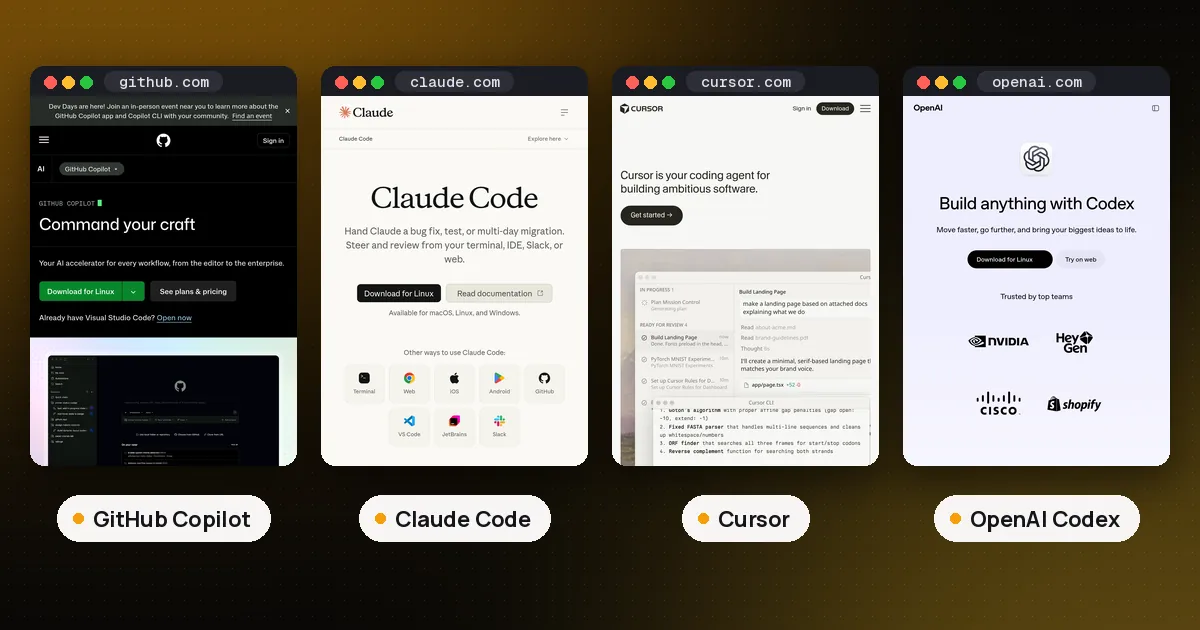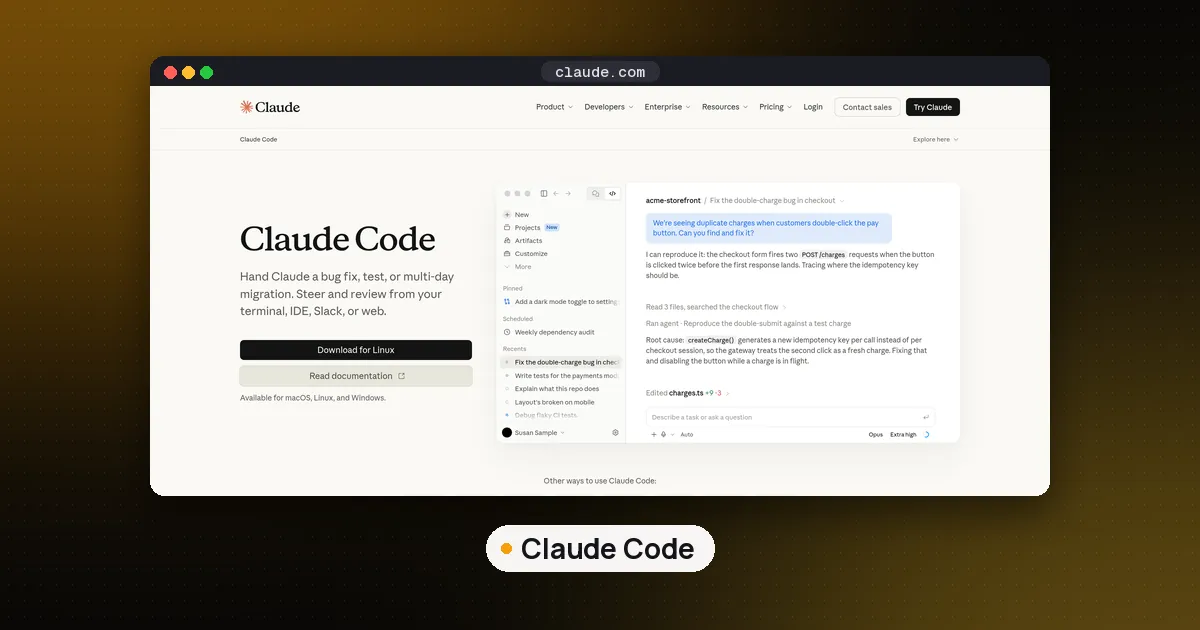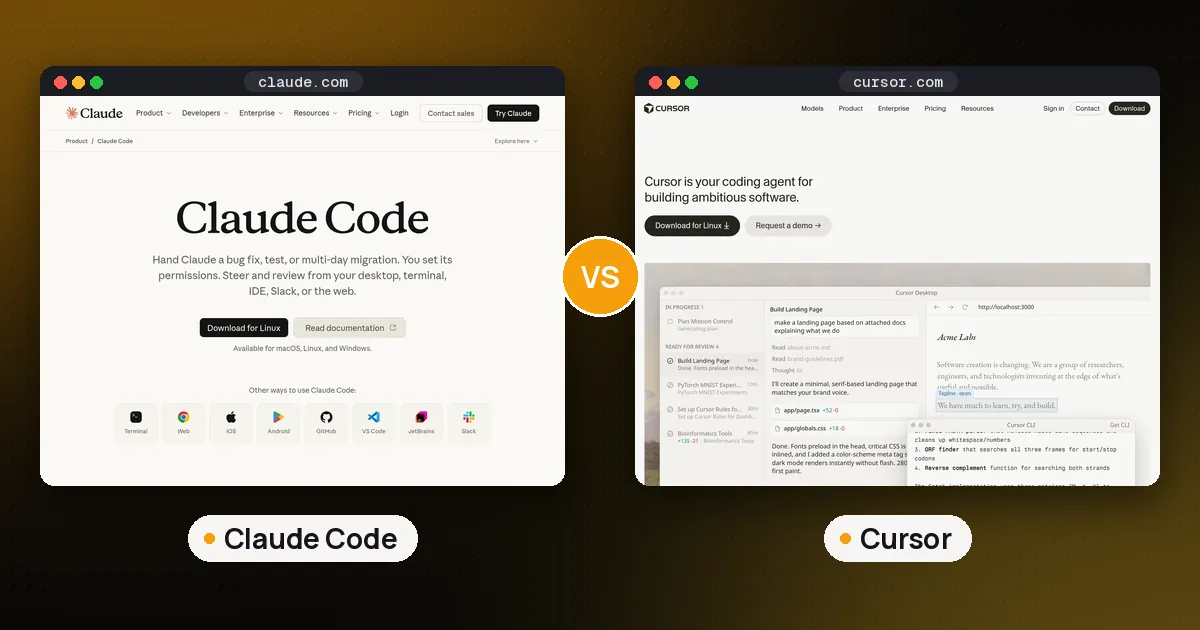
Claude Code vs Cursor is a choice between an agent and an editor. Claude Code is Anthropic's coding agent: it lives in your terminal (plus IDE extensions, a desktop app and the web), runs only Claude models and comes with any paid Claude plan from $20 a month. Cursor is a full AI editor built on VS Code with its own agent, Tab completions, cloud agents and a choice of models from Anthropic, OpenAI, Google and others, sold through The X Subscription from $8 a month. Pick Claude Code if you want the deepest agent loop and already pay for Claude. Pick Cursor if you want to see and steer every change inside an editor, or want to switch models freely.
This comparison uses each vendor's own documentation, pricing pages and changelogs, read on November 14, 2026, and every claim links to its source. We did not benchmark the two agents against each other, so there are no speed or accuracy scores of our own here. If you also want Codex and Gemini CLI in the picture, see Claude Code vs Codex vs Gemini CLI.
Claude Code vs Cursor at a glance
| Item | Claude Code | Cursor |
|---|---|---|
| Maker | Anthropic | Cursor (sold by X Subscription Corp) |
| What it is | Agentic coding tool | AI code editor and coding agent |
| Where it runs | Terminal, VS Code, JetBrains, desktop app, web, mobile | Desktop editor, Agents Window, web, iOS |
| Models | Claude only (Haiku, Sonnet, Opus, Fable) | Cursor Composer, Grok, Claude, GPT, Gemini and more |
| Cheapest paid way in | Claude Pro, $20 a month ($17 billed annually) | Plus, $8 a month (Grok models only) |
| Plan with all models | Every paid Claude plan | Premium, $30 a month, other vendors' models billed at API list price |
| Cloud agents | Web sessions, cloud scheduled tasks | Cloud agents and automations on Premium and up |
| Instruction files | CLAUDE.md, reads AGENTS.md | Rules, skills and AGENTS.md |
| Code review | Claude Code Review on GitHub, GitHub Actions | Bugbot on Premium and up |
In short: Claude Code is one agent that follows you across the terminal, editor and browser. Cursor is an editor where agents are the main way you work, with more model choice and a cheaper entry plan.
How each one works day to day
Claude Code starts from a prompt. You run claude in a project, describe the change, and it plans, edits files across the codebase, runs commands with your approval and can commit and open pull requests, per Anthropic's overview. You review diffs in the terminal, in the VS Code or JetBrains extension, or in the desktop app. It suits developers who think in tasks ("migrate this module, then fix the failing tests") and are comfortable reading diffs after the fact.
Cursor starts from the editor. You still type a prompt to the Agent, but you watch it edit inside a familiar VS Code style window, accept or reject each change, and keep Tab completions for the small edits in between. Cursor's documentation lists Plan Mode for scoping bigger work, review tools for diffs, and one place to add plugins, skills, MCP servers and rules. It suits people who want to stay hands on and see every line as it changes.
Models and model choice
This is the biggest structural difference. Claude Code runs Anthropic's models. On a Pro plan you get Opus 5.5, Anthropic's recommended daily driver, and Sonnet and Haiku for cheaper work; Fable 5.2, released on November 9, is paid for with usage credits on Pro and included for up to half of your weekly limit on Max and Ultra, per Claude's pricing page. Anthropic's Fable 5.2 announcement adds that its optional fast mode is available in Claude Code.
Cursor's models table is much longer. It includes Cursor's own Composer 2.5, the Grok 4.5 to 4.7 models that Cursor says were jointly trained with SpaceXAI, Claude Opus 5.5 and Fable 5.2, GPT-5.6, Gemini 4 Argon and Carbon, and others. The catch is the plan: Plus at $8 runs Grok models only, and Claude, GPT and Gemini need Premium or above, where they are "billed separately by usage" at API list price, per Cursor's pricing page. Cursor's table also notes that Fable 5.2 costs about twice as much as Opus 5.5.
So if you want Claude's models specifically, a Claude plan is usually the cheaper route. If you want to try GPT one hour and Gemini the next on the same task, Cursor is built for that.
Pricing compared
Claude Code has no separate price. It is included in Claude Pro ($20 a month, or $17 a month billed annually), Max ($100 a month for five times Pro's usage) and Ultra ($200 a month for ten times Pro's weekly usage), and it shares one usage pool with your Claude chats. You can also run it with a pay as you go Anthropic Console account. On the API, Opus 5.5 costs $4 per million input tokens and $20 per million output tokens, per Claude's pricing page.
Cursor has been sold through The X Subscription since October 12. Free has limited agent and Chat requests. Plus costs $8 a month with Grok models only. Premium costs $30 a month with four times Plus usage and adds cloud agents and automations, Bugbot code reviews, code hosting through Origin and third party models at API list price. Super costs $100 (15 times Plus usage) and Ultra $200 (50 times). Teams starts at $30 per user per month. The usage pool is shared across Cursor and Grok and refreshes weekly. The plans also bundle X features such as the Premium checkmark.
Spoken plainly: for Claude models all day, Claude Pro at twenty dollars is the simpler bill. For a cheap editor with a capable agent, Cursor Plus at eight dollars is the lowest entry price of the two, as long as Grok models suit you.
Agents beyond your laptop
Both tools now run agents in the cloud. Claude Code sessions can start on the web or the Claude mobile app and come back to your terminal with claude --teleport, and cloud scheduled tasks (formerly Routines) run even when your computer is off, triggered by a schedule, an API call or GitHub events. You can also mention @Claude in Slack to turn a bug report into a pull request. Our guide to Claude Code background agents covers running several sessions in parallel.
Cursor's cloud agents need Premium or above. In the last month Cursor added live apps (November 5), where a cloud agent builds, secures and deploys a small web app behind Cursor sign in, and voice chat with agents (November 6), powered by Grok Voice. Its Agent SDK, released October 20, lets you define an agent as a folder of code and deploy it to Cursor or your own servers.
Customization and team setup
Claude Code reads a CLAUDE.md file at the start of every session and will use an existing AGENTS.md instead, builds its own auto memory, and supports agent skills, hooks that run shell commands before or after actions, subagents and plugins. Cursor brings plugins, skills, MCP servers and rules into one settings area, and Teams plans add a marketplace for internal rules, skills and plugins. Our AGENTS.md guide explains how one instruction file can serve both tools.
For teams, Cursor's Enterprise plan lists controls Claude Code leaves to your Claude organization settings: repository, model and MCP access controls, auto run and network controls, and audit logs. On the Claude side, Team plans add SSO, central billing and admin controls for connectors, and Enterprise adds SCIM and audit logs, per Claude's pricing page.
Privacy and security
Cursor says that with Privacy Mode on, your code is not used for training by Cursor or its model providers. On Claude's consumer plans, model training is listed as opt out, so turn it off in your privacy settings if you do not want your sessions used; Team and Enterprise plans do not train by default.
One security note if you run both: on October 29, 2026, tampered copies of the Claude Code extension were served in Cursor's own extension marketplace for about eleven hours. The CLI and other marketplaces were not affected. Our report on the compromised Claude Code extension explains how to check your machine.
Can you use Claude Code inside Cursor?
Yes. Anthropic's overview links an "Install for Cursor" option for the Claude Code extension, so you can keep Cursor as your editor and run Claude Code in a panel beside it, billed to your Claude plan. Many developers do exactly that: Cursor Tab and its Agent for quick edits, Claude Code for long multifile tasks. You pay for two subscriptions, but neither tool has to give way.
Which should you choose?
- You already pay for Claude: start with Claude Code. It costs nothing extra.
- You want an editor with AI built in: Cursor.
- You want many models, not just Claude: Cursor Premium.
- Lowest price for a working agent: Cursor Plus at $8, if Grok models are enough.
- Long refactors, scripts and CI automation: Claude Code, with
claude -pand GitHub Actions. - You are new to coding agents: Cursor, because you can watch and undo each change in the editor.
If your team lives in GitHub, read Claude Code vs GitHub Copilot. For more options, including the free open source agents, read our best AI coding agents roundup and best AI coding assistant guide.
FAQ
Is Claude Code better than Cursor?
Neither is better for everyone. Claude Code offers the deeper agent loop and works anywhere you have a terminal, while Cursor gives you a full editor, more models and a cheaper $8 entry plan. Developers who want to stay in an editor usually prefer Cursor.
Can I use Claude models in Cursor?
Yes, on Premium ($30 a month) and higher plans. Claude, GPT and Gemini models in Cursor are billed separately at API list price on top of the plan. The $8 Plus plan runs Grok models only.
Is Claude Code free?
No. Claude Code needs a paid Claude plan (Pro from $20 a month, or $17 billed annually) or an Anthropic Console account with API billing. The free Claude plan does not include it.
Which is better for beginners, Claude Code or Cursor?
Cursor is usually easier, because every change appears in a familiar editor where you can accept or undo it. Claude Code assumes you are comfortable in a terminal, although its desktop app and VS Code extension make diffs easier to review.
Can I run Claude Code and Cursor together?
Yes. Install the Claude Code extension in Cursor and use each for what it does best. You will pay for a Claude plan and an X Subscription plan separately.