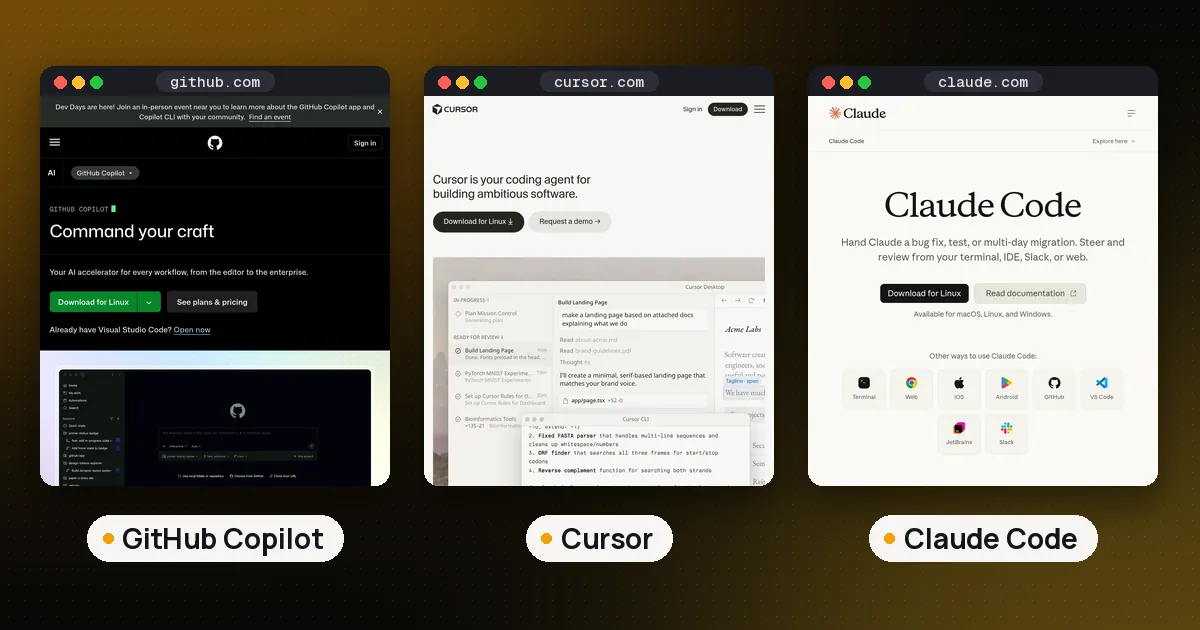
The best AI coding agents right now are Claude Code for long, multifile work if you pay for Claude, OpenAI Codex if you already have ChatGPT, Cursor if you want the agent inside an editor with many models, and GitHub Copilot if your team lives in GitHub issues and pull requests. If you want free and open source, start with OpenCode or Cline and bring your own model key. Every pick below is an agent, not just autocomplete: it reads your repository, edits several files, runs commands and checks its own work.
We built this list from each vendor's documentation, pricing pages and changelogs, read on November 14, 2026, and from our earlier comparisons on Drydock. We did not run a new head to head benchmark for this roundup, so there are no scores of our own; where a guide of ours did test a tool, we link it. If you want autocomplete and chat assistants rather than agents, see our best AI coding assistant guide instead.
The best AI coding agents at a glance
| Agent | Best for | Where it runs | Models | Cheapest paid way in |
|---|---|---|---|---|
| Claude Code | Long multifile tasks, automation | Terminal, IDE, desktop, web | Claude only | Claude Pro, $20 a month |
| OpenAI Codex | ChatGPT users, cloud tasks | CLI, IDE, desktop, web, iOS | OpenAI | Included in ChatGPT, Plus $20 for the CLI |
| Cursor | Agents inside an editor, model choice | Editor, web, iOS | Many vendors | Plus $8 (Grok only), Premium $30 |
| GitHub Copilot | GitHub issue to pull request work | IDEs, CLI, GitHub, Copilot app | Many vendors | Pro $10 a month |
| Gemini CLI | Google Cloud teams | Terminal | Gemini | Paid Gemini API key or Code Assist license |
| OpenCode | Free, any model | Terminal, desktop, IDE | Any provider | Free (you pay for model use) |
| Cline | Approving each step in VS Code | VS Code, CLI, desktop | Any provider | Free (you pay for model use) |
Spoken plainly: the four commercial agents cost between ten and thirty dollars a month to start. Claude Code and Codex come with subscriptions many people already have. Cursor and Copilot are the picks for people who want an editor or GitHub at the center. OpenCode and Cline are free tools where you only pay for the model you plug in.
Claude Code: best agent for long, multifile work
Claude Code is Anthropic's agentic coding tool. It reads the codebase, edits across files, runs commands with your approval, and can commit and open pull requests, and the same engine runs in the terminal, in VS Code and JetBrains, in a desktop app and on the web, per Anthropic's overview. It also supports skills, hooks, subagents, background agents, MCP servers and cloud scheduled tasks that keep running when your computer is off.
Price: included in Claude Pro ($20 a month, $17 billed annually), Max ($100) and Ultra ($200), sharing one usage pool with your chats, per Claude's pricing page. Pro runs Opus 5.5 by default and can use Fable 5.2 with usage credits.
Watch out for: Claude models only, and the CLI is not open source. Usage is measured in five hour and weekly limits rather than a published message count. For a direct comparison with the next two picks, see Claude Code vs Codex vs Gemini CLI.
OpenAI Codex: best value if you already pay for ChatGPT
Codex is OpenAI's agent, with an open source CLI under the Apache-2.0 license, an IDE extension, the ChatGPT desktop app and Codex cloud, where each task gets its own isolated workspace and keeps going while your computer sleeps. It reads AGENTS.md, has a built in /review command and can review pull requests on GitHub.
Price: Codex is included in every ChatGPT plan, but the tiers differ. Free and Go get GPT-6 Luna in the desktop app, while Plus ($20) adds the CLI, IDE extension, Codex on the web and on iOS, and cloud code review, per the Codex pricing page. Pro plans cost $100, $200 or $500 a month. OpenAI estimates 15 to 160 local messages per five hours on Plus with GPT-6.1 Sol, depending on the task.
Watch out for: the limits are the hardest to predict of any pick here, because they change with model, task size and local versus cloud work. Our Codex usage limits guide explains them.
Cursor: best agent inside an editor
Cursor is an AI code editor built on VS Code whose Agent edits files in front of you, with Plan Mode for bigger changes and Tab completions for the small ones, per Cursor's docs. Premium and higher plans add cloud agents and automations, Bugbot code reviews and code hosting through Origin. In November Cursor added live apps, which a cloud agent can build and deploy behind Cursor sign in, and voice chat with agents.
Price: sold through The X Subscription since October 12. Plus costs $8 a month with Grok models only. Premium costs $30 a month and adds Claude, GPT, Gemini and other models, billed separately at API list price, per Cursor's pricing page. Super ($100) and Ultra ($200) raise the shared weekly usage pool.
Watch out for: third party models cost extra on top of the plan, and the bundle includes X features you may not want. Our Claude Code vs Cursor comparison covers the tradeoffs in detail.
GitHub Copilot: best for teams on GitHub
GitHub Copilot now includes agent mode in the IDE, Copilot in the cloud (an agent that works on a task and returns a pull request for review), Copilot code review, MCP support, third party agents in public preview, the Copilot CLI and the Copilot app. Its model list covers Claude, GPT, Gemini, Grok and Kimi models, depending on plan, per GitHub's plans page.
Price: Copilot Pro costs $10 a month with 1,500 AI credits, Pro+ $39 with 7,000, and Max $100 with 20,000. Business costs $19 and Enterprise $39 per seat per month, and extra organization usage is $0.01 per credit. Inline suggestions do not use credits. Copilot Free users cannot use Copilot in the cloud.
Watch out for: heavy agent work burns through credits, so watch the meter on Pro. Teams choosing between Copilot and Anthropic's agent should read GitHub Copilot vs Claude Code.
Gemini CLI: best for Google Cloud teams
Gemini CLI is Google's open source terminal agent (Apache-2.0) with a very large context window, Google Search grounding and a GitHub Action. Since June 18, 2026 it no longer serves Google AI Pro, Ultra or free Code Assist users; it works with a paid Gemini API key, a Gemini Enterprise Agent Platform key or a Code Assist Standard or Enterprise license. Google now points individuals to Antigravity CLI, its newer terminal agent.
Watch out for: Gemini models only, and individuals have no free path any more.
OpenCode, Cline and Aider: best free and open source agents
OpenCode is an MIT licensed agent for the terminal, desktop or IDE that works with any model provider you give it a key for, including OpenRouter, and supports MCP servers, skills and permissions, per its docs. Cline is an Apache-2.0 VS Code extension (with a CLI and desktop app) that shows every diff and command for your approval, per Cline's docs. Aider is the git focused veteran that commits each change, though its last release, 0.86.2, dates from February 2026.
These cost nothing to install, but you pay the model provider, and a heavy day on a frontier model can cost more than a subscription. Our best open source coding agents guide ranks them in detail.
How to choose an AI coding agent
- Start from what you already pay for. Claude Pro includes Claude Code and every ChatGPT plan includes Codex, so try those before buying anything new.
- Decide where you want to work. Terminal people tend to like Claude Code, Codex or OpenCode. Editor people tend to like Cursor, Copilot or Cline.
- Check model lock in. Claude Code, Codex and Gemini CLI run their maker's models. Cursor, Copilot, OpenCode and Cline let you switch.
- Run one real task. Give two agents the same small bug from your own repository and compare the diffs, not the marketing.
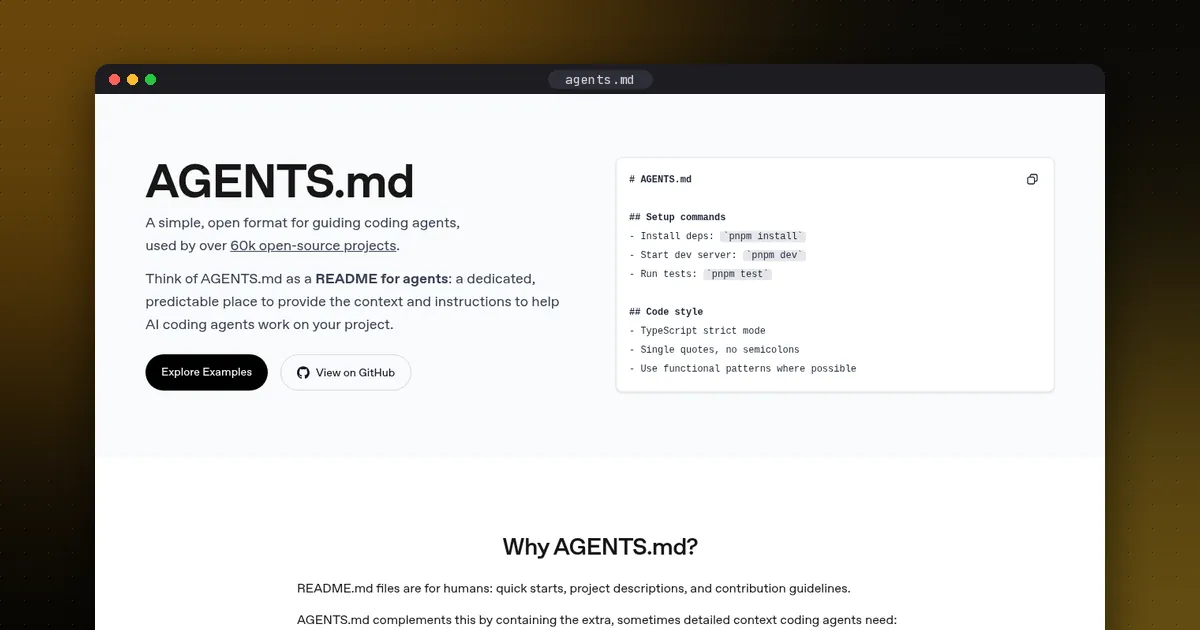
- Write an instruction file. An AGENTS.md at the root of your repository is read by Codex, Cursor and Copilot, and Claude Code uses it when there is no CLAUDE.md.
Staying safe with coding agents
Agents run commands on your machine, so treat them like a new teammate with shell access. Keep approval prompts on for anything that deletes files, pushes code or touches secrets, and run unfamiliar repositories in a sandbox or container; our guide to agent sandboxes compares the hosted options. Install extensions only from official marketplaces and keep them updated: on October 29, 2026, tampered copies of the Claude Code extension were served in Cursor's marketplace for about eleven hours. Review every pull request an agent opens before you merge it.
FAQ
What is the best AI coding agent right now?
For most developers who already pay for Claude, Claude Code is the strongest all round agent for long tasks. If you have ChatGPT, Codex is the best value because it is already included. Cursor is the pick if you want an editor with many models, and Copilot if your team works in GitHub.
What is the difference between an AI coding agent and an AI coding assistant?
An assistant suggests code as you type or answers questions in chat. An agent takes a task, plans it, edits several files, runs commands and tests, and returns a finished change or pull request for you to review.
Are there free AI coding agents?
Yes. OpenCode, Cline and Aider are free and open source, though you pay for the model you connect, or run a local one. Codex is included in the free ChatGPT plan through the desktop app, and Copilot Free and Cursor Free have limited agent use.
Which AI coding agent is best for beginners?
Cursor or Cline, because every change appears in an editor where you can read it and undo it. Terminal agents like Claude Code and Codex are powerful but assume you are comfortable reading diffs on the command line.
Can I use more than one coding agent?
Yes, and many developers do: an editor agent such as Cursor or Copilot for small changes, and Claude Code or Codex for long refactors. A shared AGENTS.md file keeps them following the same rules.