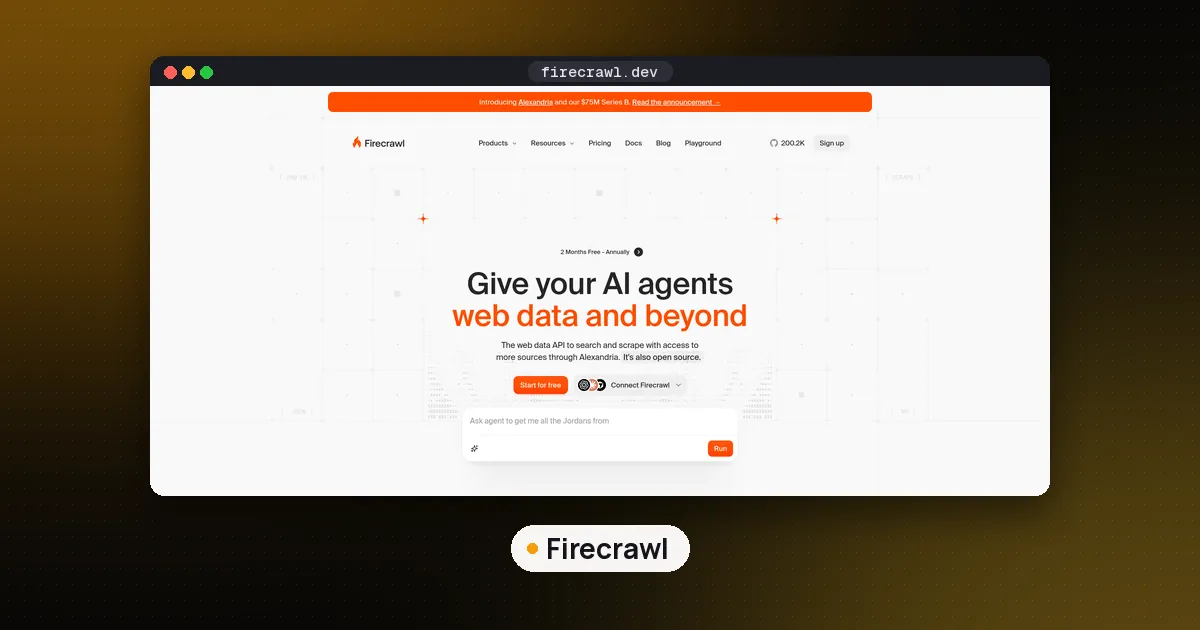
To use Firecrawl MCP, add the hosted server https://mcp.firecrawl.dev/v2/mcp to your MCP client, send your Firecrawl API key as a bearer token (or use the sign in URL https://mcp.firecrawl.dev/v2/mcp-oauth instead), restart the client, and ask your agent to scrape or search. In Claude Code that is one command: claude mcp add --transport http firecrawl https://mcp.firecrawl.dev/v2/mcp --header "Authorization: Bearer fc-YOUR_KEY". If your client can only launch local processes, run npx -y firecrawl-mcp with FIRECRAWL_API_KEY set. A keyless mode exists and exposes three tools, but in our tests it refused requests from a cloud server, so plan on a free key.
Firecrawl turns web pages into clean markdown or structured JSON, and its MCP server hands those abilities to any client that speaks the Model Context Protocol. The server is MIT licensed in the firecrawl-mcp-server repository, which had about 7,800 GitHub stars when we checked on November 9, 2026. The npm package firecrawl-mcp was at version 3.38.0 that day and needs Node.js 22 or newer. If you are new to MCP itself, our explainer on what MCP is covers hosts, clients and servers first.
Three ways to connect Firecrawl MCP
Firecrawl's MCP setup docs describe three hosted routes and one local route. They differ in how you prove who you are, and that decides which tools appear.
| Route | Server address | Auth | Tools you get |
|---|---|---|---|
| Keyless | https://mcp.firecrawl.dev/v2/mcp | none | search, scrape and parse, with daily caps |
| API key | https://mcp.firecrawl.dev/v2/mcp | Authorization: Bearer header | full tool surface for your plan |
| Sign in | https://mcp.firecrawl.dev/v2/mcp-oauth | browser OAuth | full tool surface for your plan |
| Local | npx -y firecrawl-mcp (stdio) or http://localhost:3000/mcp | FIRECRAWL_API_KEY env var | tools backed by the cloud or your own Firecrawl |
ChatGPT and Claude also have a native Firecrawl connector you install in one click from the same docs page, which uses the sign in route behind the scenes.
How to use Firecrawl MCP with an API key
The API key route is the one we would pick for any coding agent, because it works without a browser and from any network.
- Create a key on the Firecrawl API keys page. Keys start with
fc-. - Add the server to your client with the key as a header.
- Start a new session and check the tool list.
For Claude Code, the Claude Code MCP docs use --transport http for remote servers and --header for tokens:
claude mcp add --transport http firecrawl https://mcp.firecrawl.dev/v2/mcp \
  --header "Authorization: Bearer fc-YOUR_KEY"
That writes to local scope, which only your user in that project sees. Add --scope project to share it through .mcp.json, but then keep the key out of the file and out of git.
For Cursor and other clients that read an mcpServers JSON block, the shape from Firecrawl's agent setup page is:
{
  "mcpServers": {
    "firecrawl": {
      "type": "http",
      "url": "https://mcp.firecrawl.dev/v2/mcp",
      "headers": { "Authorization": "Bearer fc-YOUR_KEY" }
    }
  }
}
The same page lists one line installs for Codex (codex mcp add firecrawl --url ...) and OpenCode (a remote entry in opencode.json). If you would rather sign in than paste a key, swap the address for /v2/mcp-oauth and drop the header: the client opens a browser, you approve a Firecrawl team, and you can revoke the connection later from Firecrawl's MCP settings.
To confirm it worked, open your client's MCP status. A keyed connection lists tools such as firecrawl_scrape, firecrawl_map, firecrawl_crawl and firecrawl_agent. Then try a plain request like "Scrape the Firecrawl changelog and list the last three releases."
Is Firecrawl MCP free?
The MCP server costs nothing extra. Every tool call spends the same credits as the matching Firecrawl API call. On the pricing page on November 9, 2026, the free plan gave 1,000 credits a month with no card, scrape, crawl and map cost 1 credit per page, search cost 2 credits per 10 results, and Interact cost 2 credits per browser minute. The rate limits page caps the free plan at 10 scrape and 10 search requests per minute and 2 concurrent browsers.
Keyless mode is free too, but it is narrow. Firecrawl documents it as Search, Scrape and Parse only, capped per IP address per day by a request limit and a credit limit, with a 429 error when you pass either. When we connected with no key, the hosted server listed exactly those three tools. Every call we made from our cloud server still came back as an error asking for an API key, and the local package said our IP address looked like a VPN or proxy. Keyless may work from a home connection, but do not build anything on it. A free key costs nothing and removes the guesswork.
Run Firecrawl MCP locally
Run the server yourself when your client can only launch local commands, when you want an HTTP endpoint on your own machine for a tool like n8n, or when you run your own Firecrawl. The local setup docs show both transports:
# stdio: the client launches the process
FIRECRAWL_API_KEY=fc-YOUR_KEY npx -y firecrawl-mcp

# Streamable HTTP on port 3000
HTTP_STREAMABLE_SERVER=true FIRECRAWL_API_KEY=fc-YOUR_KEY npx -y firecrawl-mcp
curl http://localhost:3000/health
In Claude Code, the stdio version is claude mcp add firecrawl --env FIRECRAWL_API_KEY=fc-YOUR_KEY -- npx -y firecrawl-mcp. The docs pin a reviewed version in their examples; pinning a version yourself (for example firecrawl-mcp@3.38.0) stops a client from silently pulling a new release on every launch. Our guide to running an MCP server locally covers testing a stdio server with the Inspector before you wire it up.
For a self hosted Firecrawl, set FIRECRAWL_API_URL to your instance and leave the key out if your instance does not need one. In our run against a mock API, version 3.38.0 sent scrape, map and search to /v2/scrape, /v2/map and /v2/search, added no Authorization header when no key was set, and sent Bearer plus the key when we set one. So your self hosted instance needs to speak the v2 API. Firecrawl's core is AGPL licensed, and the cloud adds features the open source build does not have, so check which tools your deployment actually supports.
Where to set FIRECRAWL_API_KEY
The local server and Firecrawl's SDKs read your key from the FIRECRAWL_API_KEY environment variable. The value is the whole key, fc- prefix included: FIRECRAWL_API_KEY=fc-YOUR_KEY in a shell or a .env file, or "env": { "FIRECRAWL_API_KEY": "fc-YOUR_KEY" } in a client's JSON config. Every fc-YOUR_KEY on this page is a placeholder; paste your own key from the API keys page instead.
The prefix matters. In firecrawl-mcp 3.40.0, the local HTTP server only treats a key sent in a request header as an API key when it starts with fc-; anything else is ignored and the server falls back to the environment variable. When we started the stdio server on November 18 with no variable set, it printed a notice that it was running in keyless mode and listed 28 tools. With a key set, the notice disappeared and 32 tools showed up, including feedback and people search tools. The Python SDK (firecrawl-py 4.57.0) also reads the variable when you create Firecrawl() without an api_key argument, which we confirmed on the same day.
Keep the key out of committed files, issues and prompts. A .env file listed in .gitignore, or your client's secret store, is the safer home. If a key does leak, replace it with a new one from the same page.
One more local detail: reading a file from disk with firecrawl_parse works only when the local server points at a self hosted Firecrawl. The hosted server cannot see your disk, so it gives the agent a short lived upload command to run first.
Which Firecrawl MCP tool to use
The tools reference lists about two dozen tools. Our local server listed 26 in keyless mode and 28 against a self hosted URL, where the two feedback tools also appeared. You will mostly use six:
| Job | Tool | Notes |
|---|---|---|
| Read one known page | firecrawl_scrape | Ask for JSON format with a schema to get structured fields |
| Find pages on a site | firecrawl_map | Run before a crawl to pick the section you want |
| Search the web | firecrawl_search | Supports includeDomains, excludeDomains and categories such as developer |
| Read a whole section | firecrawl_crawl | Polls until done; resume with firecrawl_check_crawl_status |
| Read a PDF or document | firecrawl_parse | Or scrape the public URL of the file |
| Click and fill forms | firecrawl_interact | Call firecrawl_interact_stop when finished |
The old Extract tool is deprecated. Use scrape with JSON format when you know the page, or firecrawl_agent when Firecrawl has to find the sources itself; the agent tool returns a job id that you check with firecrawl_agent_status. There are also monitor tools for recurring page checks, and firecrawl_monitor_delete removes a monitor permanently, so keep that one behind an approval prompt.
If you are deciding between Firecrawl and a search first API for agent web access, our Tavily vs Exa vs Firecrawl comparison covers the tradeoffs, and Is Tavily MCP free? walks through the Tavily connector the same way.
Keep credits and context under control
A scrape returns a whole page as markdown, and a crawl can return hundreds. Both land in your agent's context window and both spend credits. A few habits help:
- Ask for
onlyMainContentand a single format, usually markdown, rather than every format. - Map first, then crawl one section with a page limit, instead of crawling a whole domain.
- Give search a small
limit. Ten results cost 2 credits and fill a lot of context. - Call
firecrawl_credit_usagewhen you want the agent to check its balance before a big job. - In Claude Code, leave the tools on ask so a long crawl needs your approval, and read our note on Claude Code settings.local.json before you click "don't ask again".
Treat scraped pages as untrusted input. A page can contain text written to steer an agent, so do not let a session that just read the open web also run shell commands or push code without a human check.
Common Firecrawl MCP errors
- 401 from the hosted server: if your address ends in
/v2/mcp, your key is wrong or missing. If it ends in/v2/mcp-oauth, sign in again. Start a new session after either fix. - Only three tools show up: you connected keyless. Add the bearer header or switch to the sign in address.
- "Anonymous keyless access is unavailable" or a VPN or proxy message: keyless was refused from your network. Use a key.
- spawn npx ENOENT: install Node.js 22 or newer and make sure
npxis on the client's PATH. On Windows, point the client at the fullnpx.cmdpath. - The HTTP client cannot connect locally: use
http://localhost:3000/mcp. The/v2/mcppath belongs to the hosted service only.
FAQ
Is Firecrawl MCP free?
The server itself is free and MIT licensed. Tool calls spend Firecrawl credits, and the free plan includes 1,000 a month. Keyless access exposes search, scrape and parse within daily per IP caps, but it refused our requests from a cloud server, so a free key is the reliable route.
What does FIRECRAWL_API_KEY look like?
A Firecrawl API key starts with fc-, and you set the full string, prefix included, as FIRECRAWL_API_KEY. The local server ignores header keys that lack the prefix. Treat any key you see in a tutorial, including fc-YOUR_KEY here, as a placeholder.
Do I need an API key for Firecrawl MCP?
Not to connect: the hosted server answers keyless and lists three tools. You need a key or a browser sign in for map, crawl, agent, interact and the other tools, and in practice for scrape and search from many networks.
What is the difference between the hosted and local Firecrawl MCP server?
The hosted server runs at mcp.firecrawl.dev and needs nothing installed. The local one is the same open source package run with npx, either over stdio or on localhost:3000. Run it locally when your client only launches commands, or when it must talk to a self hosted Firecrawl.
Can I use Firecrawl MCP with a self hosted Firecrawl?
Yes. Run the local package with FIRECRAWL_API_URL set to your instance, and add FIRECRAWL_API_KEY only if your instance requires one. Tools appear only for the services your deployment supports.
Does Firecrawl MCP work in Claude Code?
Yes. Add it with claude mcp add --transport http firecrawl https://mcp.firecrawl.dev/v2/mcp plus an Authorization header, or as a stdio server with --env FIRECRAWL_API_KEY=... before -- and npx -y firecrawl-mcp after it. Run /mcp inside a session to see whether it connected.