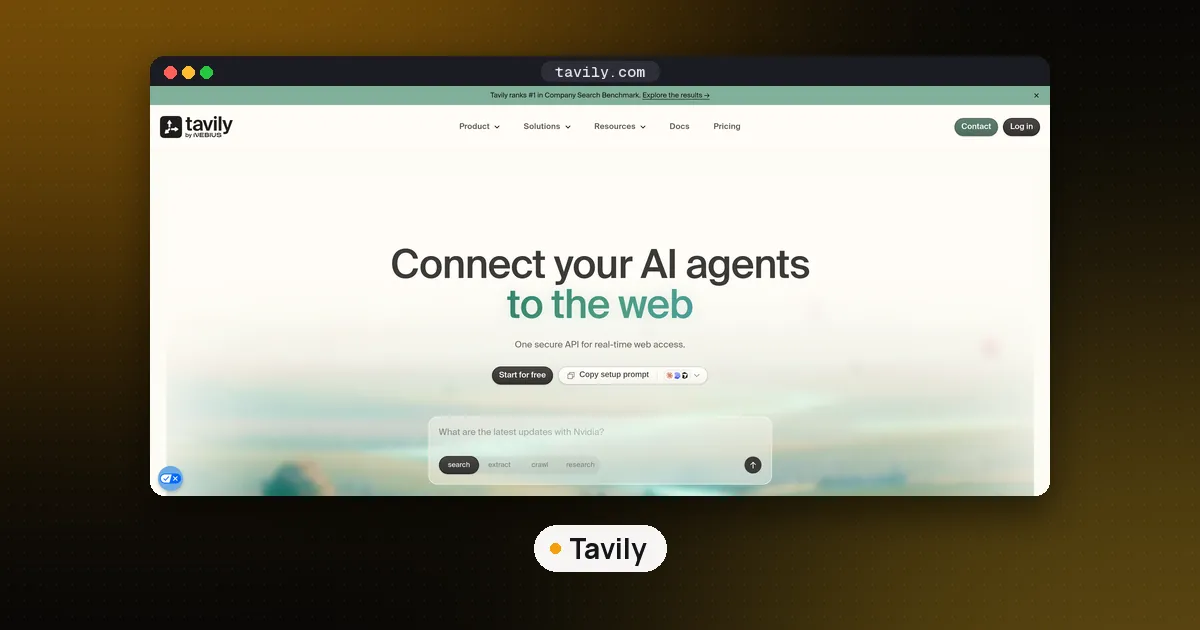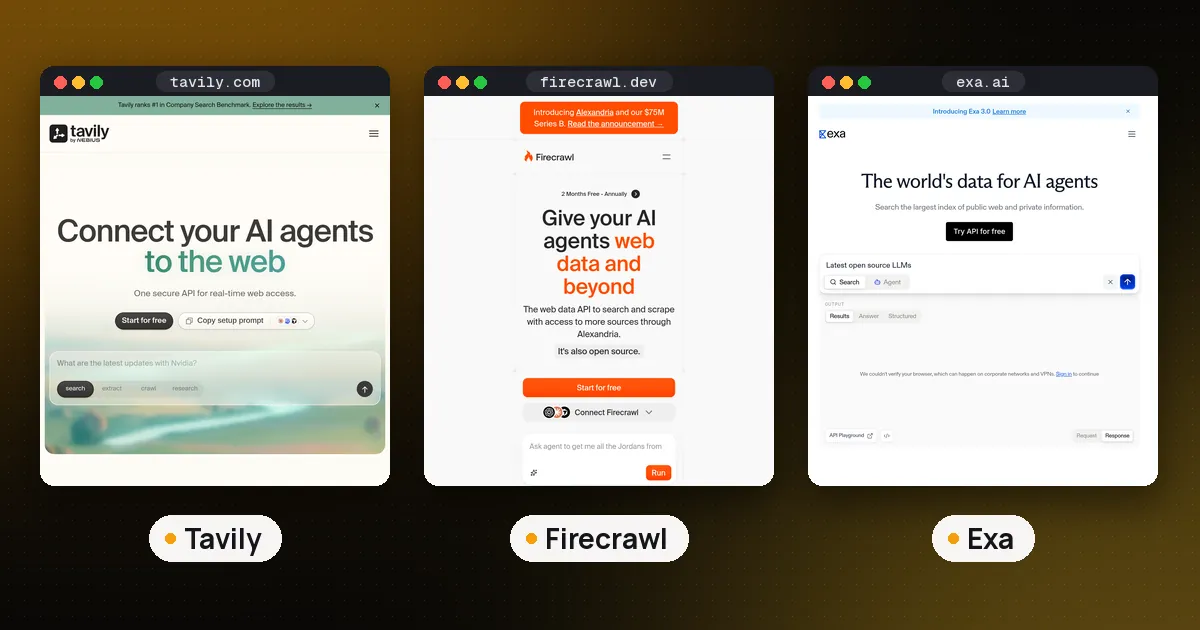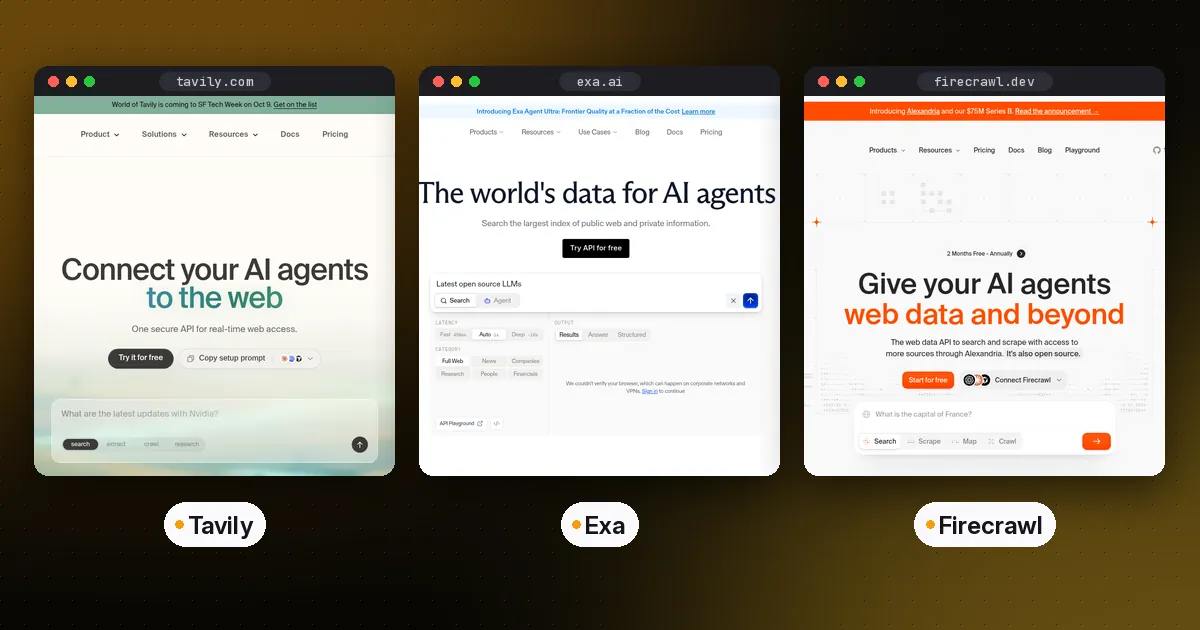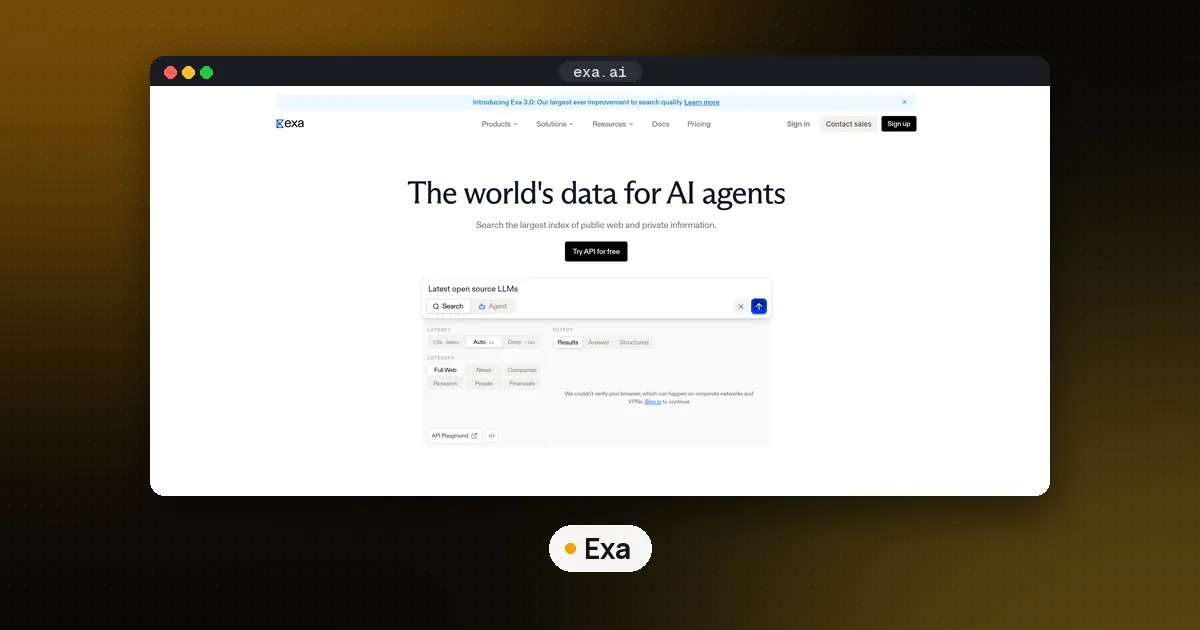
The best free MCP server for web search right now is Exa's hosted server at https://mcp.exa.ai/mcp: add the URL to your client, skip the API key, and your agent gets a web search tool and a page fetch tool at a free rate limit. If you want no third party in the loop, run SearXNG with the mcp-searxng server on your own machine, which costs nothing per query. Tavily keyless and Brave's $5 monthly credit are good backups, and the scraper style servers (DuckDuckGo MCP and open-websearch) are free but break on many networks.
We connected seven options to a plain Model Context Protocol client on November 13, 2026, sent the same query through each, and checked every price and limit against the vendor's own docs that day. If MCP itself is new to you, read what is MCP first.
The short answer: which free web search MCP to pick
| Server | Free route | Key or card? | Our result | Best for |
|---|---|---|---|---|
| Exa hosted MCP | Keyless at a free rate limit | No | 3 live results in 0.3 s | Most people, any client that takes a URL |
SearXNG + mcp-searxng | Self hosted, no per query cost | No | Results in 0.4 s from local SearXNG | Privacy, heavy use, no vendor |
| Tavily remote MCP | Keyless header, or free key with 1,000 credits a month | No card | Keyless cap reached on our network | Agents that also need extract |
| Brave Search MCP | $5 free credit a month (about 1,000 searches) | Card required | Server runs, needs a real key | Independent index, news and local |
| Firecrawl MCP | Keyless with daily caps, or free key | No | Keyless refused from our server (Nov 9) | Search plus scrape in one server |
| DuckDuckGo MCP | Scrapes DuckDuckGo, no account | No | No results from our server | Home connections, quick tests |
open-websearch | Scrapes several engines, no account | No | DuckDuckGo and Bing worked | Tinkerers who accept breakage |
"Free" means three different things in that table. A hosted keyless endpoint is free until the vendor's rate limit says stop. A free credit plan is free up to a monthly budget and then bills or pauses. A self hosted or scraping server has no bill at all, but you carry the upkeep, and scrapers depend on search engines tolerating automated traffic.
1. Exa hosted MCP: the easiest free option
Exa's MCP docs say plainly that no API key is needed to try search and fetch at a free rate limit. You point your client at one URL. In Cursor that is an mcpServers entry with "url": "https://mcp.exa.ai/mcp", and in Claude Code it is:
claude mcp add --transport http exa https://mcp.exa.ai/mcpWith no key, our client saw two tools, web_search_exa and web_fetch_exa, and the server reported itself as exa-search-server 3.5.1. Our test query came back in 0.3 seconds with three results, each with a title, URL, publish date and highlighted page text. The top hit was the official 2026-07-28 specification post, which is the right answer.
Three details from the docs matter:
- Advanced search also works without a key. Add
?tools=web_search_exa,web_fetch_exa,web_search_advanced_exato the URL to get date ranges and domain filters. An explicit list replaces the defaults, so keep the first two in it. - Keyless needs a direct IPv4 connection. Exa says IPv6 or proxied paths get a 403 and should sign in or use a key instead.
- The research agent tool is not free.
agent_runonly appears after OAuth sign in (https://mcp.exa.ai/mcp?login) or with anx-api-keyheader, because it is billed by usage.
Exa does not publish the exact keyless rate. When you hit it you get a 429, and the fix is to sign in or add a key. Exa's MCP server is also open source under MIT on GitHub if you prefer to run npx -y exa-mcp-server locally, but that local route needs EXA_API_KEY.
2. SearXNG plus mcp-searxng: free with no vendor at all
SearXNG is an open source metasearch engine you host yourself. It queries other engines and merges the results. The mcp-searxng server (MIT, version 2.10.1 on npm) connects any MCP client to it. Its README is clear that it does not install SearXNG for you, and that your instance must have JSON output enabled. Most public instances turn JSON off, so plan on running your own.
Our setup took two files. A SearXNG settings.yml with a secret key, limiter: false for a private localhost instance, and json added under search.formats. Then the client entry:
{
  "mcpServers": {
    "searxng": {
      "command": "npx",
      "args": ["-y", "mcp-searxng"],
      "env": { "SEARXNG_URL": "http://127.0.0.1:8888" }
    }
  }
}
The server listed four tools: searxng_web_search, searxng_search_suggestions, searxng_instance_info and web_url_read. Our query returned results in 0.4 seconds, led by the official MCP changelog page. One honest caveat from the same run: SearXNG's own log showed Brave answering "too many requests" and DuckDuckGo showing a CAPTCHA, so the results came from the engines that still answered. SearXNG degrades gracefully, but it does not make blocks go away. A home connection may see more engines respond than our cloud server did.
Choose this route when query privacy matters, when an agent loop would burn through any hosted free tier in a day, or when you already run SearXNG. Our self hosted Tavily alternatives guide covers tools that put a Tavily style API on top of the same engine.
3. Tavily remote MCP: keyless, then a free key
Tavily's keyless documentation lets you connect the remote server at https://mcp.tavily.com/mcp/ with the header X-Tavily-Access-Mode: keyless and no account. Keyless covers search and extract. The docs call it free but rate limited, and when you hit the cap you can sign up for a free key with 1,000 credits a month and no credit card.
Our run showed the cap in practice. The server answered (tavily-mcp 4.1.5, five tools listed), but tavily_search returned a message saying our network had reached the monthly keyless limit, with options to sign up, pay per request with x402, or answer two questions for a few bonus credits. A shared office or cloud address can hit that cap long before you do. Our Tavily MCP guide covers the setup, the five tools and the credit math in detail.
4. Brave Search MCP: free credit, but a card first
Brave's official server, @brave/brave-search-mcp-server (MIT, version 2.1.4), wraps the Brave Search API, which runs on Brave's own index. Brave's API help page says there is no standalone free plan. Instead every plan gets $5 in free credits each month, which is about 1,000 queries on the Search plan at $5 per 1,000 requests. You must add a credit card to activate a plan; set the prepay amount to $0 and the card only sees a refunded authorization hold. Brave's launch post adds that you need to credit the Brave Search API on your project's site to use the free credit, and the help page says you may not store results without a custom plan.
On our machine the server started and listed eight tools: web, local, video, image, news, summarizer, LLM context and place search. A search with a fake key failed with HTTP 422 SUBSCRIPTION_TOKEN_INVALID, as expected. The surprise was size. The eight tool definitions totaled 117,130 characters of JSON, mostly output schemas. Setting BRAVE_MCP_ENABLED_TOOLS="brave_web_search brave_llm_context" cut that to 17,058. If your client loads every tool into the model's context, use that variable.
5. Firecrawl MCP: keyless exists, a free key is safer
Firecrawl's hosted server has a keyless mode with search, scrape and parse, capped per IP address per day. In our Firecrawl MCP walkthrough on November 9, keyless calls from a cloud server were refused, and the local package said our address looked like a VPN or proxy. It may work from home, but a free key (1,000 credits a month) is the dependable path. Pick Firecrawl when your agent needs search and full page scraping in one server; our Tavily vs Exa vs Firecrawl comparison covers which of the three suits which job.
6. DuckDuckGo MCP server: free, if DuckDuckGo lets you in
duckduckgo-mcp-server (MIT, 0.7.0 on PyPI) needs no account. Add it to Claude Code with claude mcp add ddg-search uvx duckduckgo-mcp-server. It gives you search, fetch_content and expand_link, with default limits of 30 searches and 20 fetches a minute.
The README warns that DuckDuckGo's HTML endpoint now blocks plain Python clients by TLS fingerprint and may answer with an empty HTTP 202. The fix it suggests is the [browser] extra, which impersonates Chrome. We installed that extra and tried both the default auto backend and --search-backend curl. From our cloud server both returned "No results were found." That does not mean it fails everywhere, but it shows the weakness of any server that scrapes a consumer search page: it works until the engine decides it should not.
7. Open WebSearch: many engines, no keys, more breakage
Open WebSearch (npm package open-websearch 2.2.0, Apache 2.0) scrapes result pages from Bing, DuckDuckGo, Brave, Startpage, Exa and several Chinese sites, with no API keys. Run it with MODE=stdio DEFAULT_SEARCH_ENGINE=duckduckgo npx open-websearch@latest.
It listed six tools, including search and fetchWebContent. DuckDuckGo returned five results in 1.8 seconds. Bing's plain request failed on a regional redirect, then a Playwright browser fallback returned five results with Chinese date labels, a sign that scraped results depend on how the engine sees your network. Brave answered HTTP 429. Treat it as a hobby tool. Scraping consumer search pages can run against those engines' terms, and you have no one to call when it stops working.
How to set up a free web search MCP in Claude Code or Cursor
- Pick the route. Hosted URL (Exa, Tavily) if you want zero setup; local command (SearXNG, DuckDuckGo, Open WebSearch) if you want no vendor.
- Add it. Claude Code takes
claude mcp add --transport http <name> <url>for hosted servers andclaude mcp add <name> <command>for local ones. Cursor reads the samemcpServersJSON shown above from~/.cursor/mcp.json. - Restart the client and check that the tools appear. In Claude Code,
/mcplists connected servers. - Run one test search, then watch for 429 or cap messages as you use it. That message is your signal to add a free key.
Local servers run as child processes of your client. Our guide to running an MCP server locally covers stdio versus HTTP, ports and the common startup failures.
Free web search MCP safety notes
- Search results are untrusted input. A page can carry text aimed at your agent. Keep shell and file write tools behind approval when a web search server is connected.
- Hosted keyless means the vendor sees your queries. If queries reveal client names or unreleased work, self host SearXNG.
- Fetch tools are an SSRF risk. DuckDuckGo MCP blocks private network addresses by default, and on our server that guard even refused a public site because our DNS answered with a private range address. Only switch it off with
DDG_ALLOW_PRIVATE_URLSon a machine you trust. - Keep tool lists small. Fewer tools means less context spent on definitions and fewer wrong picks by the model.
If none of these fit, you can wrap a search API you already pay for in your own small server; our Python MCP server guide shows the pattern.
FAQ
Is there a completely free MCP server for web search?
Yes. Exa's hosted MCP server needs no key or account for search and fetch at a free rate limit, and SearXNG with mcp-searxng is free with no limit beyond what the upstream engines tolerate. Tavily keyless is also free but has a monthly cap per network.
Which web search MCP works without an API key?
Exa hosted, Tavily remote with the keyless header, Firecrawl keyless, SearXNG MCP, DuckDuckGo MCP and Open WebSearch all start without a key. In our test, Exa and SearXNG returned results reliably; Tavily hit its keyless cap and the scraper style servers were partly blocked.
Is the Brave Search MCP server free?
The server is free and MIT licensed, but it needs a Brave Search API key. Every Brave plan includes $5 of free credit a month, about 1,000 searches, and activating a plan requires a credit card.
Do I need Docker to run SearXNG for MCP?
No. Docker is the common route, but we ran SearXNG from source in a Python virtual environment on localhost. What you do need is JSON output enabled in settings.yml, because mcp-searxng reads JSON results.
Why does my free web search MCP return no results?
Usually a block, not a bug. Scraper style servers get CAPTCHAs, HTTP 202 or 429 answers from cloud and VPN addresses, and keyless hosted tiers stop at their caps. Try from a home connection, switch to Exa or SearXNG, or add a free key.
Can I use more than one web search MCP server at once?
Yes, MCP clients can connect several servers. Keep it to one or two, since each adds tool definitions to the model's context and the model has to choose between similar tools.