To use a vector DB for agent memory, store each memory as a short, standalone sentence with metadata (user id, type, importance, timestamp), embed it, and filter every query by user before you search. On each write, look for a near duplicate and update it instead of adding a copy. On each read, take the top few matches above a similarity floor, rerank them with recency and importance, and put only those lines into the prompt. Give users a way to delete their memories by filter, and keep facts that must always be correct (names, account settings) in a normal table, not in the vector index.
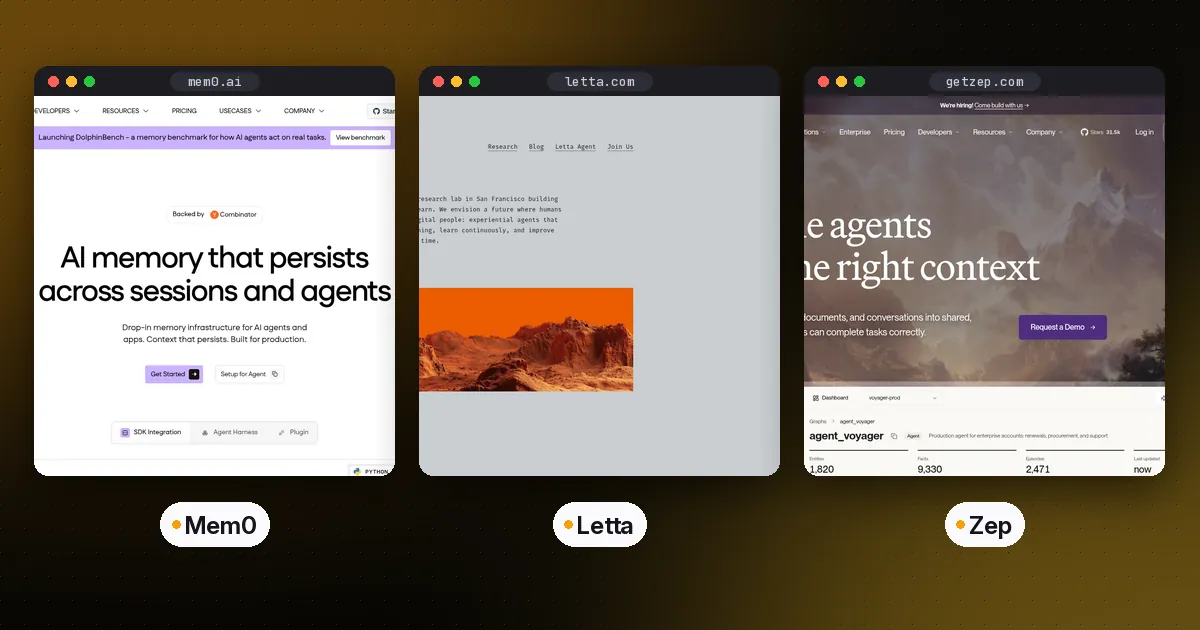
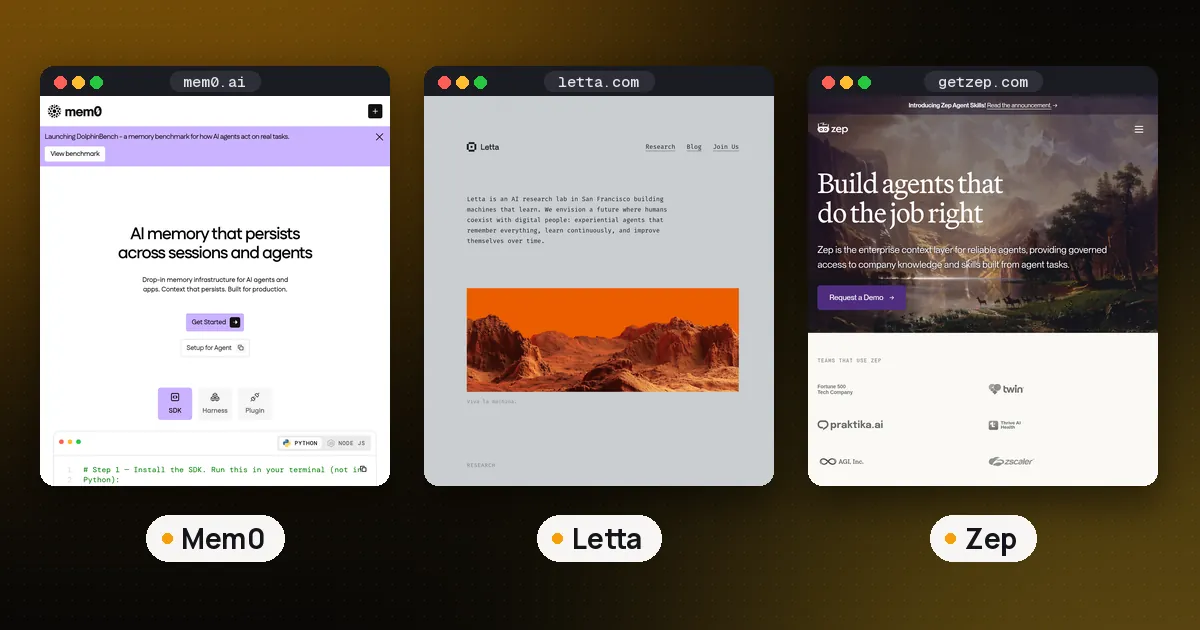
This guide is the database side of agent memory. If you would rather not build it yourself, our AI agent memory comparison covers Mem0, Letta and Zep, which wrap these steps for you.
What a vector DB does in agent memory
A vector database stores text next to an embedding, a list of numbers that places similar meanings close together. When the agent gets a new message, you embed that message and ask the database for the stored memories nearest to it. That is the "relevance" part of memory, and it is the only part a vector index does by itself.
Everything else is your code: deciding what is worth saving, keeping one user's data away from another's, noticing that a new memory replaces an old one, and forgetting. The Generative Agents paper from Stanford and Google researchers is still the clearest model of this. Its memory stream stores each record with a creation time and a last access time, and its retrieval score adds three parts: relevance (cosine similarity of embeddings), recency (exponential decay since last access) and importance (a 1 to 10 rating the model gives at write time). The paper sets all three weights to 1 and fills the prompt with the top results.
Step 1: Decide what counts as a memory
Do not embed whole chat transcripts. Long chunks mix several facts, so one query pulls in a lot of noise, and you cannot update or delete a single fact later. Store small records instead:
- Facts and preferences: "User's production database is Postgres 16."
- Episodes: "On Nov 3 the deploy failed because the staging key had expired."
- Instructions: "User wants short answers without preamble."
A separate step (often a cheap model call at the end of a turn) turns raw conversation into these sentences. Write each one so it makes sense with no surrounding context, because that is how it will appear in a future prompt.
Step 2: Design the record and scope it per user
Every record needs metadata you can filter on. A practical minimum is user_id, kind (fact, episode, instruction), importance and updated_at. Add agent_id or project_id if one user has several agents.
The tenant filter is the most important line in the whole system. If a query runs without it, one user's notes can surface in another user's answer. Two common layouts:
- One shared collection, filtered by a tenant field. Qdrant's multitenancy guide recommends this for many small tenants and says a separate collection per tenant is rarely the most efficient choice. It suggests a keyword payload index with
is_tenant=trueso one tenant's vectors are stored together. - Namespaces. LangGraph's long term memory store puts items under a tuple namespace such as
(user_id, "memories"), andsearchonly looks inside the namespace you pass.
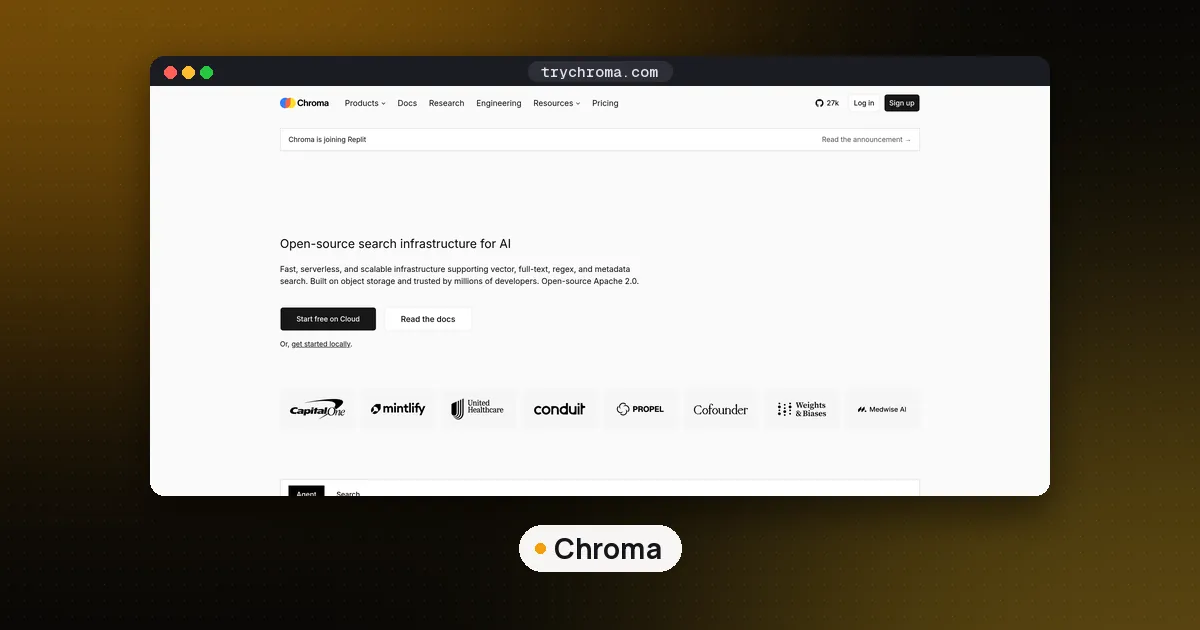
Chroma does the same with a where filter on metadata, documented on its metadata filtering page, which also covers $and, $in and range operators for narrowing by kind or date.
Step 3: Write with dedupe instead of append
If every turn appends new rows, the index fills with ten versions of "prefers TypeScript" and they crowd out everything else. Before you insert, query the nearest existing record for the same user. If it is very close, update that record; otherwise add a new one.
Here is the write path we ran with Chroma 1.5.9 and its default local embedder:
import time, uuid, chromadb

client = chromadb.PersistentClient(path="./memdb")
col = client.get_or_create_collection(
    "agent_memory", configuration={"hnsw": {"space": "cosine"}}
)
DUP = 0.15  # cosine distance below this counts as the same memory

def remember(user, text, kind="fact", importance=5):
    meta = {"user_id": user, "kind": kind,
            "importance": importance, "updated_at": time.time()}
    hit = col.query(query_texts=[text], n_results=1, where={"user_id": user})
    if hit["ids"][0] and hit["distances"][0][0] < DUP:
        col.update(ids=[hit["ids"][0][0]], documents=[text], metadatas=[meta])
        return "updated"
    col.add(ids=[str(uuid.uuid4())], documents=[text], metadatas=[meta])
    return "added"
In our test, "The user prefers TypeScript for new services." matched the earlier "User prefers TypeScript for new services" at a distance of 0.056, so it updated the old record and the count stayed at four. The 0.15 threshold is our choice for this embedder, not a library default. Tune it on your own data, because different embedding models spread distances differently.
Similarity does not detect contradictions
This is the trap most tutorials skip. We measured "User prefers TypeScript for new services" against "User now prefers Go for new services": distance 0.421, far from a duplicate, so the dedupe step would store both and the agent would see two conflicting preferences. Worse, "User prefers TypeScript for new services, not Go" scored 0.06 against the original, close enough to look like a copy. Embeddings measure topic, not truth.
Two fixes work in practice. For things that have one current value (preferred language, time zone, plan), give the record a stable key such as pref:language and overwrite it by id, so there is never more than one. For open ended notes, send the new memory and its nearest neighbors to a model and ask it to choose add, update, delete or do nothing. That second approach is what memory layers like Mem0 automate.
Step 4: Read with a filter, a floor and a rerank
Raw nearest neighbor search always returns something, even when nothing relevant exists. In our test, the query "which language should I write the new billing service in?" returned the TypeScript preference with a similarity of 0.379, but also the Postgres fact at 0.022 and the short answers note at minus 0.044. Without a floor, both would land in the prompt as noise.
So the read path does three things:
- Filter by
user_id(andkindif the task only needs one type). - Drop anything under a similarity floor. LangGraph's own semantic search example keeps only items with a score above 0.2; pick yours from real queries.
- Rerank the survivors. We used similarity plus 0.3 times a recency factor (half life of 30 days on
updated_at) plus 0.03 times importance. The weights are a starting point, not a standard.
def recall(user, query, k=3, floor=0.2, half_life_days=30):
    r = col.query(query_texts=[query], n_results=10, where={"user_id": user})
    now, out = time.time(), []
    for doc, meta, dist in zip(r["documents"][0], r["metadatas"][0], r["distances"][0]):
        sim = 1 - dist
        if sim < floor:
            continue
        age = (now - meta["updated_at"]) / 86400
        score = sim + 0.3 * 0.5 ** (age / half_life_days) + 0.03 * meta["importance"]
        out.append((score, doc))
    return [doc for _, doc in sorted(out, reverse=True)[:k]]
Put the results in the system prompt under a clear heading such as "Things you know about this user", and tell the model they may be out of date. Three to five lines is usually enough; more memories means more chances for an old note to mislead the answer.
Step 5: Automatic recall or a memory tool
There are two ways to connect this to an agent. Automatic recall runs recall() before every model call and injects the results. It is predictable and costs one vector query per turn. Memory as a tool gives the model save_memory and search_memory functions and lets it decide when to use them, which is the approach Letta is built around and what our no framework agent tutorial shows with plain functions.
Most production agents use both: automatic recall for a few core facts, plus a search tool for deeper questions. Whichever you choose, do the write step after the turn, or in a background job, so saving memories never slows the reply. A periodic cleanup pass that merges and corrects notes, like Anthropic's Claude dreaming, is the same idea run on a schedule.
Step 6: Forget on purpose
Memory you cannot delete is a liability. Build three kinds of forgetting from day one:
- User deletion. In Chroma,
col.delete(where={"user_id": "u1"})removed every record for that user in our test, taking the collection from four records to one. Qdrant supports delete by filter the same way. - Expiry. Store an
expires_atfor episodes that stop mattering (a one time deploy failure) and filter or purge them. - Correction. When a user says "that is wrong", delete or overwrite the matching record rather than adding a new "correction" memory next to it.
Do not store secrets, passwords or payment details as memories. Anything in the index can end up in a prompt, a log or a trace.
Which vector DB to start with
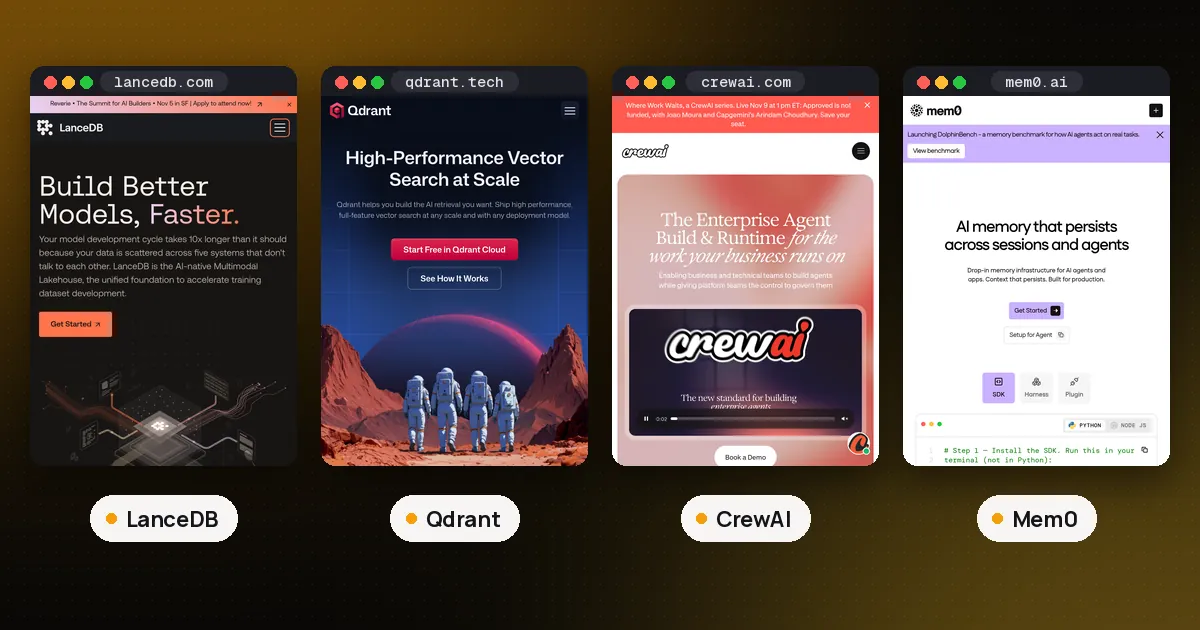
For a prototype or a single user desktop agent, an embedded option is easiest: Chroma's PersistentClient or LanceDB write to a local folder with no server. For a multi user product, a server with real tenant filtering and payload indexes is safer, and our Qdrant guide walks through tenant indexes and hybrid search. If you already run Postgres, pgvector keeps memories next to your user table, which makes deletion and joins simple. Our open source vector database ranking compares all of them on filtering and run modes.
If you use LangGraph, its store gives you namespaces and semantic search out of the box. We ran InMemoryStore with an index on the text field and the same local embedder: a search in the ("u1", "memories") namespace returned only that user's items, and filter={"kind": "fact"} narrowed it to one record. Swap in a Postgres or Redis store for production. Agno also ships built in user memory if you would rather not wire it yourself.
Agent runtimes increasingly ship this as a plugin instead. Hermes Agent, for example, lets you pick one external memory provider beside its own files, from a local SQLite fact store to Mem0 backed by Qdrant; see which Hermes Agent memory provider to pick.
FAQ
Do I need a vector database for agent memory?
Not always. If an agent only needs a handful of facts per user, a normal database table loaded into the prompt is simpler and exact. A vector index earns its place once memories number in the hundreds per user and you need to find the few that match the current question.
How many memories should I put in the prompt?
Start with three to five after filtering and reranking. More context gives old or loosely related notes more chances to steer the answer. Raise the number only if tests show the agent missing facts it should know.
What is the difference between agent memory and RAG?
RAG retrieves from a document collection you curate, usually shared by all users and rarely changed by the agent. Agent memory is written by the agent itself, scoped to one user or task, and constantly updated and deleted. The retrieval code looks similar, but memory needs the write, dedupe and forgetting steps that RAG pipelines skip.
Which similarity threshold should I use?
There is no universal number. In our test with Chroma's default embedder, rewordings of the same fact landed under 0.1 cosine distance and a changed preference landed above 0.4, so 0.15 worked for dedupe. Log real distances from your own model and data before you fix a value.
Can two users share one collection safely?
Yes, if every query and delete carries a tenant filter and your code cannot skip it. Wrap the database calls in functions that require a user id argument, as in the examples above, rather than letting agent tools build raw queries.