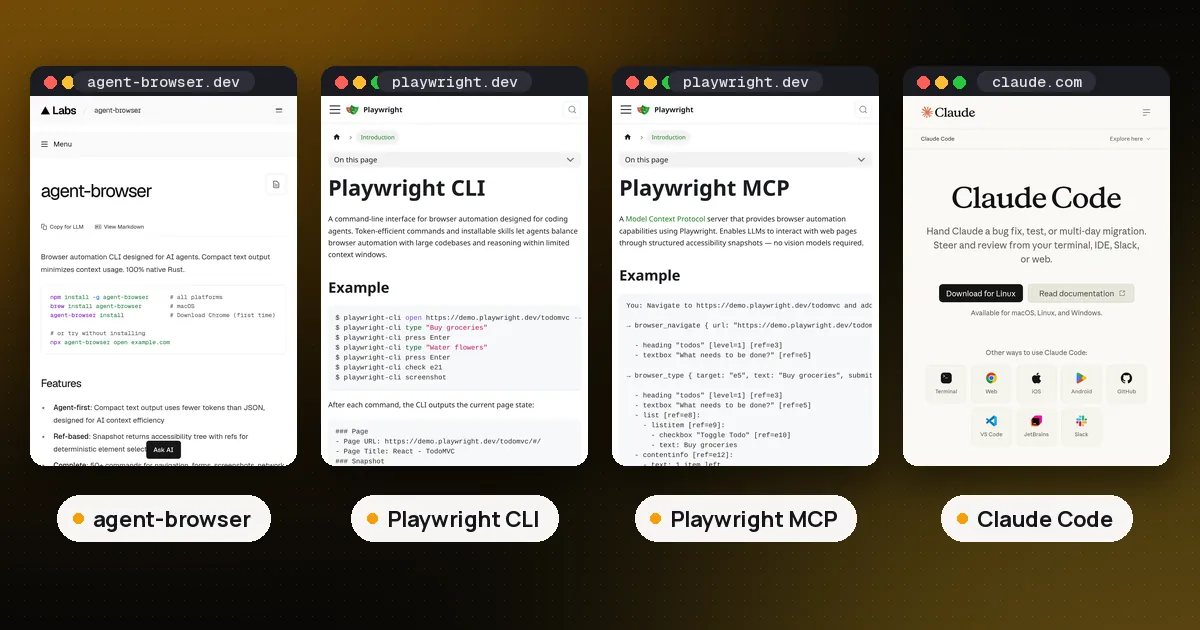
In the agent browser vs Playwright choice, pick agent-browser when a coding agent needs the shortest possible page reads and you want security controls (domain allowlist, action policy, credential vault) built into the browser tool. Pick Playwright CLI when you also want every action echoed as real Playwright code you can paste into a test, or you need Firefox and WebKit. Pick Playwright MCP only when your client speaks MCP but cannot run shell commands. On our test page, agent-browser's interactive snapshot was 3,864 characters against about 11,800 for Playwright's full snapshot.
The question is trending because vercel-labs/agent-browser sat on GitHub's daily trending list on November 9 and again on November 10, 2026, with about 48,900 stars, and Google now suggests "agent browser vs playwright", "vs playwright cli" and "vs playwright mcp" as you type. All three tools below are open source and free; the cost that matters is how much page text lands in your agent's context.
Agent browser vs Playwright at a glance
| Item | agent-browser | Playwright CLI | Playwright MCP |
|---|---|---|---|
| Maker | Vercel Labs | Microsoft | Microsoft |
| Version we tested | 0.42.0 | @playwright/cli 0.1.24 | @playwright/mcp 0.0.85 |
| License | Apache 2.0 | Apache 2.0 | Apache 2.0 |
| Built in | Rust (native binary) | Node.js on Playwright | Node.js on Playwright |
| How the agent calls it | shell commands, or agent-browser mcp | shell commands | MCP tools over stdio, or HTTP with --port |
| Browsers | Chrome via CDP, plus Lightpanda, Obscura, iOS Simulator, cloud providers | Chrome, Edge, Firefox, WebKit | Chrome, Edge, Firefox, WebKit |
| Agent instructions | agent-browser skills get core | playwright-cli install --skills | tool schemas sent by the server |
| Writes test code for you | No | Yes, after every action | Yes, after every action |
| Built in guardrails | allowlist, action policy, confirmations, vault, output cap | origin allow and block lists | origin allow and block lists (not a security boundary) |
How each tool works
agent-browser is a native Rust CLI. The first command starts a background daemon that controls Chrome over the Chrome DevTools Protocol, and every later command is a short shell call to that daemon, so the browser stays open between steps. The loop its README describes is simple: open a page, run snapshot -i to get interactive elements with refs such as @e5, act on a ref with click or fill, then snapshot again to check. A headless session closes after one hour without commands. Besides Chrome it can attach to a running browser, switch engines with --engine, or connect to hosted browsers such as Browserbase, Browserless, Browser Use, Kernel and AgentCore.
Playwright CLI is Microsoft's newer command line wrapper around Playwright, built for coding agents. You install it with npm install -g @playwright/cli@latest, and its README argues that a CLI plus skills uses fewer tokens than MCP because the agent does not load large tool schemas. Sessions keep cookies in memory by default (--persistent saves the profile to disk), a headless session also shuts down after an hour idle, and playwright-cli show opens a dashboard where you can watch background sessions and take over the mouse.
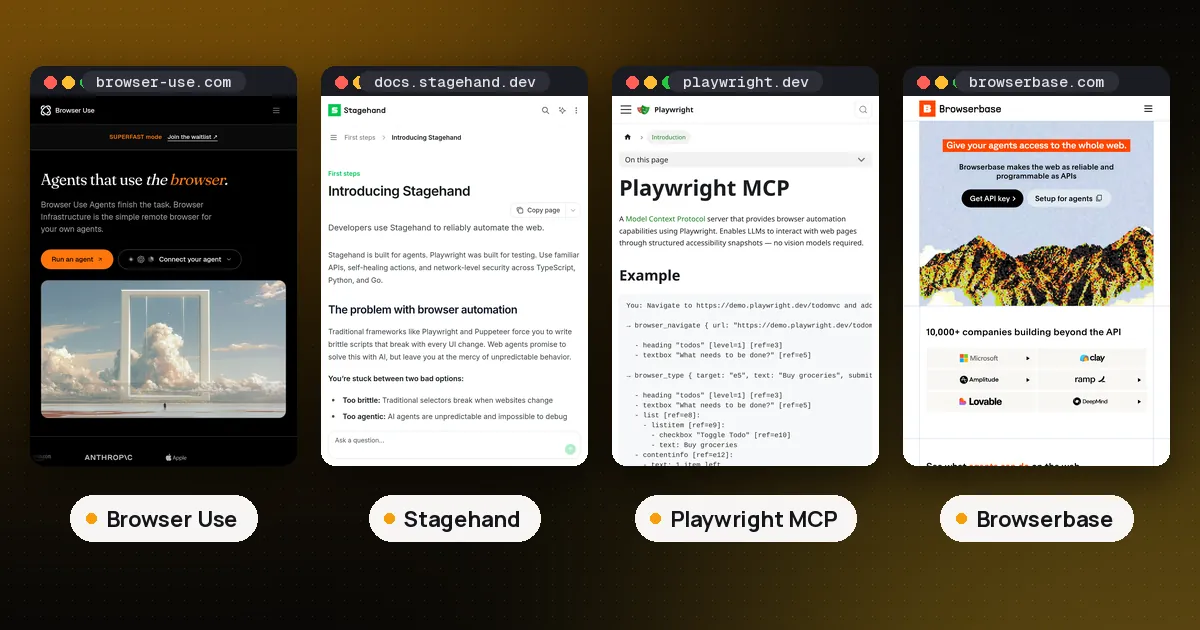
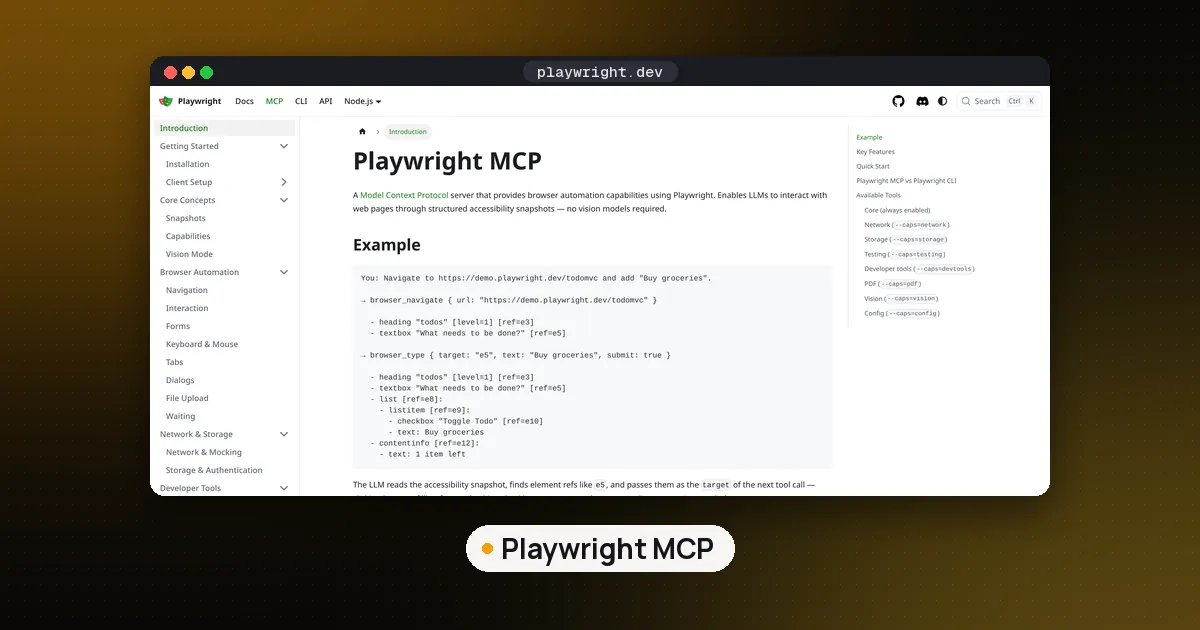
Playwright MCP is the MCP server version of the same engine. Your client (for example Claude Code with claude mcp add playwright npx @playwright/mcp@latest) receives a list of tools such as browser_navigate, browser_snapshot and browser_click, and the model calls them by name. Our earlier comparison of Browser Use vs Stagehand vs Playwright MCP covers where it fits next to full browser agent frameworks.
What we measured on one test page
We served one local page with a signup form (name, email, terms checkbox, plan dropdown, Subscribe button) and a list of 60 product links with Add buttons, then drove it with each tool. This is one page on one machine, so treat the numbers as a picture of output style, not a benchmark.
| Output | agent-browser 0.42.0 | Playwright CLI 0.1.24 | Playwright MCP 0.0.85 |
|---|---|---|---|
| Full page snapshot | 10,224 chars | 11,794 chars | 12,427 chars (tool result JSON) |
| Interactive only snapshot | 3,864 chars (snapshot -i) | no equivalent flag | no equivalent flag |
| Output of four form actions | 36 chars | 757 chars | not run |
| Opening the page | title and URL only | 441 chars, snapshot saved to a file | 405 chars, snapshot saved to a file |
--help text | 31,133 chars | 7,593 chars | not applicable |
| MCP tools listed | 33 tools, 25,853 chars | not applicable | 25 tools, 22,238 chars |
Three things stood out.
agent-browser's interactive snapshot is the smallest useful read. It drops headings, text and layout wrappers and keeps only things you can act on, with each dropdown's options nested underneath. For a form task that is all the agent needs. Playwright's snapshot keeps the full tree, including every link's URL, which is why it was three times longer here. Playwright CLI can shrink a read in other ways: pass an element ref to snapshot only part of the page, or use --depth.
Playwright CLI tells you what it did in Playwright code. Each action printed the equivalent line, for example await page.getByRole('textbox', { name: 'Name' }).fill('Ada'), plus a link to a fresh snapshot file. That costs more characters per step, but an agent that is writing an end to end test can copy those lines straight into a spec. agent-browser replied with a bare "Done" for each action, which is cheaper but leaves test writing to you.
Both CLIs keep the big snapshot out of the reply by default when navigating. Playwright CLI and Playwright MCP wrote the page tree to a YAML file and returned a link after open or browser_navigate; the agent asks for the snapshot only when it needs it. agent-browser returns just the title and URL after open.
One honest caveat on the MCP row: agent-browser's own MCP server exposed more tools and a slightly longer tool list than Playwright MCP. If you plan to reach agent-browser through MCP, its token edge over Playwright MCP mostly comes from snapshots (its MCP snapshots default to interactive mode, per its help text), not from the tool list. The bigger saving in both families comes from using the CLI with a skill instead of MCP, the same idea behind Code Mode for MCP.
Agent browser vs Playwright CLI: setup for coding agents
Both CLIs teach the agent through agent skills, and they handle versioning differently.
agent-browser: install withnpm install -g agent-browser(or Homebrew), thenagent-browser installfor Chrome for Testing; on Linux,--with-depsadds system libraries.npx skills add vercel-labs/agent-browserinstalls a stub skill that tells the agent to runagent-browser skills get core, so the instructions always match the installed version. That core skill printed 15,916 characters on our box. You can skip the skill and put one line in AGENTS.md instead.- Playwright CLI:
playwright-cli install --skillswrites skills for Claude Code by default, or for other agents with--skills=agents. Its README also suggests simply telling the agent to readplaywright-cli --help, which was a quarter the length ofagent-browser's help on our box.
In our run agent-browser drove the system Chrome that was already installed and warned that it was one release behind Chrome stable, with the count of CVEs fixed since. That version check is documented on its security page and never blocks a command.
Agent browser vs Playwright MCP: security and control
This is the clearest difference. The agent-browser security docs list controls that are all off until you turn them on:
- Domain allowlist (
--allowed-domains) blocks navigation and sub resource requests to other domains, patches WebSocket and EventSource, and turns off WebRTC in supported Chromium sessions. - Action policy (
--action-policy) allows or denies categories such aseval,downloadandupload, and--confirm-actionsmakes chosen categories wait for approval (pending ones auto deny after 60 seconds). - Auth vault stores logins encrypted with AES-256-GCM so
auth logincan sign in without the password ever reaching the model. - Content boundaries wrap page text in markers with a random nonce so the orchestrator can tell page content from tool output, and
--max-outputcaps how much page text comes back.
The docs are candid that the allowlist is not an operating system firewall and that boundaries depend on the model respecting them. Playwright MCP offers --allowed-origins and --blocked-origins, and its README says plainly that these do not serve as a security boundary and do not affect redirects. If an agent will browse untrusted sites with real accounts, agent-browser gives you more built in levers, but run either one inside a sandbox with network egress rules for anything serious.
Which should you pick?
- Claude Code, Codex or another shell capable agent doing everyday web tasks:
agent-browser. Short interactive snapshots and quiet action replies keep context small over long sessions. - Writing or fixing end to end tests: Playwright CLI. The echoed Playwright code, Firefox and WebKit support, and the Playwright test tooling behind it outweigh the extra characters.
- A chat client or IDE that only speaks MCP: Playwright MCP is the mature default.
agent-browser'smcpcommand works too if you want its guardrails. - Logins, untrusted pages or unattended runs:
agent-browserwith an allowlist, an action policy and the vault, inside a sandbox. - A full autonomous browsing agent rather than a tool: look at Browser Use or Stagehand in our browser agent comparison.
You can also install both CLIs. They use separate sessions and do not conflict; on our box they ran one after the other against the same page without any setup changes.
FAQ
Is agent-browser built on Playwright?
No. agent-browser is a native Rust binary that talks to Chrome directly over the Chrome DevTools Protocol through its own daemon. It is distributed through npm, which installs a small Node wrapper and the right binary for your platform, and through Homebrew.
Is agent-browser better than Playwright MCP?
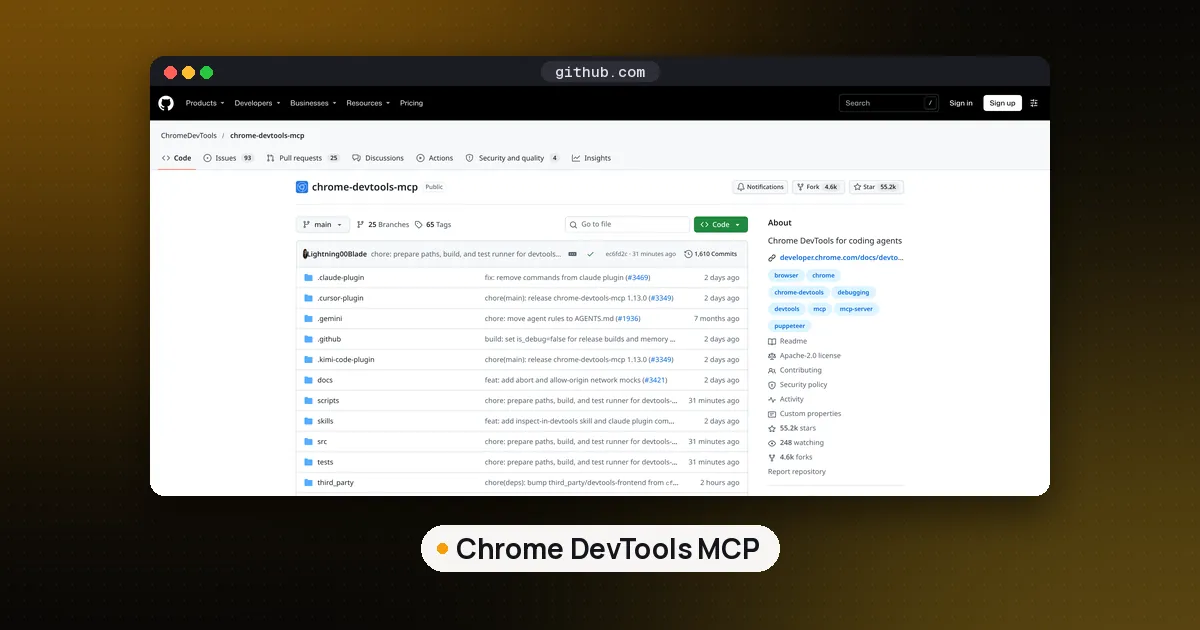
For shell capable coding agents it usually uses less context, because its interactive snapshot drops non interactive content and its action replies are tiny. Playwright MCP is better when your client can only use MCP tools, when you need Firefox or WebKit, or when you want generated Playwright code after each step. If the agent is debugging your own web app in Chrome (performance traces, logpoints, network mocks), Google's Chrome DevTools MCP is the better fit than either.
Does agent-browser have an MCP server?
Yes. agent-browser mcp starts an MCP server over stdio. On version 0.42.0 it listed 33 tools, covering navigation, snapshots, clicks, form filling, waits, screenshots, tabs and saved flows.
What is the difference between Playwright CLI and Playwright MCP?
They share the same Playwright engine and snapshot format. The CLI is called with shell commands and learns its commands from a skill or --help, while MCP sends the client a schema for every tool up front. Microsoft's own README recommends the CLI for coding agents and MCP for long running loops that need rich page introspection.
Are agent-browser and Playwright free?
Yes. All three are open source under Apache 2.0 and free to run on your own machine. You pay only for the model that drives them, and for a hosted browser service such as Browserbase if you use one.
Which browsers does agent-browser support?
Chrome for Testing by default, any Chrome you attach to with --cdp, the Lightpanda and Obscura engines, Mobile Safari in the iOS Simulator, and several cloud browser providers. Playwright CLI and Playwright MCP accept Chrome, Edge, Firefox and WebKit.